





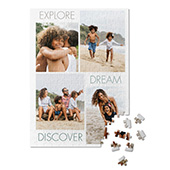
Custom calendars from Shutterfly let you turn your favorite photos into a functional keepsake you’ll enjoy all year long. Perfect for preserving memories, celebrating special moments, or gifting to someone meaningful, each photo calendar combines quality design with your personal images. Below, we answer the questions customers most often have about Shutterfly calendars to help you create the perfect one.
Getting Started
What types of photo calendars can I create?
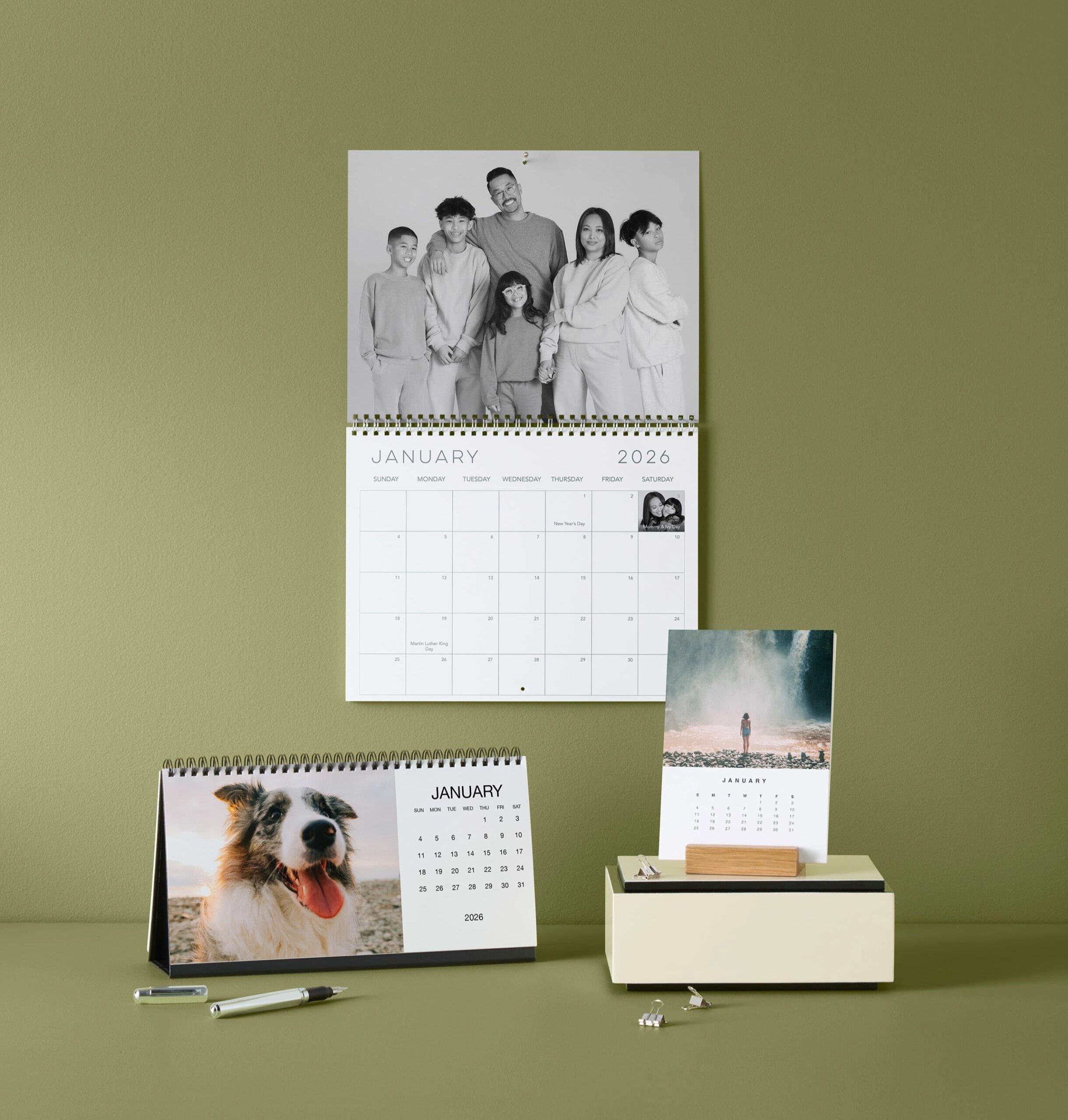
Shutterfly offers several personalized calendar styles, including wall calendars, desk calendars, and easel calendars. You can also create calendar magnets, calendar mouse pads, and monthly planners featuring your favorite photos and important dates.
What’s the difference between wall, desk, and easel photo calendars?
Wall calendars offer the most space for photos, birthdays, appointments, and reminders, making them ideal for kitchens, family command centers, and home offices. Desk calendars are compact and designed for workspaces, while easel calendars display monthly photos on a wooden stand that looks great on desks, shelves, mantels, and side tables.
What photo calendar sizes are available?
Popular options include 8×11 and 12×12 wall calendars, 5×11 desk calendars, and 5×7 easel calendars. Additional calendar products, including planners, magnets, mouse pads, and hanging canvas calendars, are also available in a variety of sizes.
Can I start my personalized calendar at any month?
Yes. Shutterfly calendars can start on any month of the year and still include a full 12 months. This makes them perfect for school years, birthdays, anniversaries, weddings, new babies, graduations, and other milestones that don’t follow a January-to-December schedule.
Can I make a calendar on the Shutterfly app?
Yes. You can create and personalize photo calendars using the Shutterfly app or on Shutterfly.com. Upload photos from your phone, choose a calendar style, customize your pages, and order directly from your mobile device.
Creating Your Calendar
How do I make a calendar with my photos?
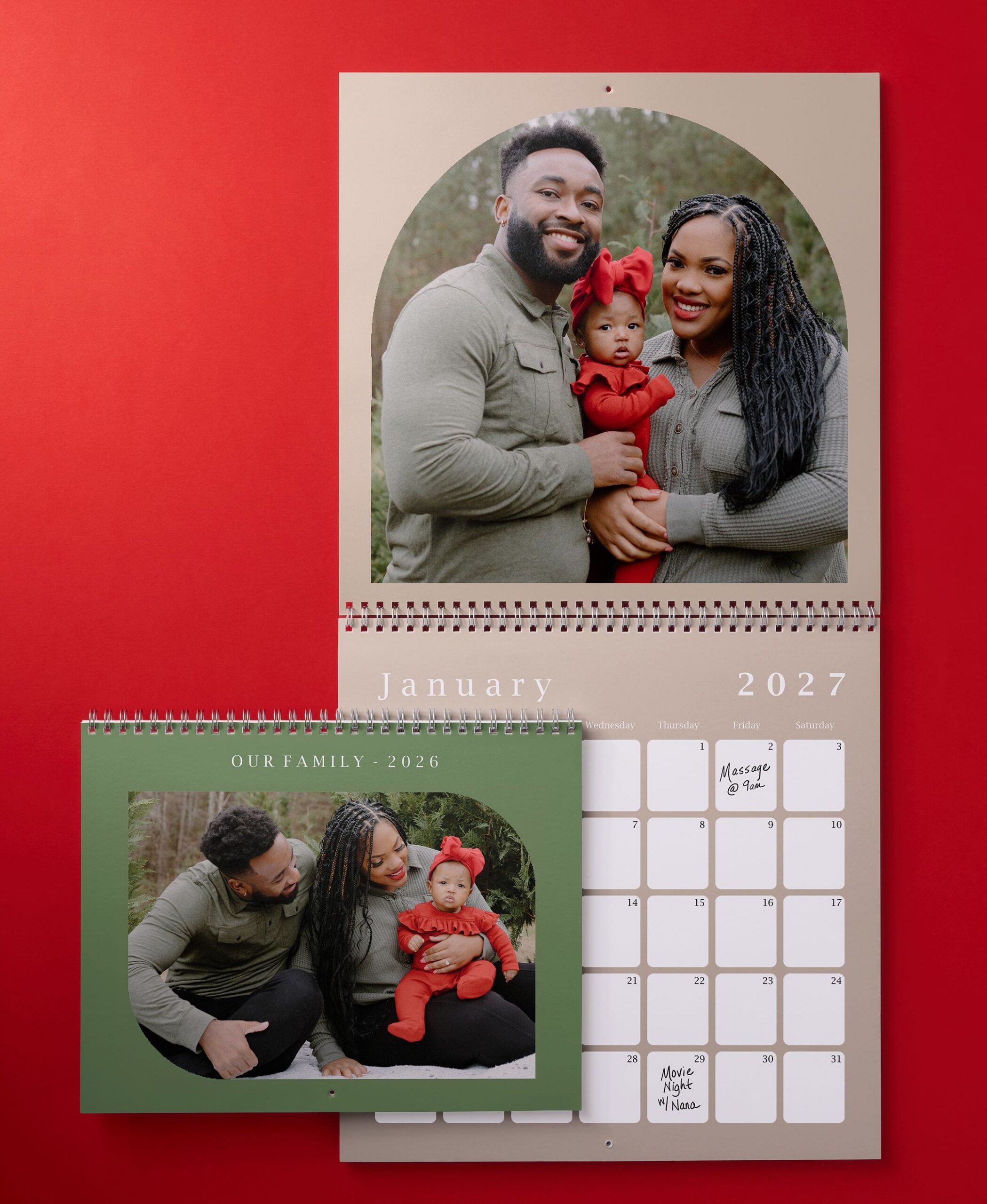
Creating a calendar is easy. Choose your calendar style, upload your photos, select a design template, and personalize each month with pictures, text, and special dates. Once you’re happy with your design, simply review and place your order.
Where can I upload photos from?
You can upload photos from your computer, phone, Google Photos, Amazon Photos, and Facebook. Once your photos are uploaded, you can arrange them throughout your calendar and customize each month to fit your style. Use the Shutterfly mobile app to easily upload photos from your phone.
What calendar designs and templates are available?
Shutterfly offers a wide variety of photo calendar templates designed for different styles, occasions, and interests. Choose from family calendars, travel calendars, wedding calendars, baby calendars, pet calendars, holiday-themed designs, Disney® calendars, modern layouts, photo collage designs, and more. With dozens of styles and customization options available, you can personalize the colors, layouts, photos, and text to create a calendar that fits your unique story and style.
Can I personalize a calendar with text and captions?
Absolutely. In addition to photos, you can customize many calendar designs with names, captions, special messages, and text throughout the calendar to make it uniquely yours.
Important Dates & Organization
Can I add birthdays, anniversaries, and other important dates?
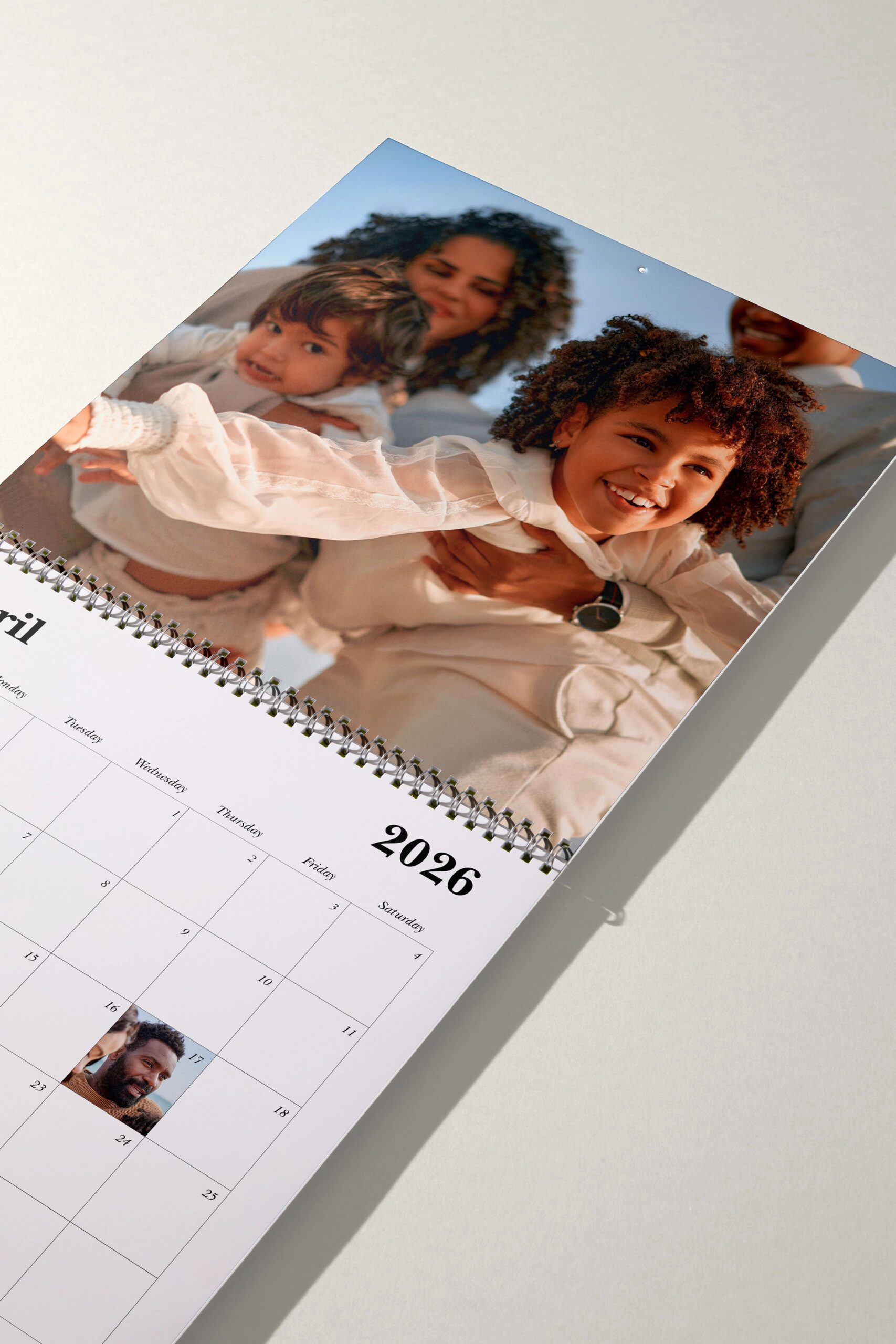
Yes. Shutterfly wall calendars make it easy to add birthdays, anniversaries, holidays, appointments, and other important events directly to specific dates on your calendar.
Can I save my important dates for future calendars?
Yes. When creating a wall calendar, you can save your list of birthdays, anniversaries, holidays, and other important dates. Your saved dates can be reused in future calendars, helping you keep family traditions and important events organized year after year.
Do birthdays and anniversaries automatically carry over each year?
Yes. Special dates can automatically carry over to future calendars, so you don’t have to enter the same birthdays, anniversaries, and recurring events every time you create a new calendar.
Do Shutterfly calendars come with stickers?
Many wall calendars include a sheet of planning stickers that can be used to highlight birthdays, appointments, vacations, school events, and other important dates throughout the year.
Ordering & Gifting
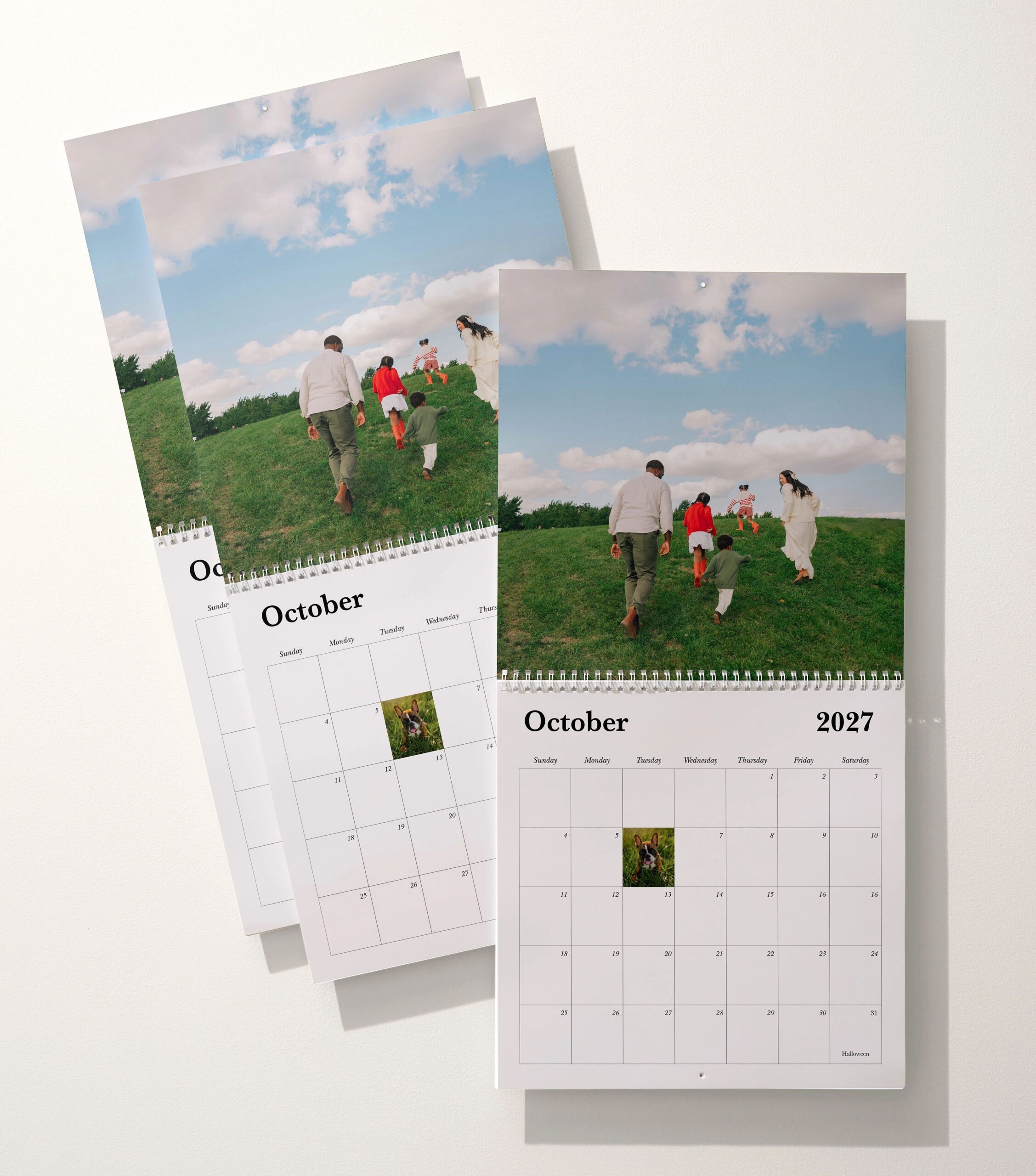
Can I order multiple copies of the same photo calendar?
Yes. Once you’ve designed your calendar, you can order multiple copies to share with family members, grandparents, friends, teachers, or coworkers. Many customers purchase several copies of the same calendar as holiday gifts.
Can I order calendars in bulk?
Yes. Shutterfly offers options for ordering multiple calendars for schools, sports teams, businesses, nonprofits, fundraising programs, family reunions, and other groups. Bulk calendar orders can be a convenient way to share the same personalized design with a larger audience.
How long does it take to receive a personalized calendar?
Production and delivery times vary based on your calendar type, shipping method, and time of year. Expedited shipping options are available for many calendar orders if you need your gift or project to arrive sooner. You’ll see available shipping methods and estimated delivery dates during checkout so you can choose the option that works best for your timeline.
Are photo calendars good gifts?
Photo calendars are one of the most practical personalized gifts because they combine favorite memories with everyday use. They make thoughtful gifts for grandparents, parents, teachers, friends, coworkers, and anyone who loves displaying photos throughout the year.
Related Resources on Shutterfly Photo Calendars
From choosing the right calendar format to personalizing each month with photos and important dates, there’s plenty to explore. Check out the resources below for calendar-making tips, design inspiration, seasonal ideas, and creative ways to showcase your favorite memories all year long.