







Creating a photo book does not have to take hours of designing and rearranging every page. With Shutterfly’s AI-powered tools, your photos are automatically turned into a fully designed photo book in minutes.
Features like Auto-Fill and Magic Writer handle the layout and captions for you, so you can go from a camera roll full of photos to a finished photo book without starting from scratch. In just a few steps, your photo book is complete and ready to order.
AI-generated photo books use artificial intelligence to automatically organize, arrange, and design your photos into a complete photo book in minutes, so you are starting with a finished book instead of a blank page.

Can You Make a Photo Book With AI?
Yes. You can create a photo book with AI in minutes using tools that automatically build your pages, arrange your photos, and suggest captions.
Instead of starting with blank pages, you start with a complete photo book that is already designed and ready to finalize.
What Does “AI-Generated Photo Book” Actually Mean?
An AI-generated photo book simply means the design work is handled for you.
With Shutterfly, that includes:
- Automatically placing your photos into clean, balanced layouts
- Structuring your photo book so it flows naturally from page to page
- Suggesting captions so you are not writing everything from scratch
- Giving you a complete photo book to start from, not a blank set of pages
You still have full control over the final result, but the heavy lifting is already done.

How to Make a Photo Book Automatically on Shutterfly
If your goal is to create a photo book quickly and easily, Shutterfly’s AI-powered tools handle most of the process for you:
1. Choose Your Photo Book Style
Start by selecting your format, size, and cover, along with a template that fits your occasion. Whether you are creating a travel photo book, family album, or year-in-review, this sets the direction before you enter the builder.
2. Add Your Photos
Once you are in the builder, upload your photos so they are ready to use.
3. Use Auto-Fill to Build Your Pages
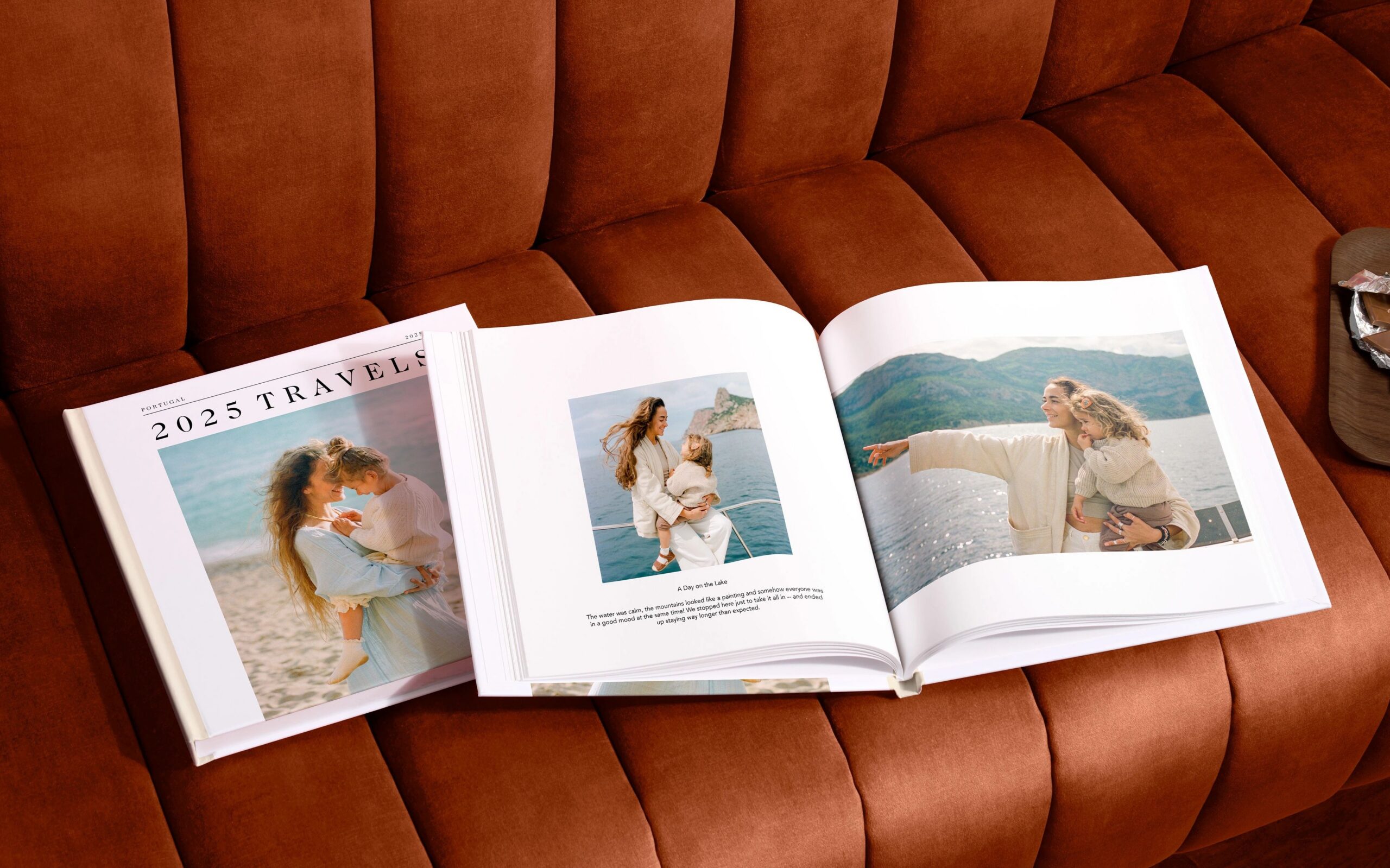
With one click, Auto-Fill uses AI to arrange your photos into layouts across your photo book. Pages are created instantly, with spacing, placement, and balance already handled.
Instead of designing page by page, your photo book is built for you.
4. Let AI Help with Captions
Magic Writer can suggest captions for your pages, helping you add context to your memories without spending time writing everything yourself.
5. Make Quick Edits
Swap photos, adjust layouts, or add extra pages if needed. Most of the work is already done, so edits are fast and minimal.
6. Preview and Order
Once everything looks right, preview your photo book and place your order.
Why Use AI to Make a Photo Book?
The biggest advantage is how much time and effort it saves without sacrificing the final result.
It turns a big project into something simple
What used to take hours can now be done in minutes.
It removes the hardest part: getting started
You are not staring at blank pages. You are starting with a finished photo book.
It still feels personal
Even though the layouts are generated for you, your photos, moments, and edits make the photo book your own.
It helps you actually finish your photo book
Many photo books never get completed because they take too long. AI removes that barrier by doing the work upfront.
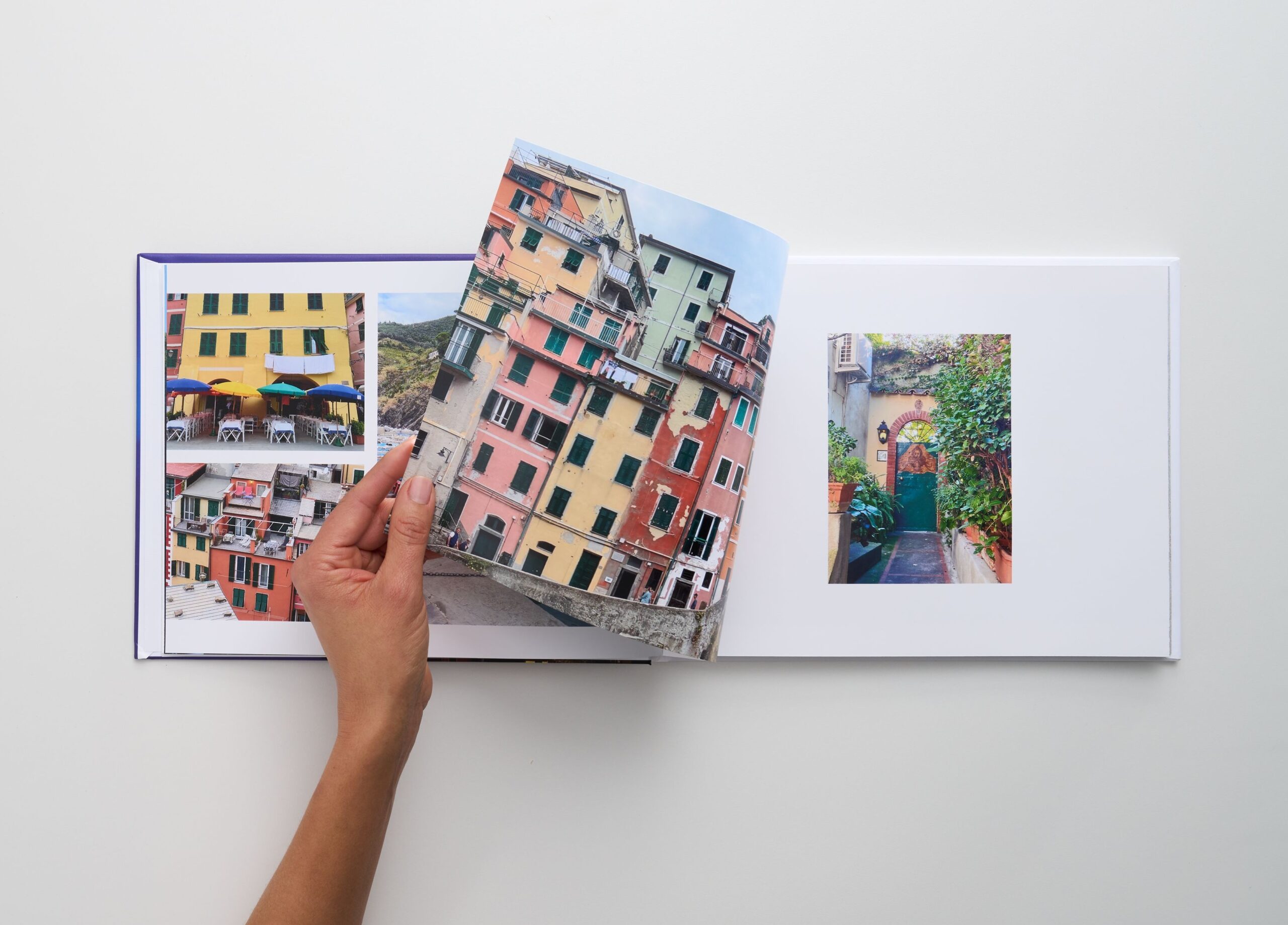
Auto-Fill vs Designing a Photo Book From Scratch
If you are deciding how hands-on you want to be when creating a photo book, here is the difference:
- Auto-Fill builds your photo book for you in seconds
- Designing from scratch gives you full control but takes more time
Most people start with Auto-Fill and make a few edits. That balance gives you both speed and personalization.
Create a Photo Book Without the Work
Creating a photo book no longer needs to be a time-consuming project you put off. With AI-powered tools handling layouts and captions, the hardest part is already done before you even start editing.
You go from a camera roll full of photos to a finished photo book in minutes, not hours, and end up with something you can actually hold onto, share, and revisit.
Additional Resources: