


4×4 photo prints are square photo prints that measure four inches by four inches. They’re a popular size for printing everyday photos, creating sets of smaller prints, or preserving images that were taken or edited in a square format.
With Shutterfly, it’s easy to turn your digital photos into high-quality 4×4 prints. You can upload your images, choose a glossy or matte finish, adjust your photos if needed, and preview exactly how each print will look before ordering.
Here’s what to know about printing 4×4 photos.
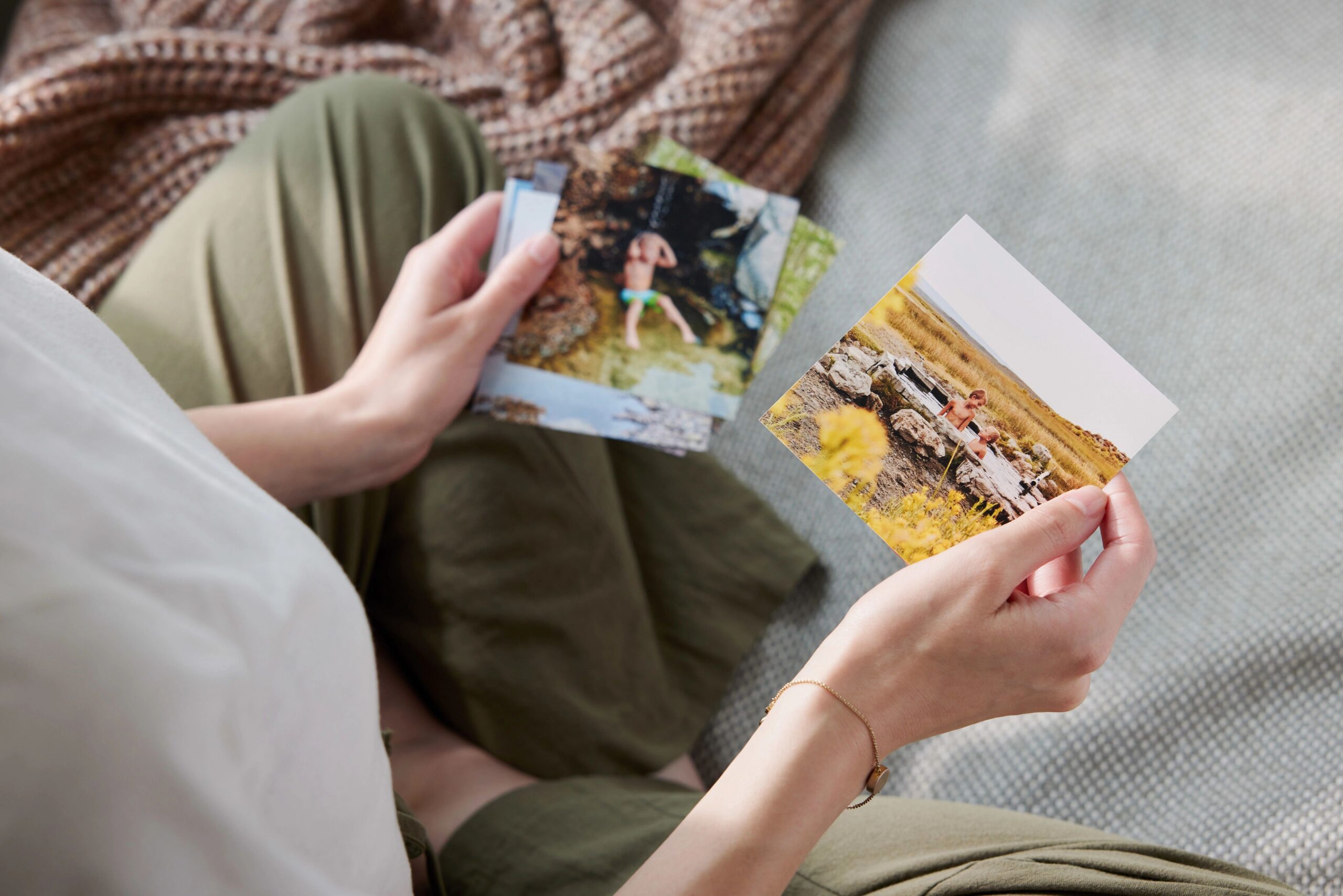
What Is a 4×4 Photo Print?
A 4×4 print measures four inches by four inches in a square format. Unlike traditional 4×6 prints, which are rectangular, 4×4 prints maintain equal width and height.
That matters if:
- You intentionally composed your photo as a square
- Your subject is centered
- You don’t want to lose background details from cropping
- You prefer a symmetrical look
If your image isn’t already square, you can crop it during the ordering process to control exactly what stays in frame.
Do You Need to Crop for 4×4 Prints?
If your original photo is square, no additional cropping is required.
If your image is rectangular, you’ll adjust the crop to fit the square dimensions. During preview, you can:
- Reposition your image
- Zoom in or out
- Rotate the photo
- Confirm no important details are cut off
Always review the preview carefully. Faces and edges are the most common areas unintentionally trimmed when switching formats.
4×4 vs. 4×6: Which Should You Choose?
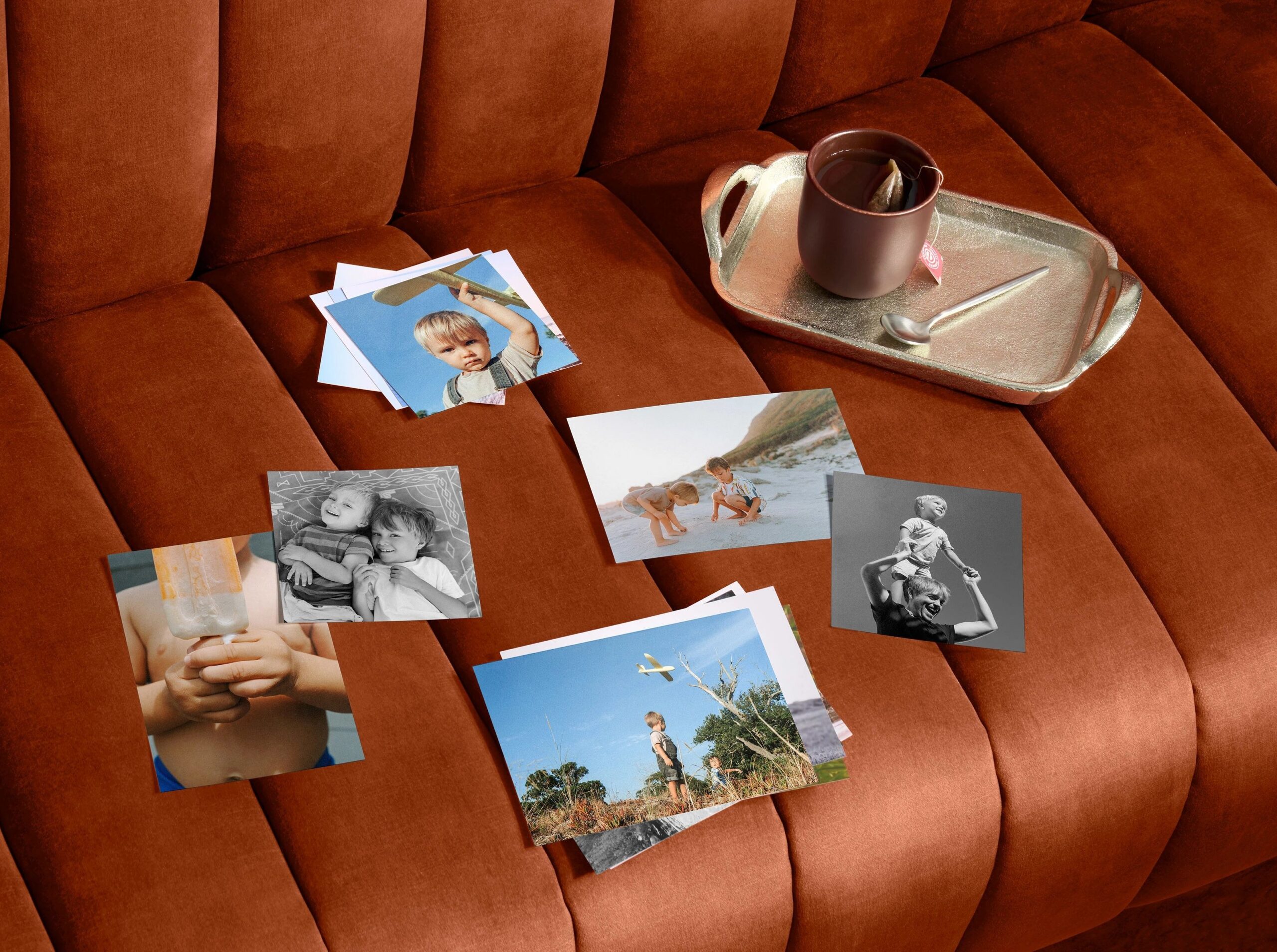
The difference comes down to shape and composition.
Choose 4×4 if:
- Your photo was taken or edited in a square format
- The subject is centered
- You want to preserve full vertical and horizontal balance
Choose 4×6 if:
- Your image is landscape or portrait-oriented
- You’re filling a standard photo album with rectangular sleeves
- The composition relies on width or height
Neither is “better” — the right size depends on how the photo was framed originally.
Print Quality: What to Know Before You Order
Smaller prints highlight detail, so resolution matters.
For best results:
- Aim for 300 PPI (pixels per inch)
- Use original image files rather than screenshots
- Avoid images saved from messaging apps
If a photo’s resolution is too low for 4×4 printing, you’ll receive an alert before checkout.
You can also choose between finishes:
- Glossy: More shine and color vibrancy
- Matte: Softer appearance with reduced glare and fingerprint resistance
Both options are printed using high-quality pigmented inks designed for long-lasting color accuracy.
Should You Use Auto-Enhance?
Lighting and exposure vary from photo to photo. Built-in image enhancement tools can help improve:
- Brightness
- Sharpness
- Color balance
You can preview your image with enhancements applied and turn them off if you prefer the original version. This is especially helpful for low-light photos.
Can You Add Text to 4×4 Prints?
Yes. You can print text on the back of your photo, which is useful for:
- Dates
- Names
- Locations
- Short captions
- Event details
It’s a simple way to keep memories organized — especially if you’re printing multiple square photos at once.
How to Print 4×4 Photos

You can print 4×4 photos from either the Shutterfly website or the Shutterfly mobile app. Once your photos are uploaded, follow these steps:
- Log in to your Shutterfly account.
- Upload the photos you want to print.
- Select the images you’d like to order.
- Click Order Prints.
- Choose the 4×4 size.
- Select your preferred finish: glossy or matte. You can apply the same finish to all photos or choose individually.
- Make any adjustments, including cropping, rotating, zooming, or enhancing your image.
- Add your prints to the cart and proceed to checkout.
If you’re ordering through the Shutterfly mobile app, you can get free unlimited 4×4 and 4×6 prints, just pay shipping.
Common Mistakes to Avoid
- Uploading compressed images
- Skipping the crop preview
- Printing screenshots instead of original files
- Ignoring resolution alerts
Taking a moment to preview ensures your square prints come out exactly as expected.
When 4×4 Prints Are the Right Choice
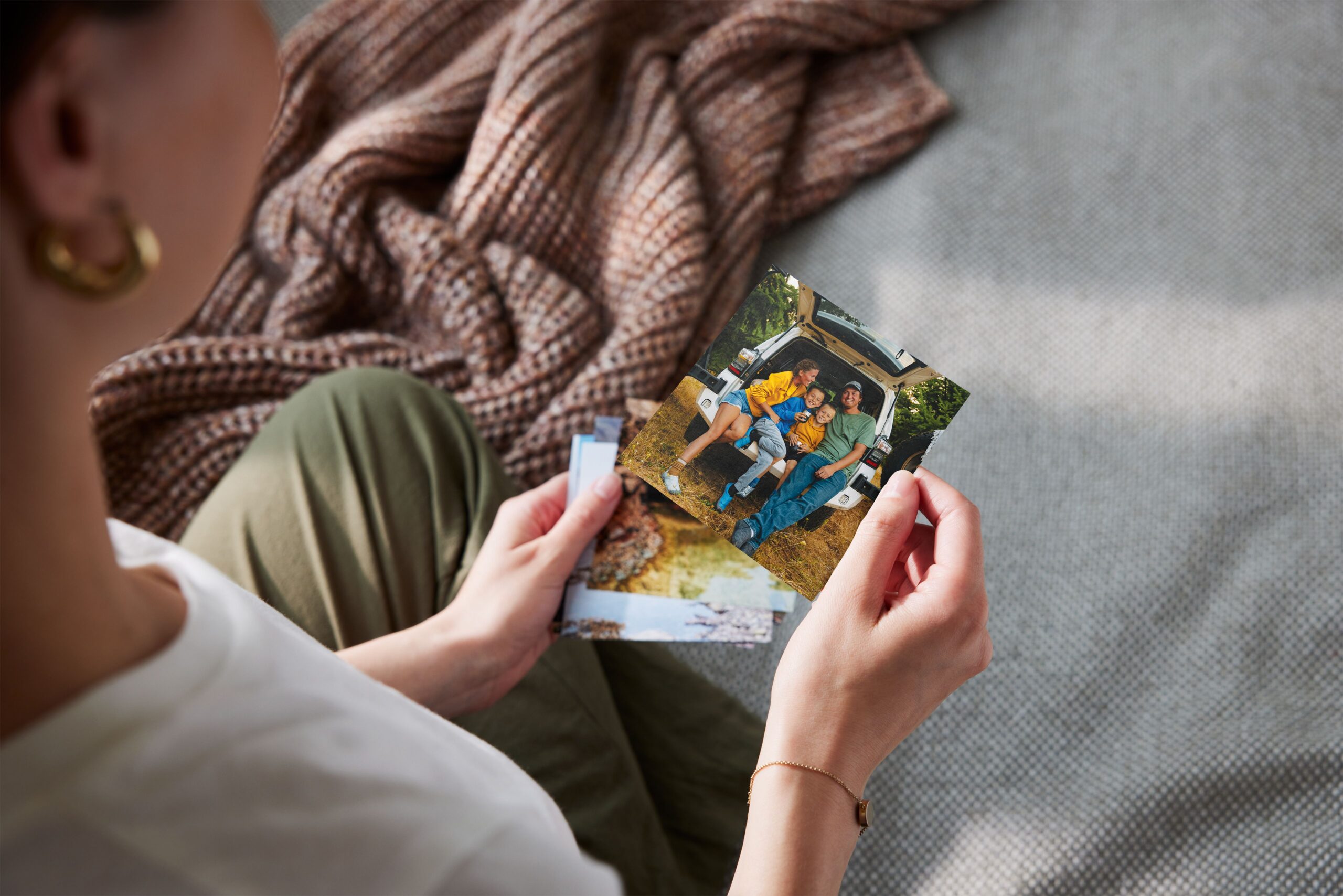
A 4×4 photo print works best when your image is already composed in a square format or when you want to preserve a balanced crop without trimming the top or sides of the photo.
Square prints are a good option when:
- Your photo was taken or edited in a square crop
- The subject is centered in the frame
- You want to avoid cropping a rectangular photo into a 4×6
- You prefer a symmetrical layout when printing multiple photos together
Because 4×4 prints keep equal height and width, they maintain the original framing of square photos and prevent important parts of the image from being cut off.
Start Printing Your 4×4 Photos
Once your photos are uploaded, printing 4×4 photos takes just a few steps. You can adjust the crop, choose your finish, and preview exactly how each print will look before ordering.
If you’re printing from your phone, the Shutterfly mobile app makes it even easier to turn square photos into prints. You can upload directly from your camera roll and get free unlimited 4×4 and 4×6 prints — just pay shipping.
Whether you’re printing a few favorites or a full batch of square photos, 4×4 prints are a simple way to bring your digital images into the real world.
Additional Resources:
