




A baby photo book is one of the most meaningful ways to preserve your child’s earliest memories. From first smiles to first steps, these moments pass quickly—and having them captured in a beautifully designed book makes it easy to revisit them for years to come.
Whether you’re creating your first baby album or updating one as your child grows, this guide answers the most common questions so you can design something that feels personal, complete, and easy to make.
What is a baby photo book?
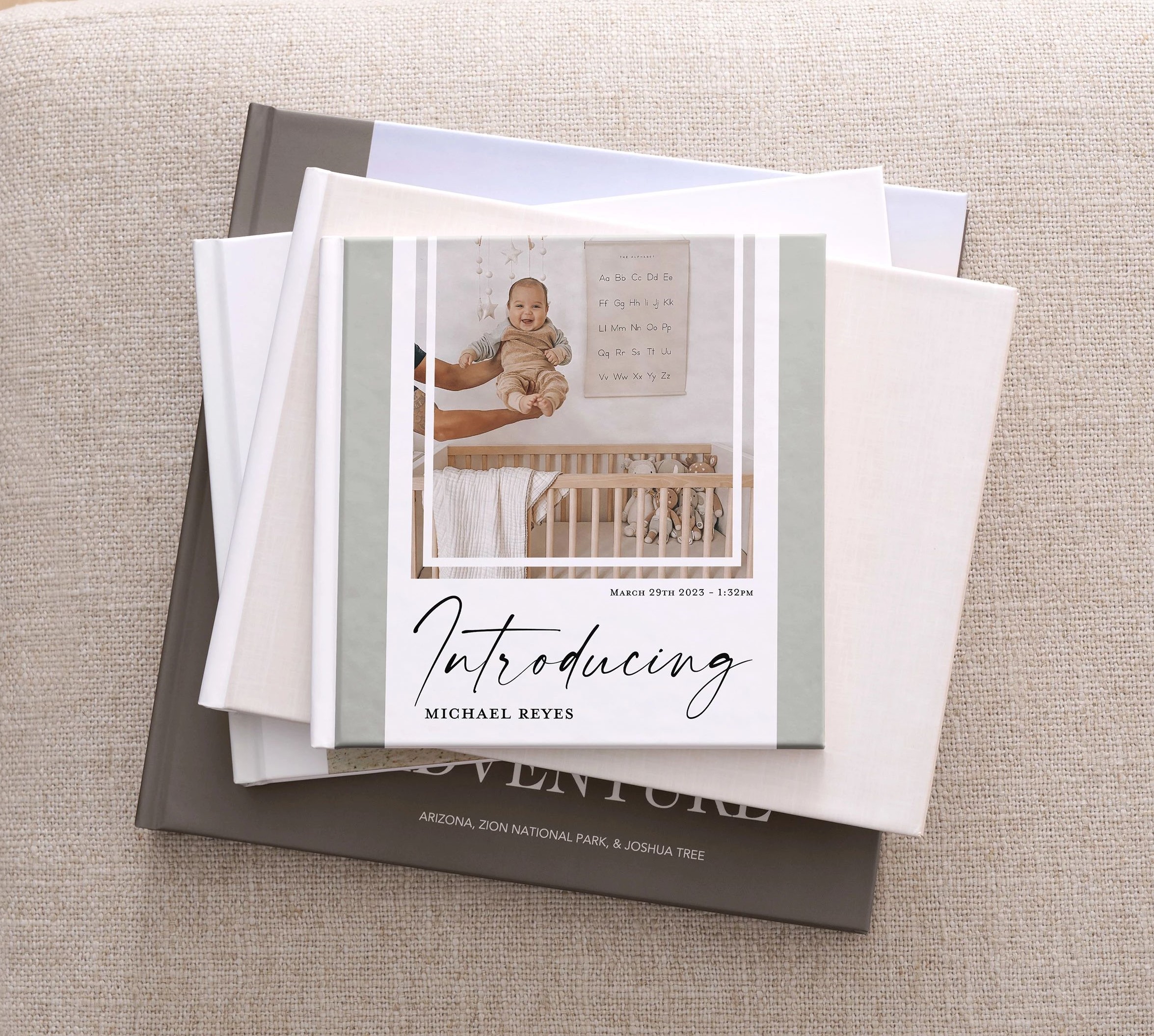
A baby photo book is a custom photo book designed to document milestones, memories, and everyday moments from a baby’s first months or years. It typically includes a mix of photos, captions, and personalized details like names, dates, and special memories.
Many parents create one book for the first year, while others continue adding albums as their child grows.
What should you include in a baby photo book?
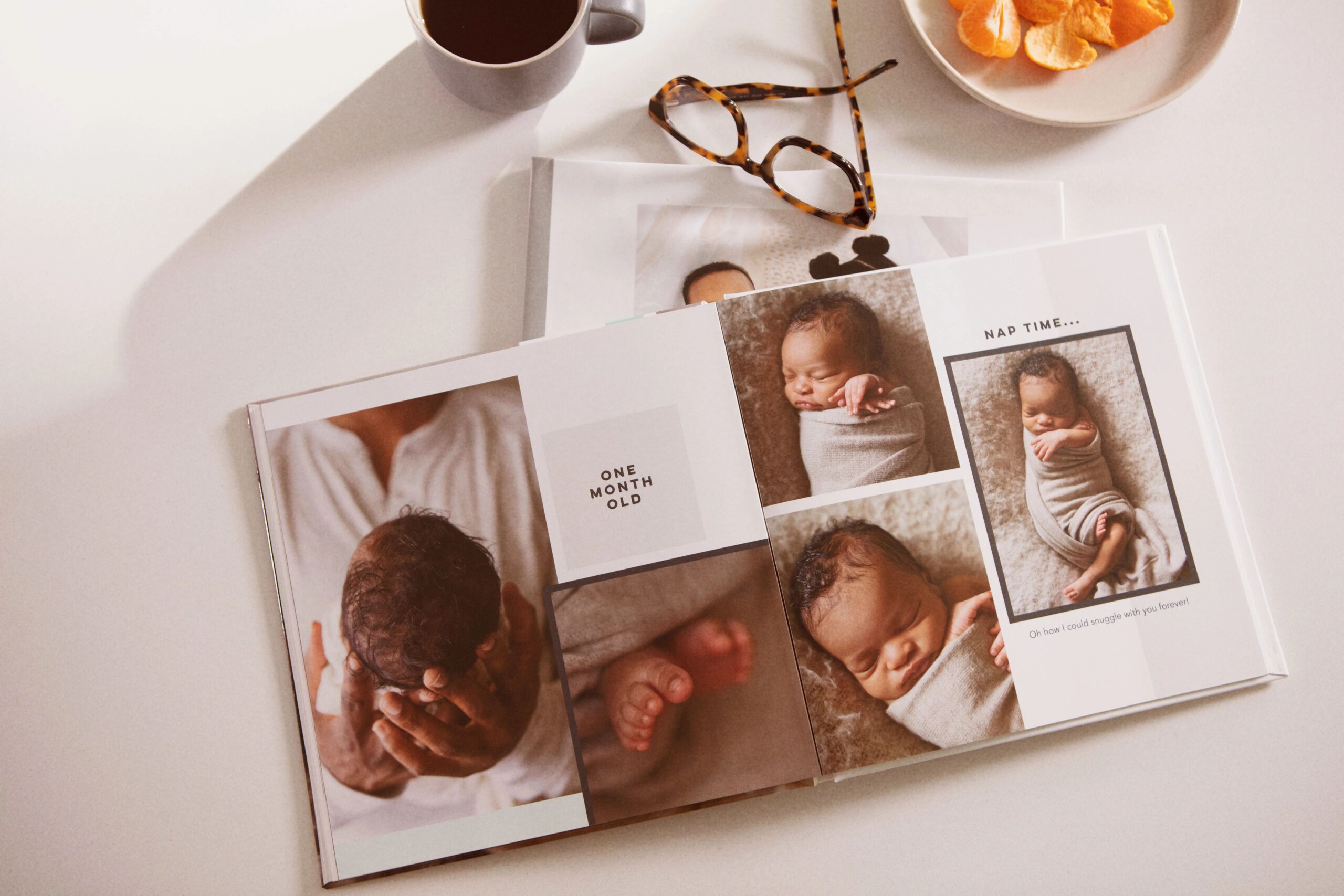
The best baby albums tell a story. Instead of only including posed photos, aim to capture a mix of everyday moments and major milestones.
Most baby photo books include:
- Newborn photos
- First days at home
- Monthly milestone pictures
- First smile, first laugh, first steps
- Family moments and candid photos
- Holidays and special occasions
- Favorite toys, outfits, or routines
Adding short captions or notes helps bring the memories to life later on.
How do you organize a baby photo album?
The easiest and most natural way to organize a baby album is in chronological order.
Start with newborn photos, then move through each stage of growth. This creates a clear story and makes the book feel complete when you flip through it.
Another option is organizing by theme, such as:
- Milestones
- Holidays
- Family and friends
- Everyday moments
If you’re not sure which to choose, chronological order is almost always the most intuitive.
When should you start a baby photo book?
You can start a baby photo book at any time, but most people begin during pregnancy or shortly after birth.
Some parents create sections ahead of time—like ultrasound photos or nursery details—then continue adding pages as new memories happen.
If you’re already past the newborn stage, you can still create a complete baby album by going back through your camera roll and organizing your favorite moments.
How many pages should a baby photo book be?
Most baby photo books start at 20 pages and can be expanded depending on how many memories you want to include.
If you’re documenting a full first year, you may want more space for monthly milestones and special events. For smaller projects or highlight albums, a shorter book can still feel complete and meaningful.
A good rule of thumb is to avoid overcrowding pages—leave space so each moment stands out.
How many photos should you include?
A baby photo book typically includes anywhere from 50 to 150 photos.
It’s better to choose your best photos rather than include everything. Mixing full-page images with smaller layouts helps create variety and keeps the book visually interesting.
What size is best for a baby photo book?
The best size depends on how you plan to use the book.
- 8×8 or 8×11: Easy to handle and great for everyday albums
- 10×10: A popular choice that balances space and usability
- 12×12 or 11×14: Ideal for larger layouts and more detailed storytelling
- Landscape formats like 11×8: Great for milestone spreads and wider photos
If you’re unsure, a square format like 10×10 is a versatile option that works well for most baby albums.
What makes a baby photo book feel special?
What makes a baby album stand out isn’t just the photos—it’s the personal details.
Small touches can make a big difference, like:
- Writing short notes or letters to your child
- Including dates and milestone captions
- Adding meaningful quotes or memories
- Highlighting everyday moments, not just big events
These details turn a collection of photos into something that feels emotional and lasting.
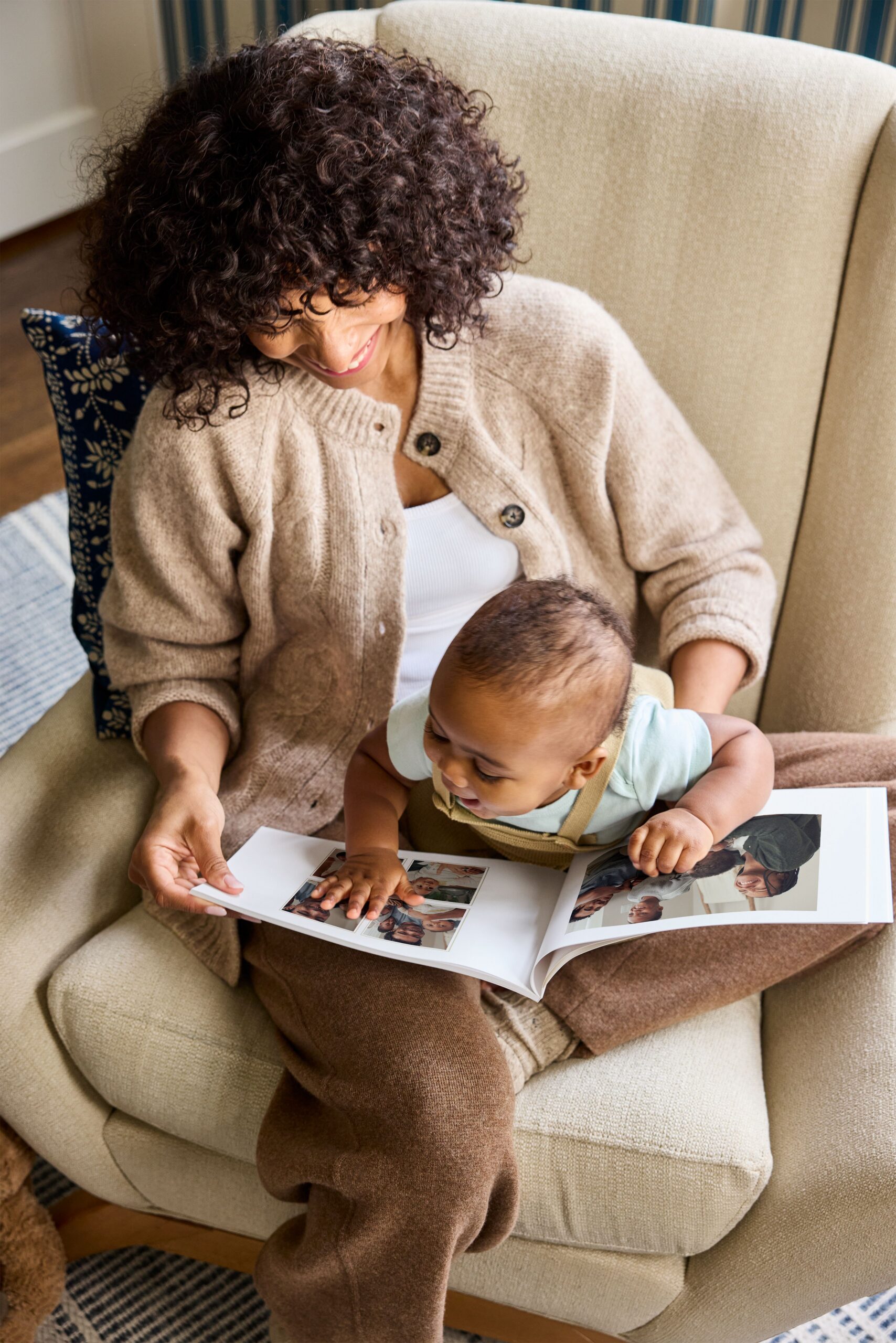
What types of baby photo books can you create with Shutterfly?
Shutterfly offers a range of photo book styles so you can choose what fits your memories best.
You can create:
- Standard photo books for everyday moments and casual albums
- Layflat photo books that allow pages to open seamlessly for panoramic photos and milestone spreads
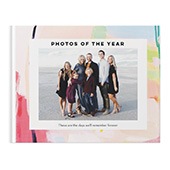
- Hardcover photo books for a more polished, durable keepsake
- Softcover photo books for lighter, flexible albums that are easy to flip through
This range makes it easy to create anything from a simple baby album to a more premium keepsake for major milestones.
What makes Shutterfly baby photo books different?
Shutterfly is designed to make creating a baby photo book both easy and customizable—whether you want something quick or fully detailed.
Some of the biggest advantages include:
- Auto-fill tools that quickly place your photos into a book layout
- Free photo book designer service, where a professional designer can create your book in as little as 24 hours
- AI-powered tools, including Magic Writer for captions and editing tools to refine your pages
- A wide range of baby photo book templates to help you get started faster
- Flexible customization, so you can adjust layouts, text, and design elements as much as you want
It’s designed to work for both beginners who want something simple and those who want full creative control.
How easy is it to make a baby photo book with Shutterfly?
Creating a baby photo book with Shutterfly is designed to be straightforward, even if you’ve never made one before.
You can upload photos from your phone, desktop, or even connected services like Google Photos, Amazon Photos, and Facebook. Once uploaded, your photos are saved to your account so they’re easy to access anytime.
From there, you can:
- Start with a pre-designed baby album template
- Use auto-fill to quickly build your book
- Customize pages with your own layouts, captions, and design elements
If you prefer not to design it yourself, you can use the photo book designer service and have a finished book created for you.
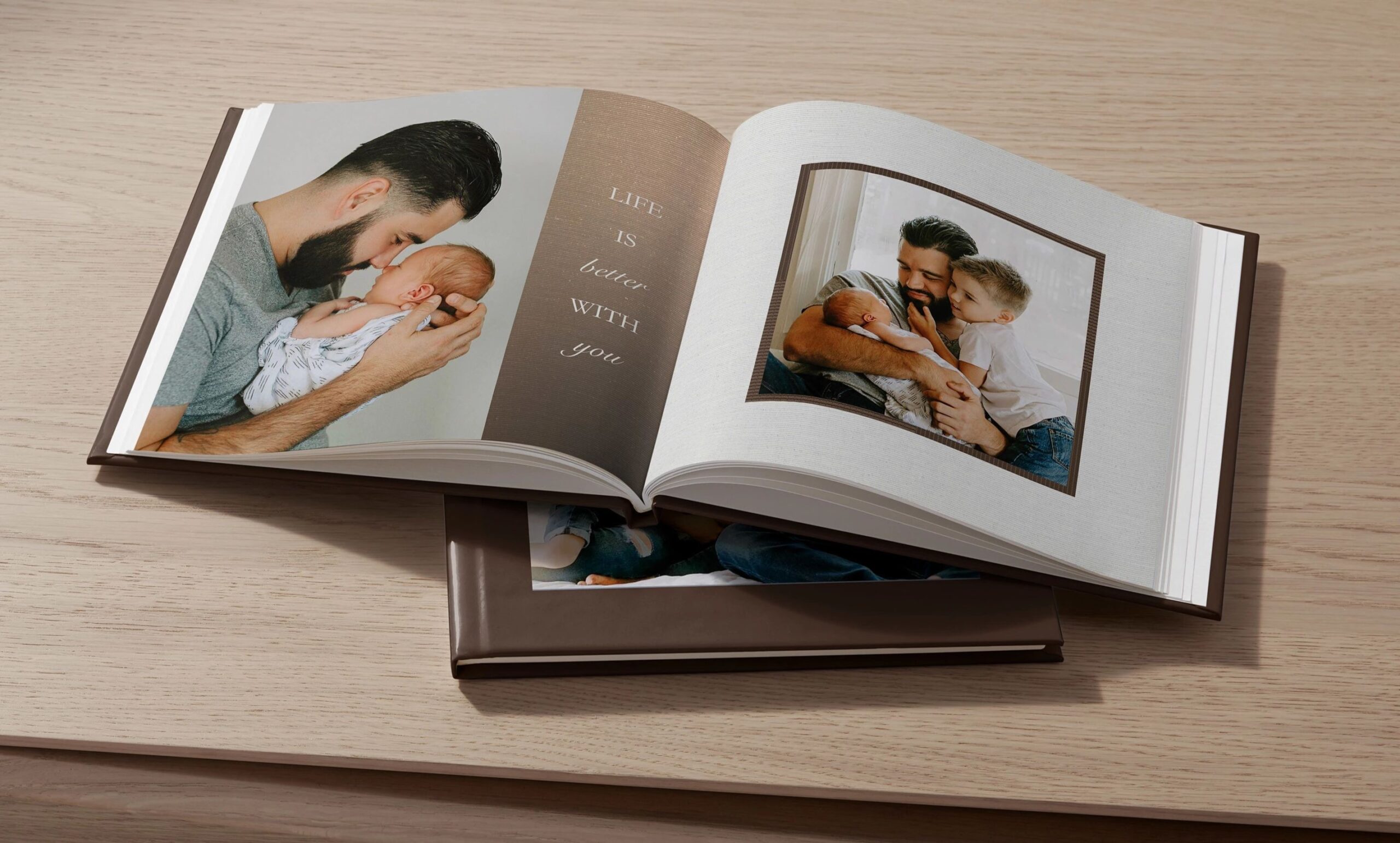
Can you fully customize a baby photo book?
Yes. You can customize as much or as little as you want.
Shutterfly allows you to:
- Add text anywhere on the page
- Create fully custom layouts or adjust templates
- Change backgrounds, colors, and page designs
- Add embellishments and decorative elements
- Upgrade to premium options like metallic accents on the cover
- Add on a memorabilia pocket to store small keepsakes
This flexibility makes it easy to create a baby album that feels completely personal.
Should you create one book or multiple baby albums?
There’s no single right approach.
Some parents create one baby photo book that covers the entire first year. Others prefer smaller albums for different stages, like:
- Newborn
- First year
- Toddler years
If you take a lot of photos, breaking them into multiple baby albums can make each one feel more focused and easier to put together.
How long does it take to make a baby photo book?
Most baby photo books can be created in under an hour if your photos are ready.
Using auto-fill and templates can speed up the process significantly. If you choose the photo book designer service, you can have a professionally designed book completed in about 24 hours.
Can you update a baby photo book later?
Yes. Many people create baby albums over time, adding new books as their child grows.
Instead of trying to fit everything into one project, you can create a series of baby photo books that capture different stages and milestones.
Why create a baby photo book?
Photos often live on phones or in cloud storage, but a baby photo book turns those moments into something you can hold, share, and revisit.
It becomes a keepsake you can look back on with your child as they grow—something that captures not just how they looked, but what those early days felt like.
Create a Baby Photo Book That Tells Your Story
Every baby photo book is different because every story is different. Whether you’re documenting the first few months or the entire first year, the goal is simple: capture the moments that matter and preserve them in a way that feels meaningful to you.
Start with the memories you already have, choose the ones that stand out, and build a baby album that you’ll want to revisit again and again.
Additional Resources:
