



Creating a photo book seems simple—just add your favorite pictures and hit print. But small decisions around layout, image quality, and page design can make a big difference in how your book turns out.
If you’ve ever ended up with a photo book that felt cluttered, low-quality, or just off, you’re not alone. Below are the most common photo book mistakes—and exactly how to avoid them so your final book looks polished, intentional, and worth keeping.
What Are Common Photo Book Mistakes?
The most common photo book mistakes include using low-resolution photos, overcrowding pages, inconsistent layouts, poor organization, and skipping captions. The best photo books balance image quality, clean layouts, and a clear story from start to finish.
1. Using Too Many Photos on One Page
Trying to fit too many images onto a single page is one of the fastest ways to make a photo book feel cluttered. When everything competes for attention, nothing stands out.
What to do instead:
- Stick to 1–3 photos per page for most layouts
- Use full-page images for standout moments
- Save multi-photo pages for collages or recap sections
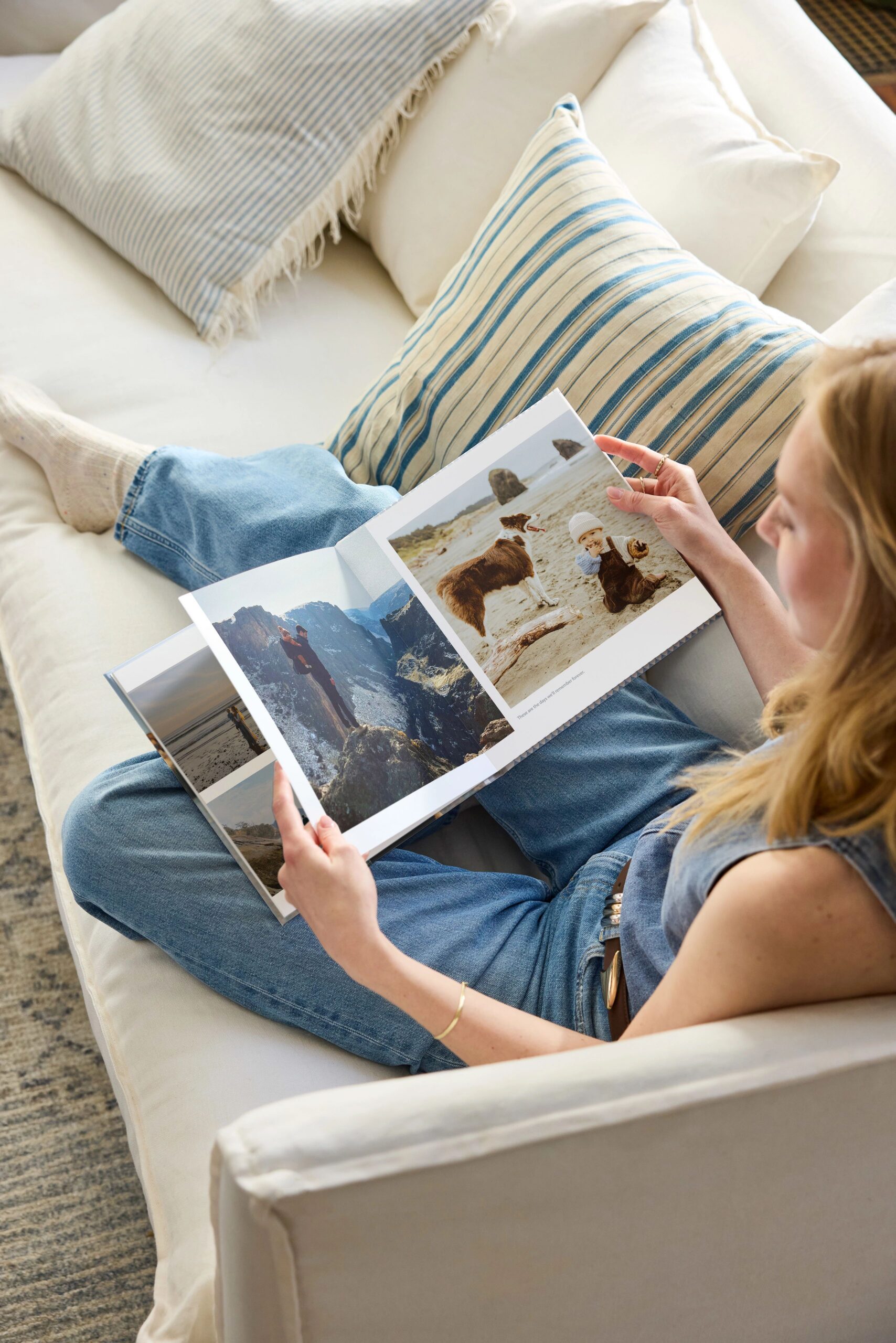
2. Choosing Low-Resolution or Blurry Images
Photos that look fine on your phone don’t always print well. Low-resolution images can appear pixelated or soft once they’re enlarged on a page. Images pulled from social media or messaging apps are often compressed and may not print clearly.
What to do instead:
- Use high-resolution images whenever possible
- Avoid screenshots or heavily compressed photos
- Watch for warnings in the photo book editor
3. No Clear Organization or Story Flow
A photo book without structure can feel random—like a loose collection of photos instead of a meaningful story.
What to do instead:
- Organize photos chronologically or by theme
- Group similar moments together (events, trips, milestones)
- Think of your photo book like a beginning → middle → end
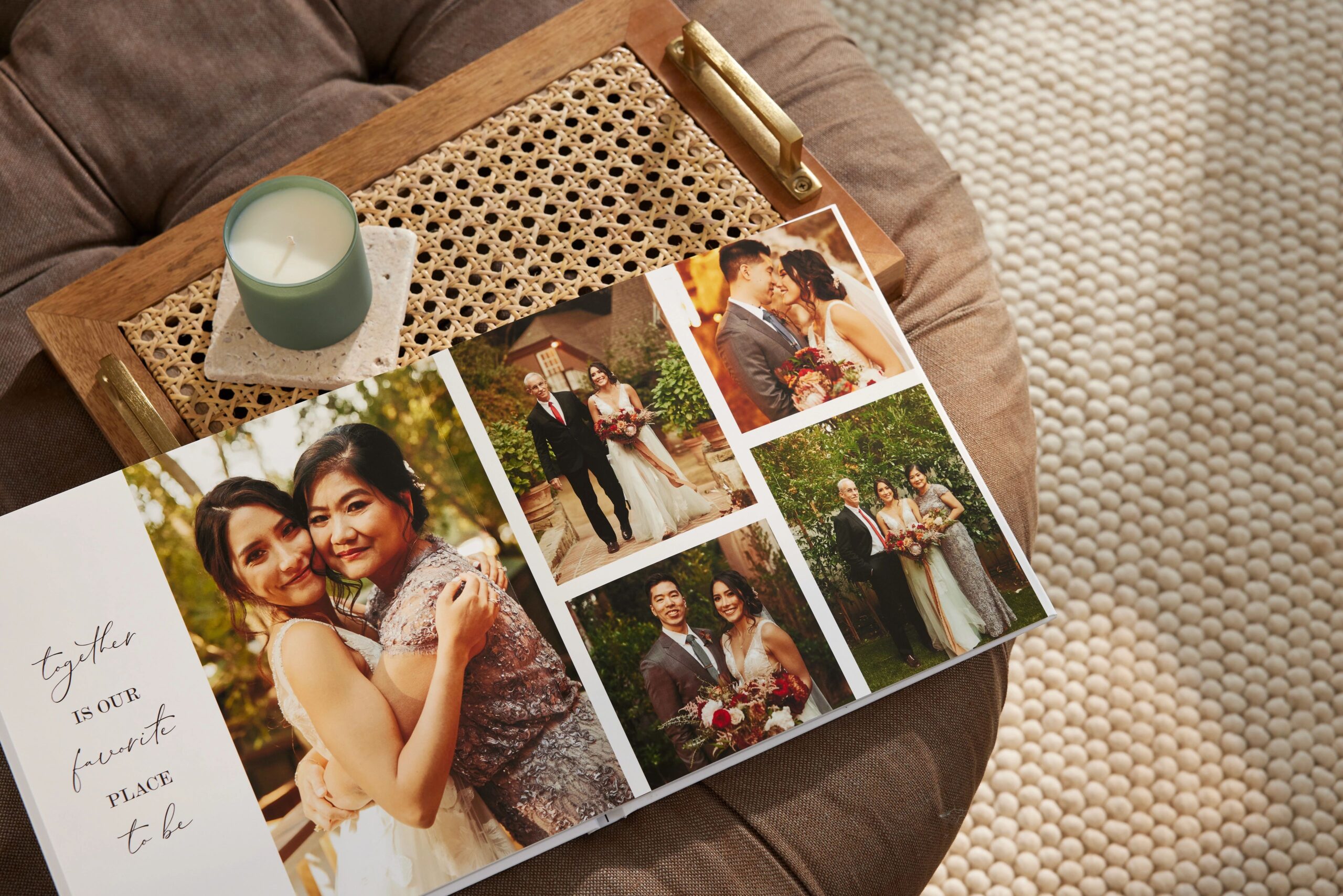
4. Overcrowded Layouts with Too Many Design Elements
Backgrounds, stickers, text boxes, and embellishments can be fun—but too many can overwhelm your photos.
What to do instead:
- Keep layouts clean and consistent
- Use design elements sparingly to highlight—not distract
- Let your photos be the focal point
5. Inconsistent Layouts from Page to Page
Switching styles constantly—different spacing, alignments, or photo sizes—can make your photo book feel unpolished. For example, switching between full-bleed pages and tight grid layouts without a pattern can make the book feel disjointed.
What to do instead:
- Stick to a few consistent layout styles
- Use templates to keep spacing and alignment uniform
- Repeat patterns for a more cohesive look
6. Skipping Captions and Text
Without context, even great photos can lose meaning over time. Names, dates, and locations matter more than you think.
What to do instead:
- Add short captions for key moments
- Include dates, locations, or quick notes
- Use text to tell the story behind the photos

7. Not Reviewing Before You Print
It’s easy to miss small mistakes—cropping issues, typos, or misaligned images—until it’s too late.
What to do instead:
- Preview every page before ordering
- Double-check text and image placement
- Zoom in to catch spacing or cropping issues
What Makes a Good Photo Book?
A well-designed photo book isn’t just a collection of pictures—it’s something you’ll want to flip through again and again.
The best photo books:
- Use high-quality images that print clearly
- Keep layouts clean and easy to follow
- Follow a clear story or structure
- Use consistent design choices throughout
When you avoid the most common mistakes, your photo book feels more polished, personal, and lasting.
Want Help Designing Your Photo Book?
If you’d rather skip the guesswork, you don’t have to design your photo book on your own. Shutterfly’s free 24-Hour Photo Book Designer Service lets a professional create your book for you using your photos and preferences.
All you have to do is upload your pictures and share a few details. A designer will build your photo book within 24 hours—then you can review, make edits, and order when it looks exactly how you want.
Additional Resources:
