





Graduation announcements are a meaningful way to share your big achievement with friends and family. With Shutterfly, creating personalized graduation announcements is simple. You can choose a design, upload your favorite photos, customize the details, and order professionally printed cards in just a few steps.
Follow this step-by-step guide to create graduation announcements that feel personal, polished, and ready to send.
Quick steps to create graduation announcements:
- Choose a graduation announcement design
- Select your paper type and trim style
- Upload your photos
- Customize the text on your card
- Adjust fonts, colors, and layout
- Personalize the back of your card
- Add envelopes and addressing options
- Preview and order your graduation announcements
Step 1: Choose a Graduation Announcement Design
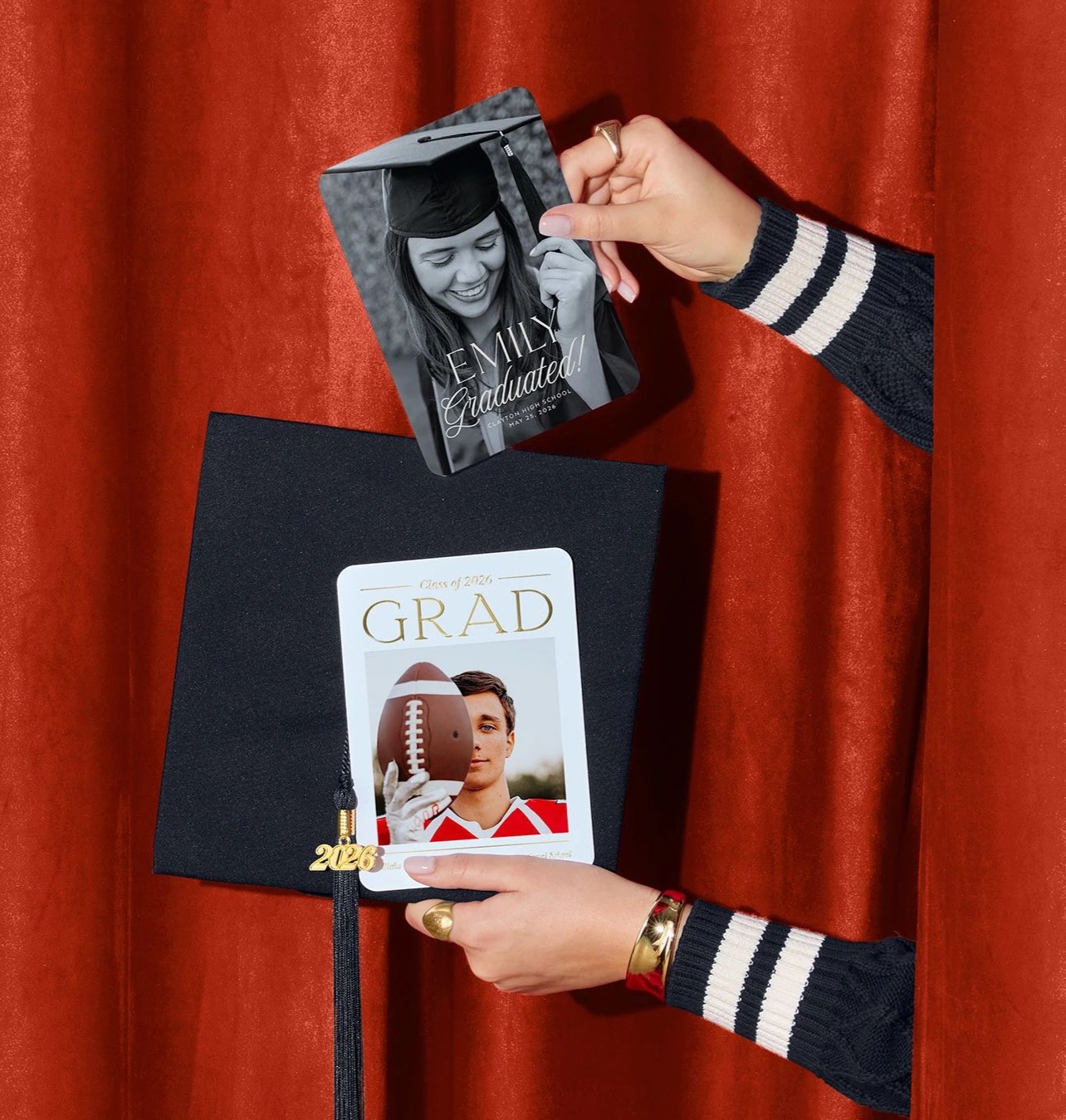
Start by browsing Shutterfly’s collection of graduation announcement templates. You’ll find hundreds of designs ranging from clean and modern to classic and elegant, as well as bold photo-forward layouts that highlight senior portraits.
When choosing a design, think about the overall style you want to share with family and friends. Some announcements focus on a single standout photo, while others include multiple pictures that showcase milestones from childhood through graduation.
At this stage, you’ll also choose details like:
- Paper type such as signature cardstock or other premium options
- Trim style, including rounded or decorative edges
- Design finishes like foil or glitter accents for a more celebratory look
Once you select a template that fits your style, you can move into the customization process.
Step 2: Upload Your Photos
Next, upload the photos you want to feature on your graduation announcement.
Shutterfly allows you to easily upload images from several places, including:
- Your phone
- Your computer
- Google Photos
- Amazon Photos
Most graduation announcements highlight senior portraits, but you can also include candid photos, school memories, or childhood snapshots depending on the layout you choose.
If your template allows multiple images, you can create a mini photo collage that tells the story of your graduate’s journey.

Step 3: Customize the Text
After adding photos, personalize the wording on your announcement.
Typical graduation announcement text includes:
- The graduate’s full name
- The school name
- The graduation year
- A short announcement message
You can also add optional details like:
- Future plans (college, career, or next steps)
- A thank-you message to family and friends
- A graduation party invitation
The editor makes it easy to adjust the wording so your announcement feels personal to your graduate.
Step 4: Adjust the Layout, Fonts, and Colors
Once your photos and text are in place, you can refine the overall look of your announcement.
Shutterfly’s design tools allow you to:
- Change fonts and text sizes
- Adjust colors to match school colors or personal style
- Try different layout options if you want to feature one photo or multiple images
These customization options help ensure your graduation announcement feels unique instead of generic.
Step 5: Personalize the Back of Your Card
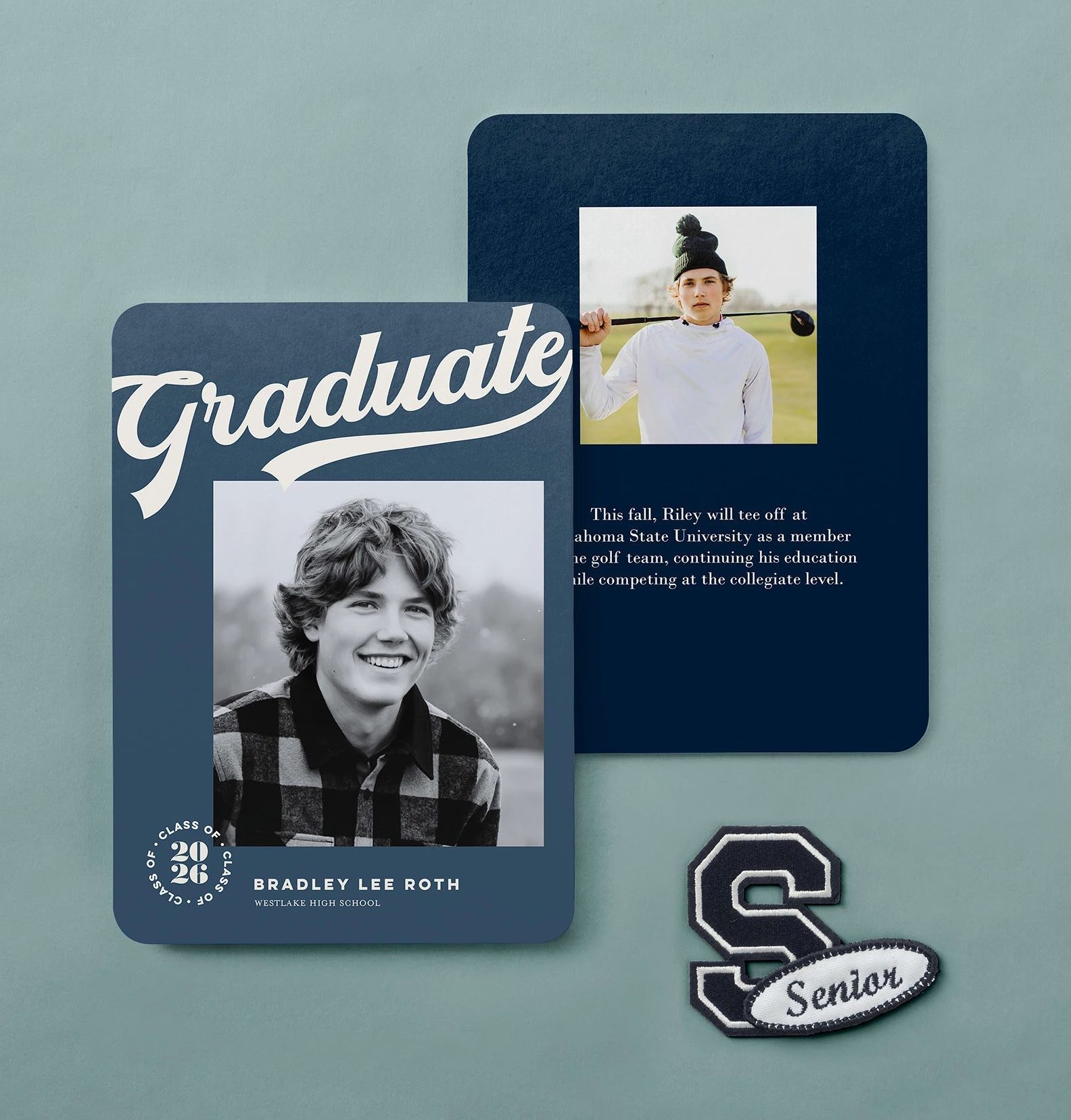
Every Shutterfly graduation card includes the option to customize the back for free, giving you extra space to add more personality.
Many graduates use the back of the card to include:
- An additional photo
- A collage of memories
- A quote or meaningful message
- Achievements or future plans
Customizing the back of your card is a simple way to make your announcement feel even more thoughtful and complete.
Step 6: Choose Envelopes and Addressing Options
Next, select the envelopes that will accompany your graduation announcements.
Shutterfly offers several options to make mailing easier and more polished, including:
- Custom envelopes that coordinate with your card design
- Free return address printing on custom envelopes
- Envelope liners or color options for added style
You can also choose to have Shutterfly address and mail your cards for you, saving time during the busy graduation season.

Step 7: Preview Your Graduation Announcement
Before placing your order, review a full preview of your design.
This step lets you double-check:
- Spelling and grammar
- Photo placement and cropping
- Alignment of text and design elements
- The front and back of the card
Taking a moment to carefully preview your announcement helps ensure everything looks exactly how you want before printing.
Step 8: Order Your Graduation Announcements
Once you’re happy with the design, simply select the quantity you need and place your order.
Your personalized graduation announcements will be professionally printed and shipped to you, ready to send to friends and family who want to celebrate this milestone with you.
Complete Your Graduation Stationery
If you want a fully coordinated look, you can also create matching items like:
Using coordinating designs helps tie your entire graduation stationery set together while celebrating the graduate’s achievement in style.
