


There’s something special about turning your favorite digital photos into real, tangible prints. Whether you’re filling a photo album, framing a family portrait, or sharing memories with friends and family, printed photos help your favorite moments live beyond your screen.
Shutterfly makes it easy to print photos in a variety of sizes and finishes, with options for fast pickup or home delivery. This guide answers the most common questions about photo printing so you can choose the right size, finish, and options for your photos.
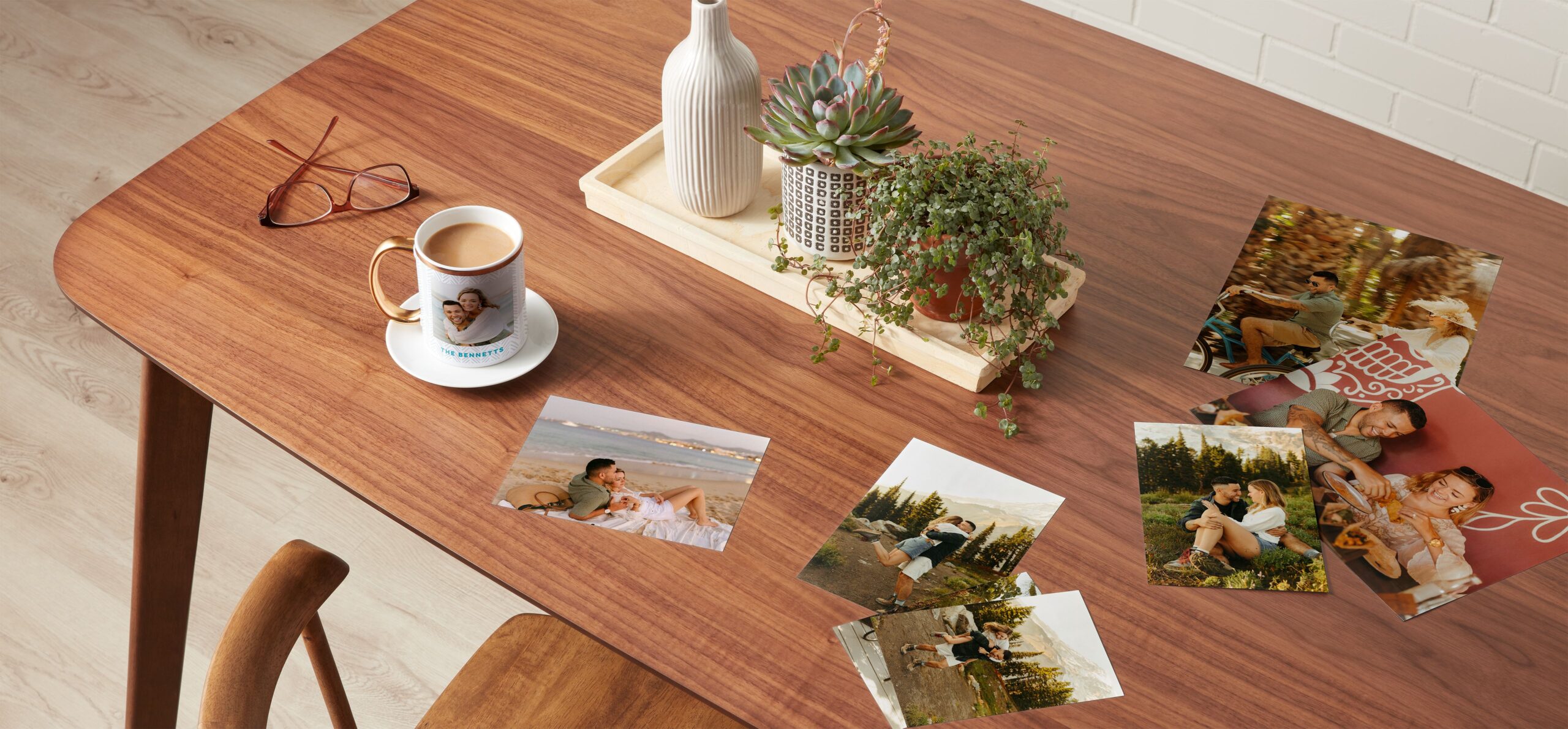
How do I order photo prints on Shutterfly?
Ordering prints is quick and simple.
Upload your photos from your computer, phone, Google Photos, Amazon Photos, or Facebook account, then choose your print sizes, finishes, and quantities. Before placing your order, you can edit your photos using Shutterfly’s built-in tools to crop images, adjust brightness, apply filters, and preview how your photos will print.
Once your prints are ready, you can choose to have them shipped to your home or select same-day pickup at CVS or Walgreens for eligible sizes.
Can I print photos the same day?
Yes. Shutterfly offers 1-hour photo printing at CVS and Walgreens locations for 4×6 prints.
Simply upload your photos online or through the Shutterfly app, choose CVS or Walgreens pickup during checkout, and your prints can be ready in as little as an hour. This option is ideal for last-minute gifts, photo frames, or projects when you need prints right away.
If you’re printing larger sizes or placing a bigger order, shipping to your home may offer more options.
What photo print sizes are available?
Shutterfly offers several print sizes so you can choose the right format for albums, frames, or wall displays.
Everyday prints:
- 4×6
- 5×7
- 8×10
These classic sizes work well for photo albums, scrapbooks, and framed photos.
Large format prints:
- 11×14
- 16×20
- 20×30
These larger prints are great for displaying favorite photos on your wall or turning a special image into a centerpiece.
Square prints:
- 4×4
- 8×8
- 12×12
Square prints are perfect for modern photo grids, gallery walls, or images taken in square format on social media.
Wallet prints:
- 2.5×3.5
Wallet-sized prints are small, portable keepsakes that are great for sharing or adding to scrapbooks.
Panoramic prints:
- 5×15
- 8×24
- 12×36
Panoramic prints are designed for wide landscape photos or large group pictures that capture more of the scene.

What is the most common photo print size?
The most common photo print size is 4×6.
This size matches the standard aspect ratio of most smartphone cameras and digital cameras, which means photos usually require little or no cropping before printing. Because of its versatility, 4×6 prints are widely used for photo albums, frames, scrapbooks, and everyday sharing.
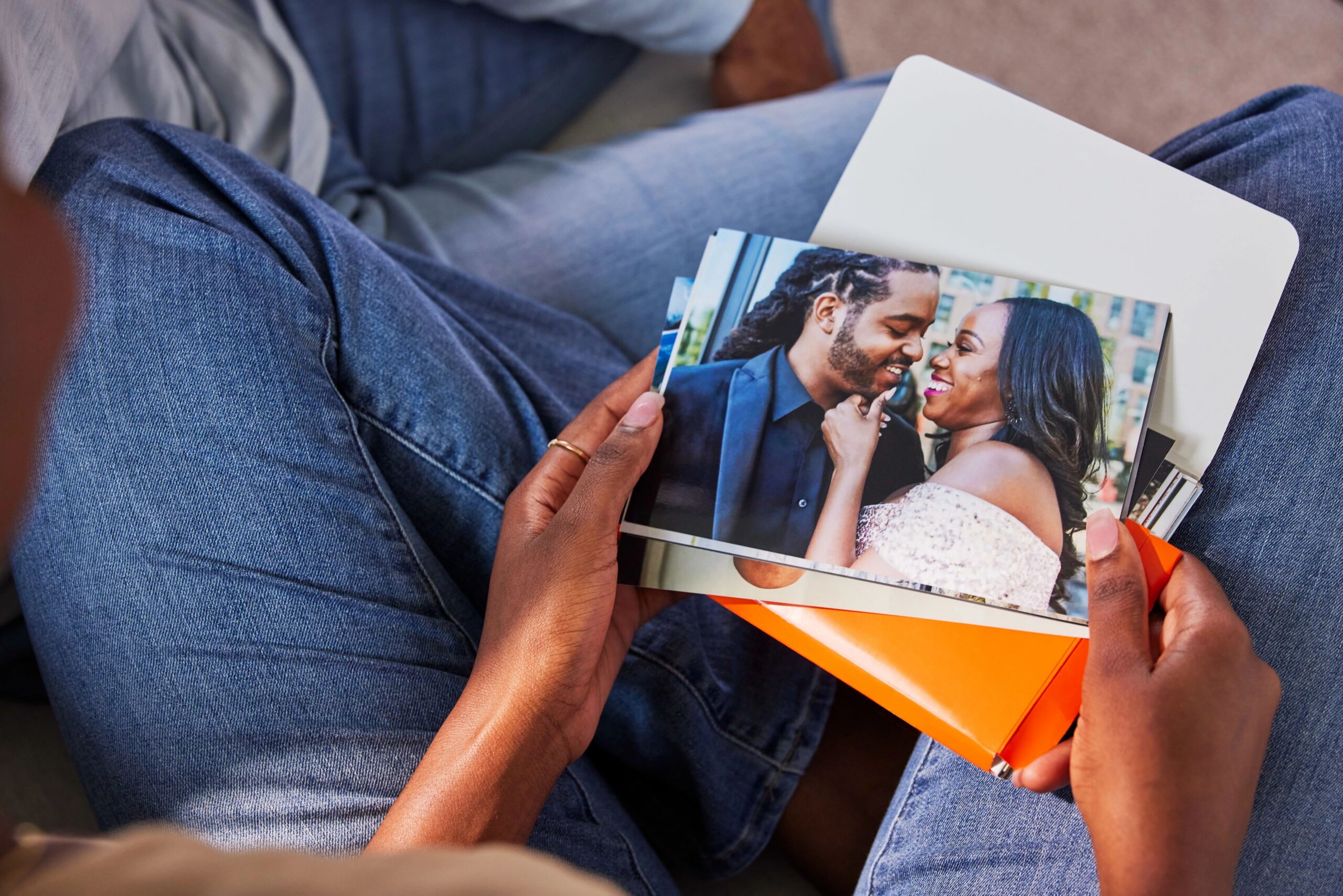
Which photo print finish should you choose?
The best photo print finish depends on how you plan to use or display your prints.
Glossy prints
Glossy finishes create vibrant color and sharp detail, making them a popular choice for photo albums and images with bold colors. Because glossy paper reflects light, it can show fingerprints more easily.
Matte prints
Matte prints have a softer, non-reflective surface that reduces glare. This finish is often preferred for framed photos or images that will be handled frequently.
Cardstock prints
Cardstock prints are thicker and more durable than standard photo paper. They are a great option for keepsakes, display photos, or prints that will be shared or gifted.
What resolution do you need for high-quality photo prints?
For the best results, photos should ideally be printed at 300 DPI (dots per inch). This resolution helps ensure sharp, clear prints.
Here are general resolution guidelines for common print sizes:
| Print Size | Recommended Resolution |
| 4×6 | 1200 × 1800 |
| 5×7 | 1500 × 2100 |
| 8×10 | 2400 × 3000 |
| 16×20 | 4800 × 6000 |
| 20×30 | 6000 × 9000 |
Most photos taken on modern smartphones already meet the resolution requirements for common print sizes like 4×6, 5×7, and 8×10.
How should you prepare photos before printing?
A few simple adjustments can help your photos print beautifully.
Brightness
Phone and computer screens are backlit, which can make images appear brighter than they will look in print. Slightly increasing brightness before printing can help prevent photos from appearing darker than expected.
Color settings
Most digital photos are saved in the sRGB color space, which is the standard used by most cameras, smartphones, and online photo printing services. Keeping your photos in sRGB helps ensure colors appear consistent when printed.
Cropping and framing
Different print sizes may crop images differently. Using the crop preview tool during checkout allows you to adjust the framing so important details stay within the print area.
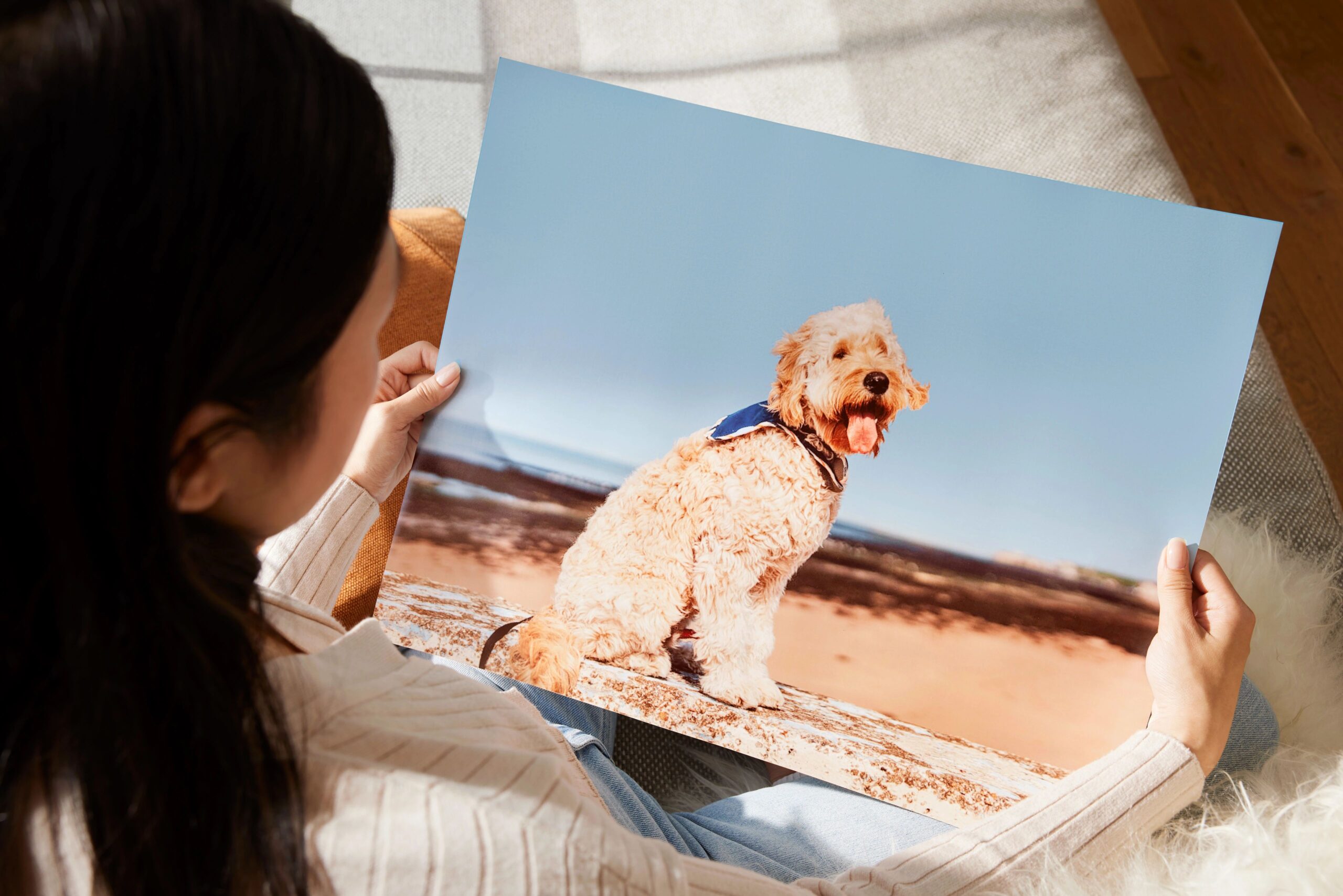
What makes a professional-quality photo print?
High-quality photo prints depend on several factors working together.
Professional-quality prints typically include:
- High-resolution source images
- Premium photo paper
- Accurate color reproduction
- Durable printing processes designed to resist fading over time
When these elements come together, the result is a photo print that captures fine details, vibrant color, and long-lasting quality.
How much does it typically cost to print photos?
Photo print pricing depends on the size and finish you choose. Typical starting prices include:
- 4×6: $0.29
- 5×7: $1.49
- 8×10: $3.95
- Wallet prints (set of 4): $1.99
Square, large format, and panoramic prints vary based on size and finish.
Shutterfly frequently offers promotions and app-exclusive deals, including free print offers where you only pay for shipping.
Are prints free on the Shutterfly app?
Yes. The Shutterfly mobile app often offers free unlimited 4×4 and 4×6 prints, with customers only paying for shipping.
This makes it easy to turn your favorite phone photos into real prints without spending much.
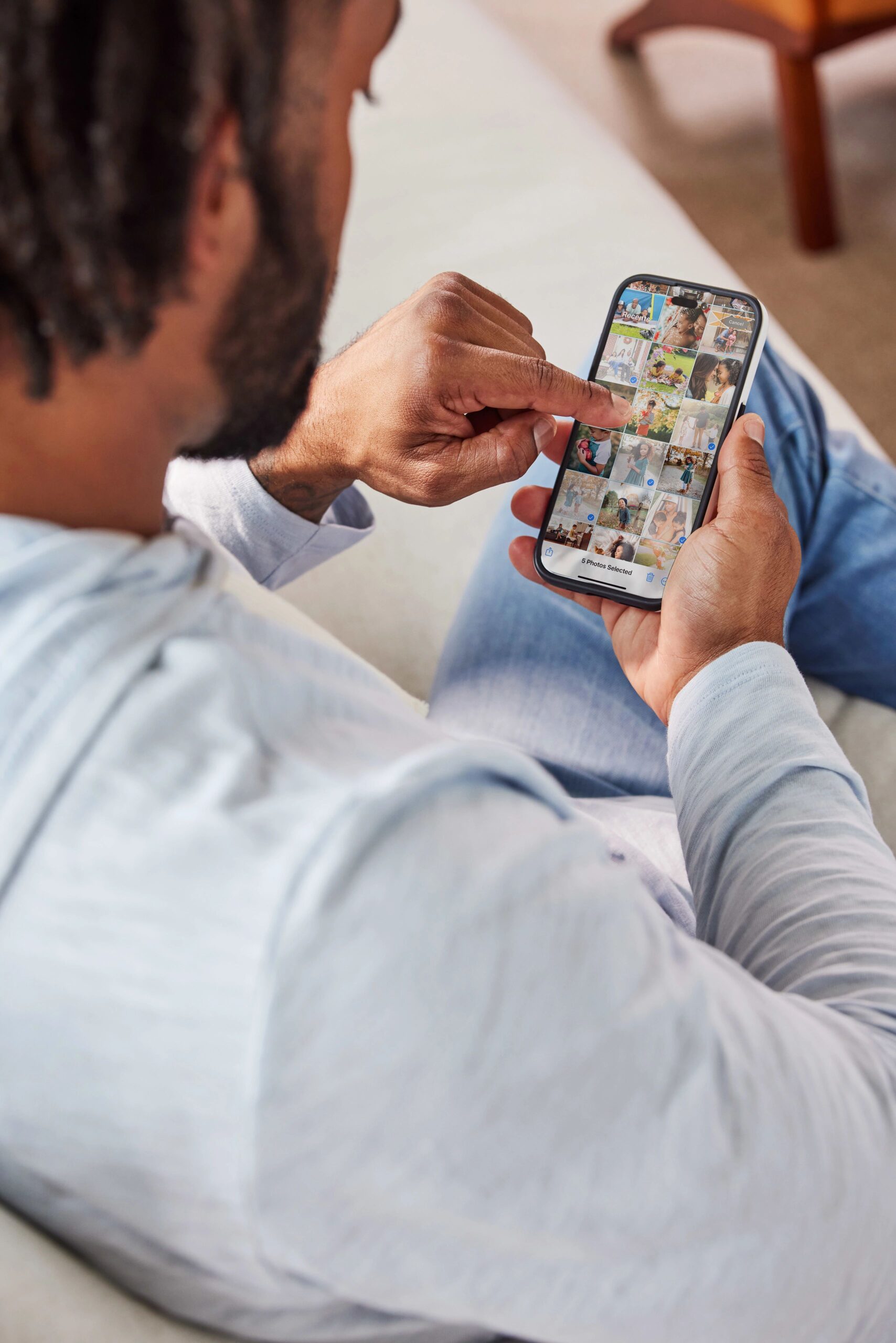
How do I print photos directly from my phone?
Printing from your phone is simple with the Shutterfly app.
Upload photos directly from your camera roll, choose your print sizes and finishes, and place your order in just a few taps. The app also allows you to crop images, adjust brightness, and add back-of-print text.
Should you choose photo pickup or delivery?
Both pickup and delivery options offer convenience depending on your needs.
1-hour pickup at CVS or Walgreens works well when you need prints quickly or want a few standard photos the same day. Same-day pickup is currently available for 4×6 glossy prints, making it a convenient option for quick projects, last-minute gifts, or framing a photo right away.
Home delivery offers the most flexibility. When ordering prints for delivery, you can choose from multiple sizes, finishes, and formats, including square, large format, panoramic prints, and matte or cardstock finishes.
Related Resources on Printing Photos
Now that you know how to choose the right photo sizes, finishes, and printing options, you’re ready to turn your favorite digital photos into high-quality prints. Whether you’re printing everyday snapshots, enlarging a favorite image for display, or ordering photos for a project, Shutterfly makes it easy to upload your pictures, customize your prints, and get them delivered or ready for pickup.
Start by selecting the photos you want to print, choose your preferred sizes and finishes, and create prints that are ready to frame, share, or store in an album.
Additional Resources:
- Glossy vs. Matte Photo Prints
- A Guide to Large Format Photo Printing
- Shutterfly Photo Print Quality
- Upload Photos Online With These Simple Tips
- How to Print Pictures From Your Phone
- How to Print 4×4 Photos
- The Easiest Way to Print Photos Online
Shop:
