


Creating a photo book starts with one simple question: how long should it be? The number of pages you choose shapes how your photos are displayed, how your story flows, and how detailed your book feels when you flip through it.
How Many Pages Are in a Photo Book?
All photo books start with 20 pages. From there, you can add additional pages depending on how many photos you want to include and how detailed you want your book to be. Most photo books end up between 30 and 80 pages, depending on the occasion.
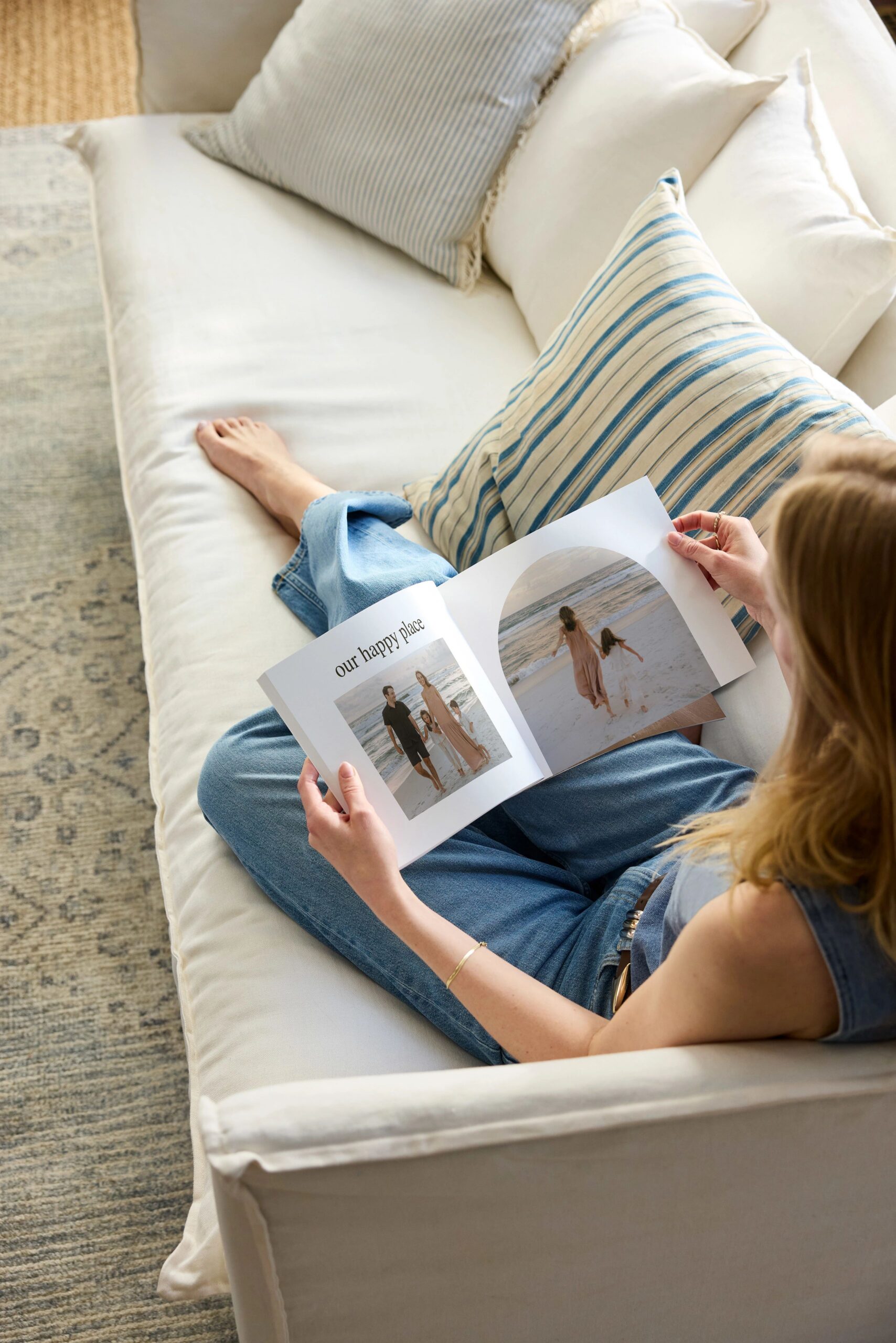
How Photo Book Pages Work
Every photo book begins with a set 20-page base. This gives you enough space for a simple, curated book right from the start.
If you have more photos or want to expand your layout, you can add pages as you go. Additional pages come at an added cost, so you can adjust your book based on how much space you want. Adding pages gives you more room for:
- Larger photo layouts
- More white space and cleaner designs
- Additional moments, milestones, or details
Think of 20 pages as your starting point, not your limit.
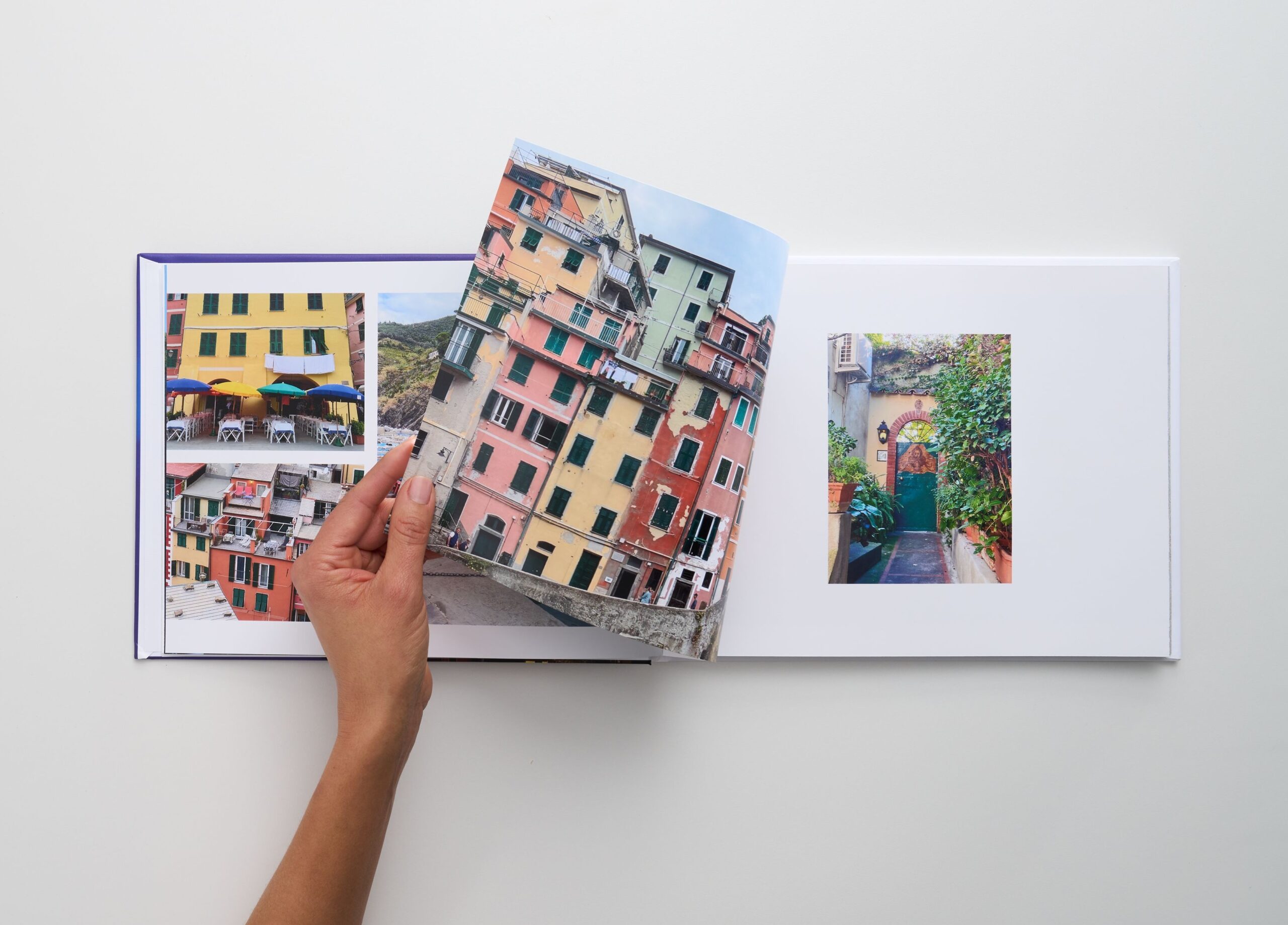
How Many Photo Book Pages You Might Need (By Occasion)
The right page count depends on what you’re creating. Some projects stay simple, while others need more space to tell the full story.
- Everyday or casual photo books: 20–30 pages
A quick recap of a season, weekend, or collection of favorite photos. - Travel photo books: 40–80 pages
Enough space to organize your trip by day, location, or highlights. - Baby photo books: 50–100 pages
Perfect for capturing milestones, monthly updates, and small details you don’t want to leave out. - Wedding photo books: 60+ pages
From getting ready to the reception, weddings usually need more room to tell the full story.
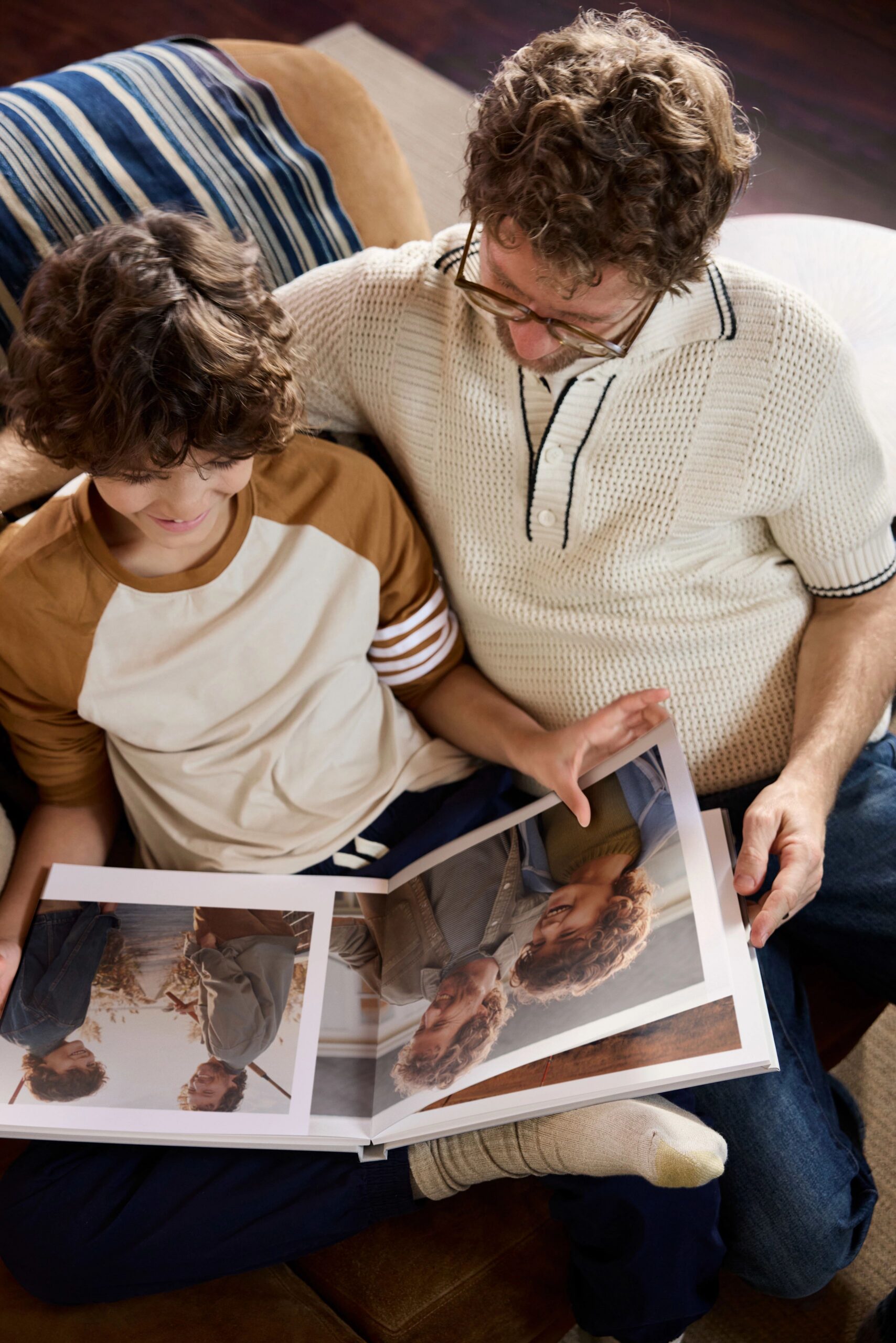
How Pages and Photos Work Together
The number of pages you choose directly affects how your photos are displayed.
- Fewer pages: more photos per page, slightly busier layouts
- More pages: fewer photos per page, cleaner and more spacious designs
For example:
- Around 100 photos could fill:
- ~25–30 pages (more photos per page)
- ~50+ pages (more space for each photo)
If you want your book to feel more premium and easy to flip through, adding pages gives each photo more room to stand out.
How to Decide the Right Photo Book Length
If you’re not sure how many pages to choose, think about how you want the final book to feel.
- Highlight reel: Stick closer to 20–30 pages with your best photos
- Full story: Add more pages to include details, moments, and progression
- Gift-worthy keepsake: More pages can make the book feel more substantial and complete
- Quick and simple project: Keep it shorter and focused
There’s no single “right” number. The best page count is the one that fits your photos and how you want to remember them.
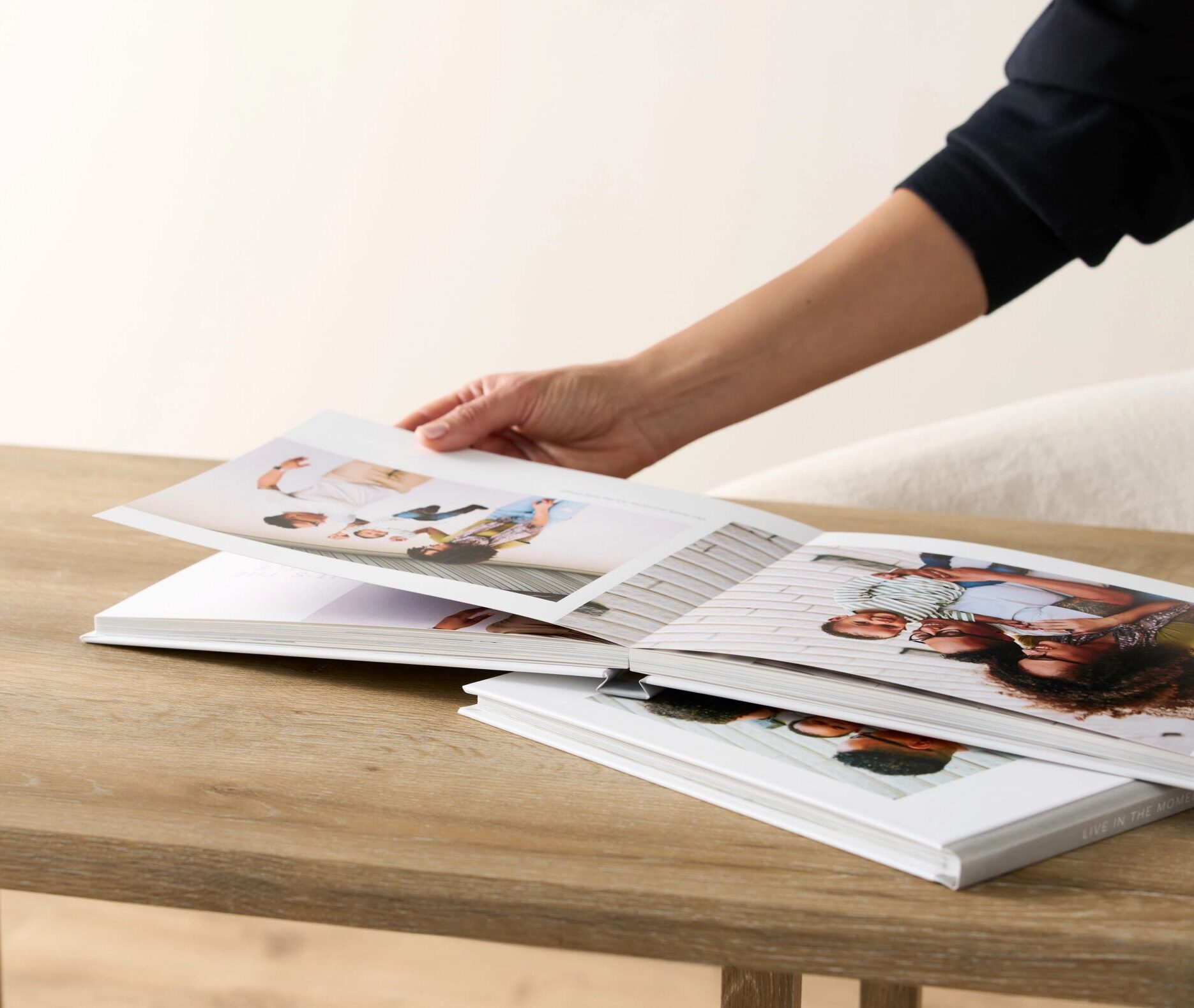
Start with a Template and Build from There
The easiest way to figure out your page count is to start with a photo book template that fits your occasion. Choose your size, cover, and design first, then enter the builder and begin adding your photos.
As your book comes together, you can adjust the number of pages to match your layout and content—whether you keep it simple at 20 pages or expand it into a more detailed story.
The Bottom Line
Every photo book starts with 20 pages, but what you do from there is completely up to you. Whether you keep it short and curated or build it out into a full story, adding pages gives you the flexibility to create a book that feels just right.
Additional Resources:
