


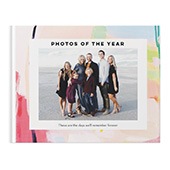
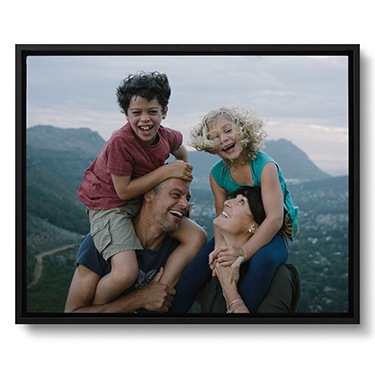
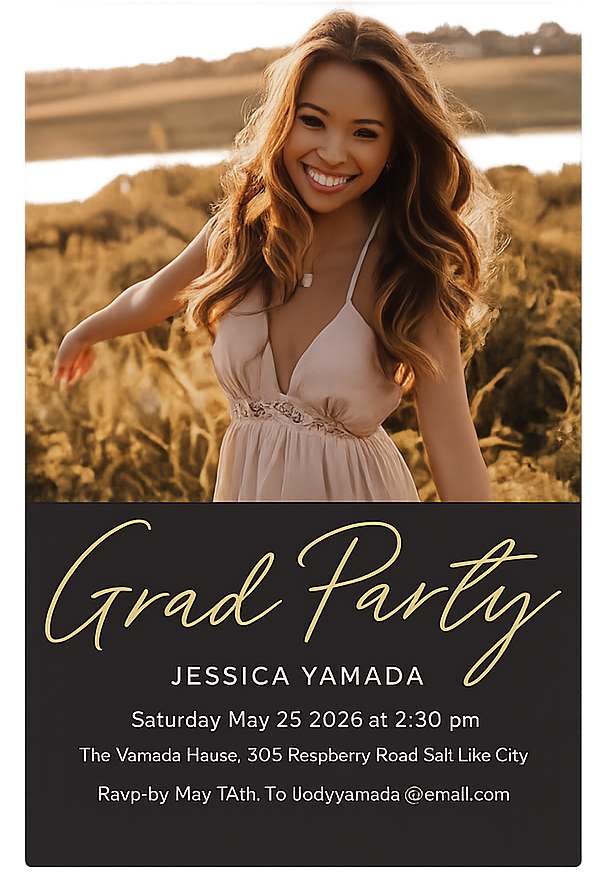
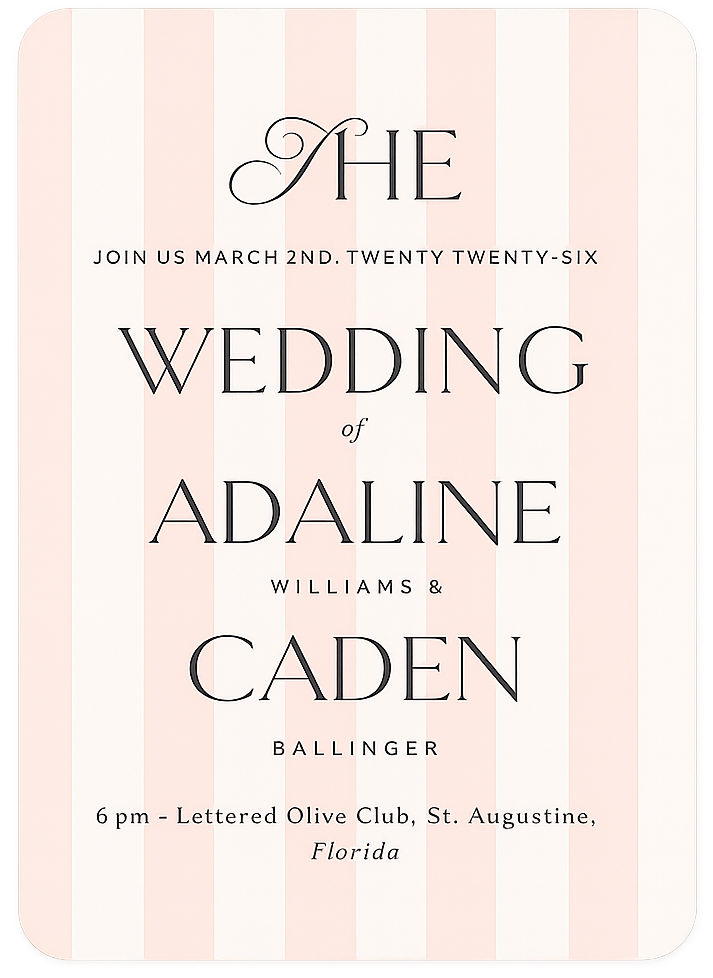
A photo book should feel personal before you even open it. The size in your hands. The texture of the cover. The way a favorite photo stretches across a full spread. The little captions that bring you right back to the moment.
That’s why Shutterfly photo books aren’t built as one fixed format. Nearly every part of the book — from the theme and size to the cover material, page thickness, layouts, and finishing details — can be customized to reflect your story.
Shutterfly photo books offer customization across templates, sizes, cover types, page styles, page count, layouts, text, printing upgrades, and presentation options like gift boxes and memorabilia pockets. You can build your book using AI-powered tools, design every page manually, or have a professional designer create it for you. From full-page spreads to layflat pages and leather covers, the format is designed to give you control over how your memories are preserved and displayed.
Photo Book Templates
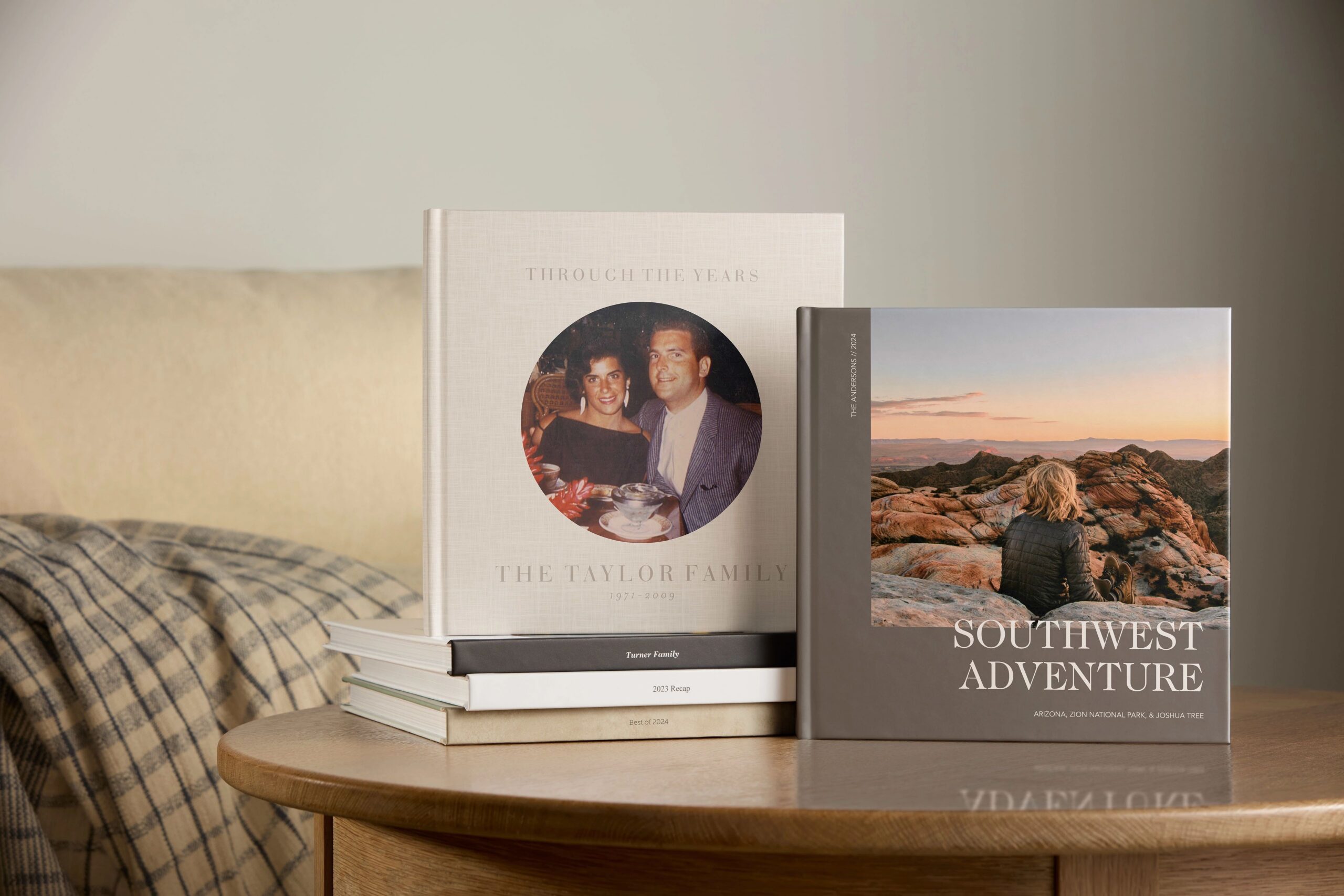
Templates are the design foundation of your photo book. They determine the overall visual language across every page — how space is used, how typography feels, how photos are framed, and how the book flows from beginning to end.
Shutterfly offers template themes across a wide range of occasions and styles:
- Travel Photo Books
- Everyday Photo Books
- Wedding Photo Books
- Family Photo Books
- Kids & Baby Photo Books
- Disney Photo Books
- Celebration Photo Books
- Year In Review Photo Books
- Coffee Table Photo Books
- Seasonal Photo Books
There is also an Create Your Own Photo Book option, which removes all preset styling and allows you to design from a blank canvas.
Each themed template is built with intentional structure. That means the pages aren’t random — they’re designed to support the type of story you’re telling. A wedding template, for example, typically prioritizes clean layouts, strong focal imagery, and elegant type treatments that allow portraits to take center stage. A travel template often includes layouts that accommodate multiple photos per page — ideal for capturing a full day of exploration or a sequence of moments. A year-in-review design may incorporate subtle space for dates, short reflections, or chapter-style breaks between sections.
What makes templates powerful is that they provide cohesion without limiting customization.
Within any template, you can:
- Change the layout on individual pages
- Increase or decrease the number of photos on a page
- Expand a single image into a full-bleed spread
- Remove decorative elements
- Adjust background colors
- Add or edit text blocks
The template ensures your book feels unified, but every page remains flexible.
For customers who want complete creative control, Create Your Own removes stylistic presets entirely. That option gives you full authority over page design from the first spread to the last — ideal for photographers, designers, or anyone building something highly specific.
Templates don’t lock you in. They give you structure — and then hand you the tools to reshape it.
Photo Book Sizes
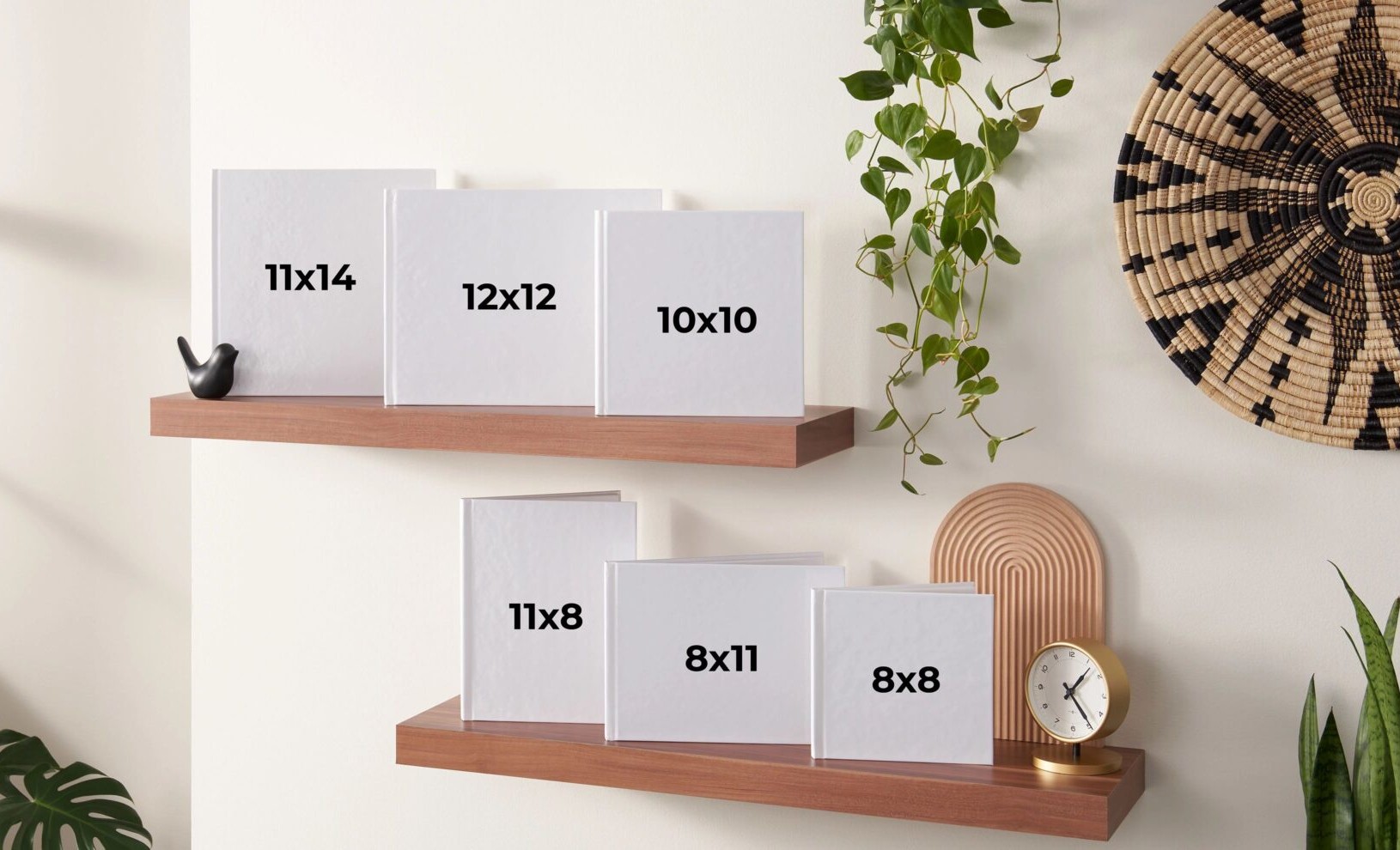
The size of your photo book determines the physical canvas you’re designing on — how expansive your images feel, how much breathing room your layouts have, and how the finished book sits in someone’s hands.
Shutterfly photo books are available in the following sizes:
Each format supports the same editing tools and customization features, but the scale changes the visual impact.
Square formats like 8×8 and 12×12 create a balanced, symmetrical layout that works beautifully for full-page portraits and centered compositions. The smaller 8×8 format keeps things intimate and compact, while 12×12 delivers presence — especially when paired with panoramic or high-resolution imagery.
Rectangular formats such as 8×11 and 11×8 naturally complement landscape photography and storytelling layouts that move horizontally across the page. The 11×14 format offers the largest surface area, giving wide photos and detailed collages more room to breathe without feeling compressed.
The difference isn’t about functionality — it’s about scale and proportion. A larger size amplifies visual drama. A smaller size keeps the book approachable and easy to flip through. The customization tools remain consistent across all sizes; what changes is how much physical space your photos and text occupy.
Cover Types and Finishes
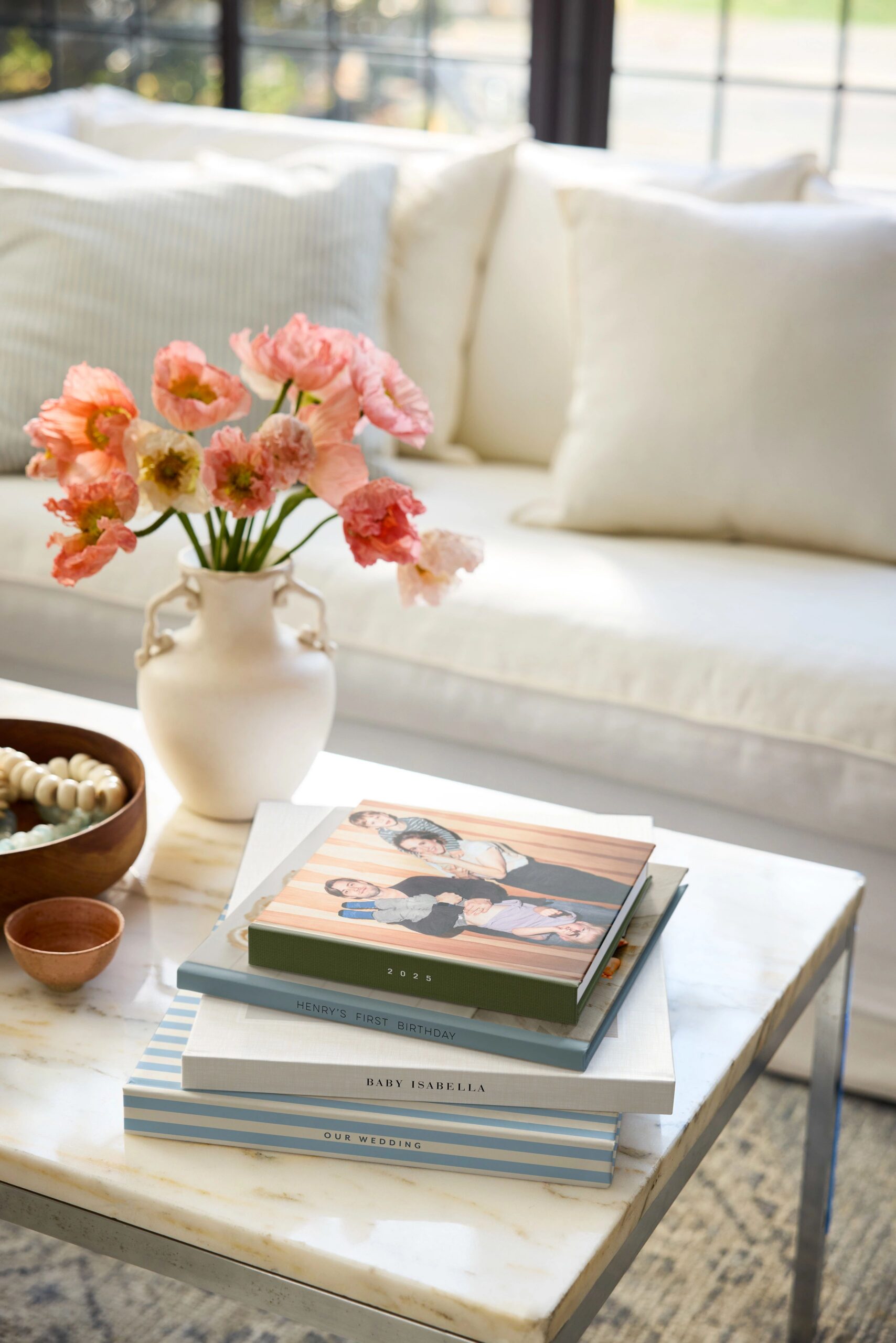
The cover defines the first tactile and visual impression of the book. It influences durability, texture, and overall presentation.
Shutterfly offers four primary cover options:
Softcover
A flexible cardstock cover with a glossy finish. Lightweight and streamlined, softcover books feel relaxed and casual while still offering a polished exterior.
Hardcover (Glossy)
A thick, durable cover with a glossy finish that enhances color vibrancy. The glossy coating makes photos appear saturated and bright.
Matte Hardcover
A sturdy hardcover with a smooth, smudge-resistant matte finish. Matte covers soften glare and create a refined, modern look.
Leather Album Cover
A padded, stitched leather cover designed for a premium keepsake experience. The added structure and material depth give the book a substantial, heirloom feel.
Beyond the material itself, cover design is fully editable. You can feature a single full-bleed image, arrange multiple photos, adjust typography, and customize background and spine colors. The cover can be minimal or image-forward, bold or understated — it’s up to you.
Page Types and Binding Styles
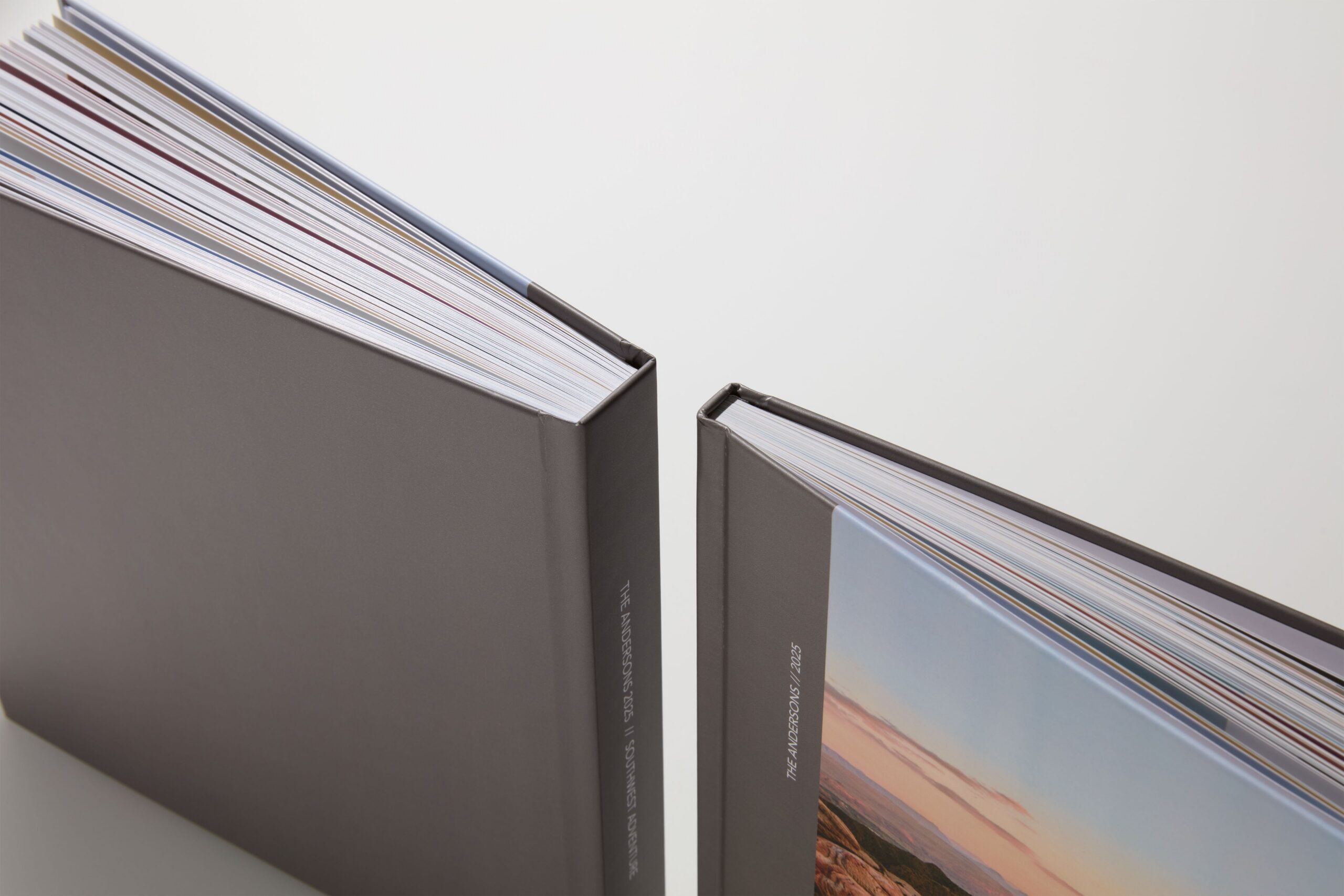
Page type changes how the book opens, how images appear across spreads, and how thick each page feels in hand.
Standard Pages
- Matte paper
- Classic binding
- Fine coated paper for accurate color reproduction
Standard pages are flexible and lightweight. They support single-page images, collages, and text layouts with a smooth matte finish. This option works across a wide range of projects and is compatible with:
- Softcover
- Hardcover (glossy or matte)
Layflat Pages
- Hinged binding
- Matte-finish paper
- Designed for seamless two-page spreads
Layflat pages allow photos to stretch cleanly across both pages without interruption in the center. This format preserves the continuity of panoramic images and large-scale compositions. Layflat pages are available with:
- Hardcover (glossy or matte)
Deluxe Layflat Pages
- Double-thick pages
- Satin finish
- Seamless photo display across spreads
Deluxe layflat pages are heavier and more substantial than standard layflat. The increased thickness enhances durability and gives the book a more structured, elevated feel. This option is compatible with:
- Hardcover (glossy or matte)
- Premium leather cover
Page Count
Every Shutterfly photo book includes:
- 20 pages included
- The option to expand up to 111 pages
Adding pages allows for longer storytelling, additional photo groupings, or chapter-style organization. Page count flexibility ensures the book can remain concise or expand into a more comprehensive collection without switching formats.
Layout and Photo Display Customization

Within any template or fully custom design, page layouts can be adjusted at the individual spread level.
Layout flexibility includes:
- Full-page photo spreads
- Two-page panoramic spreads (with layflat or deluxe layflat)
- Multi-photo layouts
- Collage-style layouts featuring multiple smaller images
- Mixed-density design (combining minimal spreads with fuller pages)
Photo boxes can be resized, repositioned, removed, or replaced. A page that begins as a four-photo layout can become a single-image spread, or vice versa.
This level of control allows variation in pacing throughout the book. Some spreads can highlight one defining image. Others can capture a sequence of smaller moments together.
Text and Typography Customization

Text is fully editable throughout the book.
Options include:
- Captions directly beneath photos
- Standalone text boxes placed anywhere on the page
- Page titles or section headers
- Longer paragraph-style entries
Typography can be adjusted within the editor tools, allowing changes to font style, size, and placement. Text can function as context (dates, locations), storytelling (short reflections), or labeling (chapter-style organization).
Shutterfly also offers Magic Writer, which generates caption suggestions to help spark ideas. Generated text can be fully edited before finalizing.
Editing Tools and Design Assistance
Shutterfly’s in-builder tools provide additional ways to customize efficiently:
- AI Auto-Fill automatically arranges uploaded photos into polished layouts.
- Layouts generated through Auto-Fill remain editable.
- A full editing library allows background changes, layout swaps, and decorative adjustments.
- The Free Photo Book Designer Service is available for all photo book options.
These tools support customization without limiting manual edits.
Three Ways to Create Your Photo Book
Once you begin building your photo book, you’ll choose how hands-on you want to be. Shutterfly offers three creation paths, all built around the same customization options — the difference is how much of the design work you want to handle yourself.
Make It Fast
This option uses simple, intuitive tools along with optional autofill and smart layout suggestions to quickly place your photos into polished page designs. It’s ideal if you want a strong starting point in minutes and prefer to make light adjustments rather than build every spread from scratch. You can still edit layouts, swap photos, and adjust text — the design just gets you there faster.
Make It Manually
This gives you full control from start to finish. You choose layouts page by page, adjust photo placement, resize elements, add text boxes, modify backgrounds, and refine every detail yourself. All customization tools are available in this mode, making it the most hands-on option.
Make It For Me (Free 24-Hour Designer Service)
With this option, you upload your photos and a professional designer creates the book for you. Once it’s ready, you can order it as designed or open it in the editor to make changes. It combines expert layout support with the flexibility to personalize further before finalizing.
No matter which path you select, the same sizes, cover types, page options, and upgrade features remain available. The difference isn’t in what you can customize — it’s in how you choose to build it.
Upgrades and Finishing Enhancements
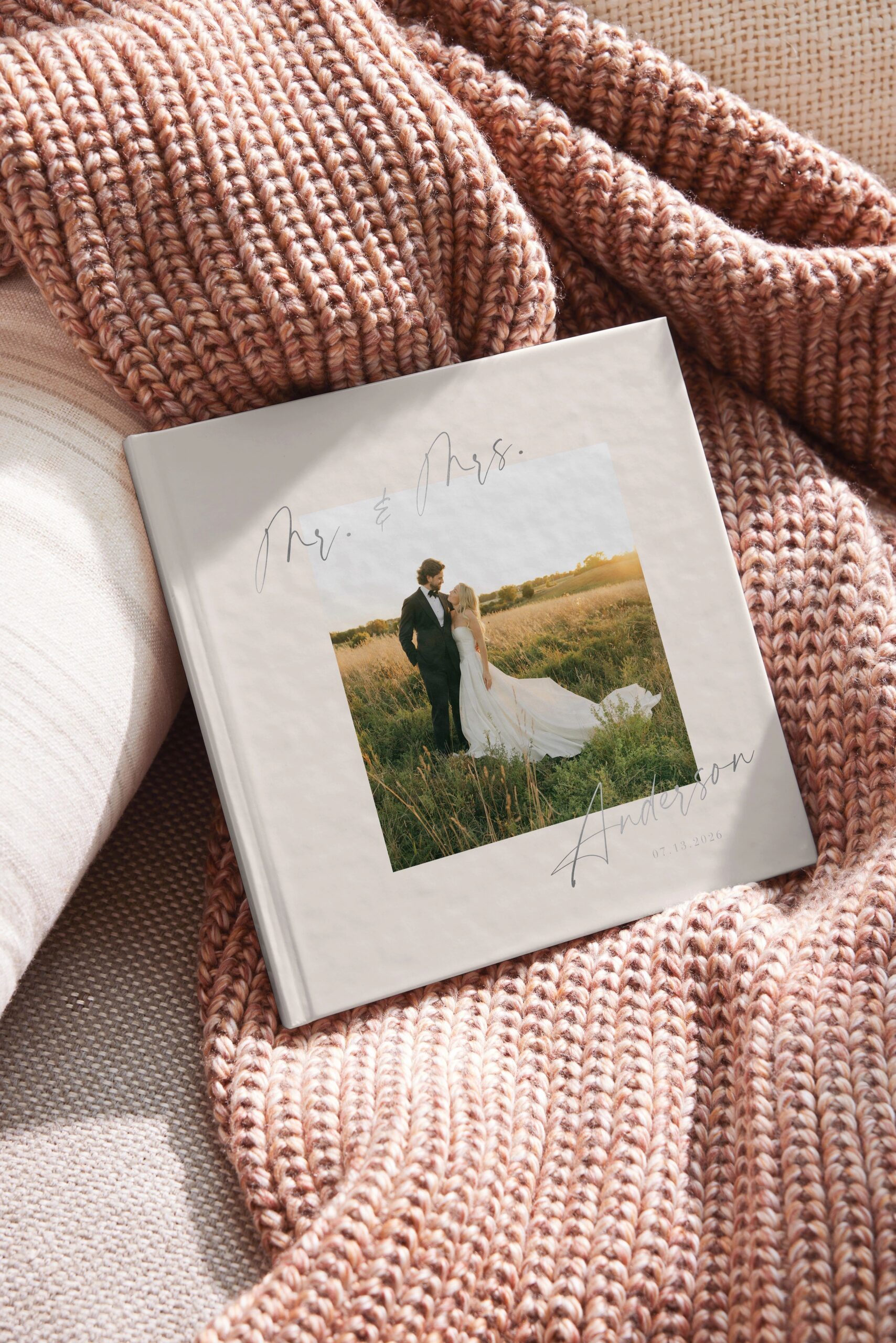
Several optional upgrades can be added to enhance printing quality or presentation.
- 6-Color Printing: An advanced printing option that adds two additional colors to the standard four-color process, enhancing color richness and depth.
- Metallic Accents: Metallic detailing can be added to matte-finish photo books to introduce subtle shine to design elements.
- Embellishments and Stickers: Decorative additions including embellishments, stickers, ribbons, and frames can be applied within page designs.
- Memorabilia Pocket: A clear pocket can be inserted inside the front or back cover to store physical keepsakes.
- Gift Box: A presentation box option for added protection and a more elevated unboxing experience.’
Related Resources on Photo Book Customization
What makes a photo book special isn’t just the photos — it’s how everything works together. The size you choose, the feel of the cover, the way pages open, how many images you feature on a spread, the captions you add — those details shape how the book feels when you flip through it years from now. With so many built-in customization options, you’re not adjusting your story to fit a template. You’re shaping the book around the moments that matter to you. And that’s what makes it something you’ll actually want to pick up and look through again and again.
Additional Resources:
- How to Make a Photo Book
- Photo Books vs. Photo Albums: What’s the Difference?
- Shutterfly Photo Books Guide: Common FAQs
- New Photo Book Designs
- Best Travel Photo Book Designs
- Best Wedding Photo Book Designs
- Best Photo Book Designs for Graduation
- Best Photo Book Designs for Mother’s Day
- Coffee Table Photo Book Ideas
- How to Make an Affordable Photo Book
- How to Get the Best Photo Book Deals
- How Many Photos Should be in a Photo Book?
