






Whether it’s capturing a special memory or preserving everyday moments, nothing brings joy quite like a printed photo. But with the hassle of complicated printers or trips to the store, we often leave hundreds of pictures saved on our smartphones. With the Shutterfly mobile app, you can easily print photos straight from your iPhone or Android device—turning epic birthday moments, baby’s first steps, and everyday snapshots into cherished keepsakes. Get started below and explore creative ideas to bring your favorite moments to life when you print pictures from your phone with Shutterfly.
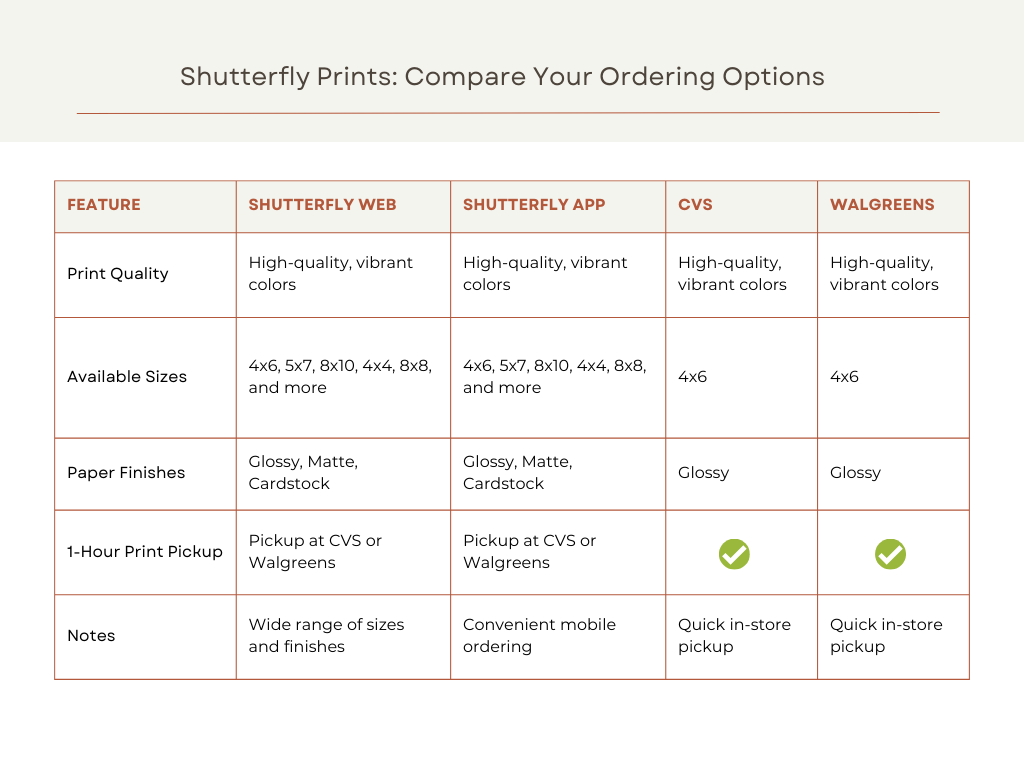
Comparing How to Print Pictures With Shutterfly
How to Print Pictures From Your Phone
Ready to get started? Follow the below step-by-step for iOs or Android devices so you can start photo printing today. Even better, our mobile app offers unlimited free photo storage and 4×4” and 4×6” prints—so you never have to worry about which memories to save or when to print photos from phones.
1. Download the Shutterfly App
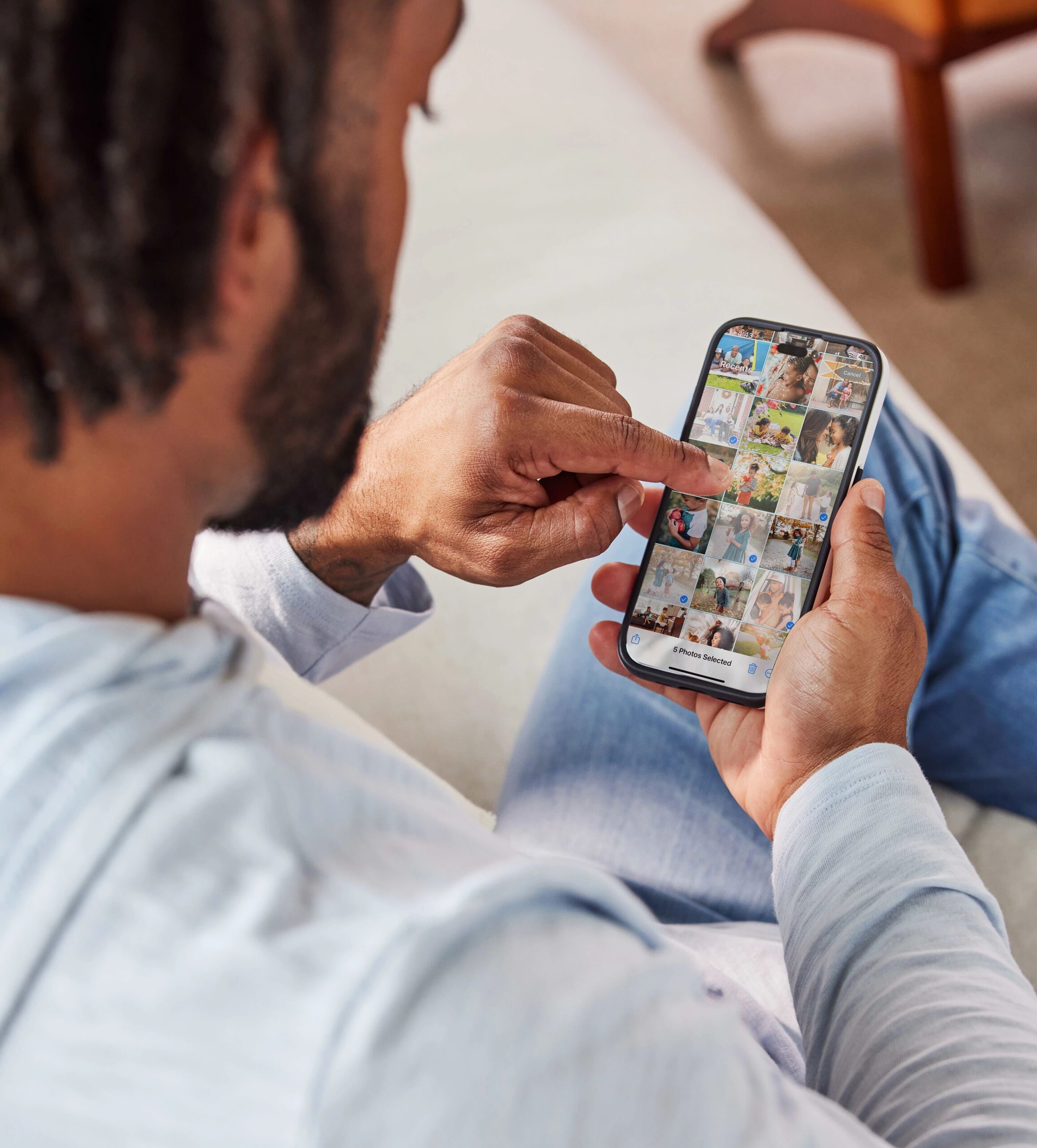
- Start by downloading the Shutterfly app from the App Store (iOS) or Google Play Store (Android).
- Once installed, open the app and sign in or create a new Shutterfly account.
2. Select Your Photos
- Tap on the “Photos” icon at the bottom of the screen.
- Click the orange “Upload” button on the top right of the screen.”
- Choose the location of your photos (e.g., Camera Roll, Albums, etc.).
- Select the photos you want to print by tapping on each one.
3. Upload Your Photos
- After selecting your photos, tap the “Upload” button.
- Your photos will be uploaded to your Shutterfly account, ready for printing.
4. Choose Your Print Sizes
- Navigate to the “Prints” section in the app from the “Categories” tab.
- Select the size and quantity of prints you want for each photo.
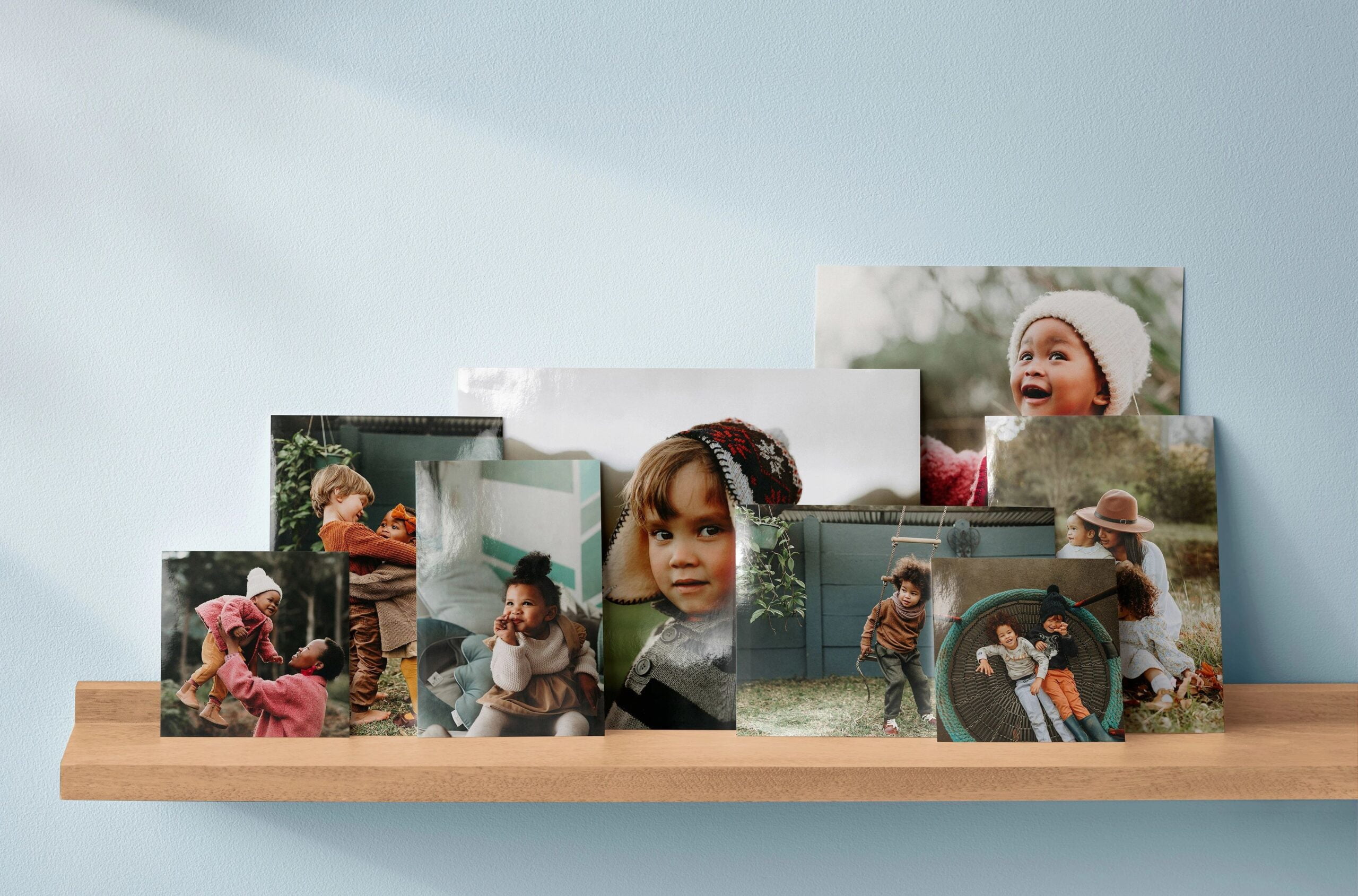
- Options include classic 4×6, 5×7, and other popular sizes.
5. Customize Your Photo Prints
- Before finalizing your order, you can make adjustments such as cropping or choosing a matte or glossy finish.
- Review your selections to ensure everything looks perfect.
6. Place Your Order
- Once you’re happy with your selection, tap “Add to Cart.”
- Review your order, apply any promotional codes if available, and proceed to checkout.
- Enter your shipping information, select a delivery option, and finalize your purchase.
7. Enjoy Your Prints
- After placing your order, your prints will be delivered to your doorstep.
- Enjoy your high-quality photos and use them to decorate your home, share with friends, or create albums.
Printing pictures from your phone has never been easier with Shutterfly. Whether you’re looking to preserve memories or create personalized gifts, these simple steps will help you get the perfect prints every time.

Wrapping Up on How to Print Photos From iPhone and Androids
Printing photos from your phone or personalizing your home just got a whole lot easier. Put all your amazing photos to use and start creating a thoughtful photo gift today. Print photos from phones help create timeless connections and memories that span across many generations.
Additional Resources:
