




If your favorite pictures are already saved in Google Photos, there’s no need to leave them sitting on your screen. Shutterfly makes it easy to turn photos from your Google Photos library into prints you can frame, add to an album, share with family and friends, or simply keep close.
You can upload photos from Google Photos to Shutterfly, choose your favorite print sizes and finishes, and have your order delivered to your door. If you need your pictures sooner, select print sizes are also available for same-day pickup at participating CVS and Walgreens locations. Shutterfly’s current photo printing content lists Google Photos as one of the sources customers can use to add photos for printing.
How to Print Google Photos With Shutterfly
Ready to get some of those photos off your phone and into your hands? Start a photo print order with Shutterfly and add the pictures you’ve saved in Google Photos.
- Start your photo print order. Choose the photo prints you’d like to create with Shutterfly.
- Add your Google Photos. Select Google Photos as the source for your pictures and choose the photos you want to print. Shutterfly supports uploading photos from Google Photos for printing.
- Choose your print sizes. Pick the size that works best for each photo, from classic prints for albums and frames to larger sizes for displaying favorite shots.
- Choose your finish. Depending on your print, you can select a glossy or matte finish.
- Review and order your prints. Once everything looks the way you want it, choose your delivery option and place your order.
If you want a closer look at uploading and saving pictures in your Shutterfly account, our guide to how to upload photos to Shutterfly walks through your options in more detail.
Choose the Right Print Size for Your Google Photos
Think about what you want to do with each picture before choosing a size. A stack of vacation photos might be perfect as classic 4×6 prints for an album, while a family portrait or especially good landscape shot may deserve a larger print for a frame.
Shutterfly offers classic sizes including 4×6, 5×7, and 8×10, along with square, wallet, panoramic, and larger-format prints.
You don’t have to print every Google Photo the same way, either. Mix sizes within your order so each picture works for where you plan to keep, display, or share it.
Get Your Google Photo Prints Delivered
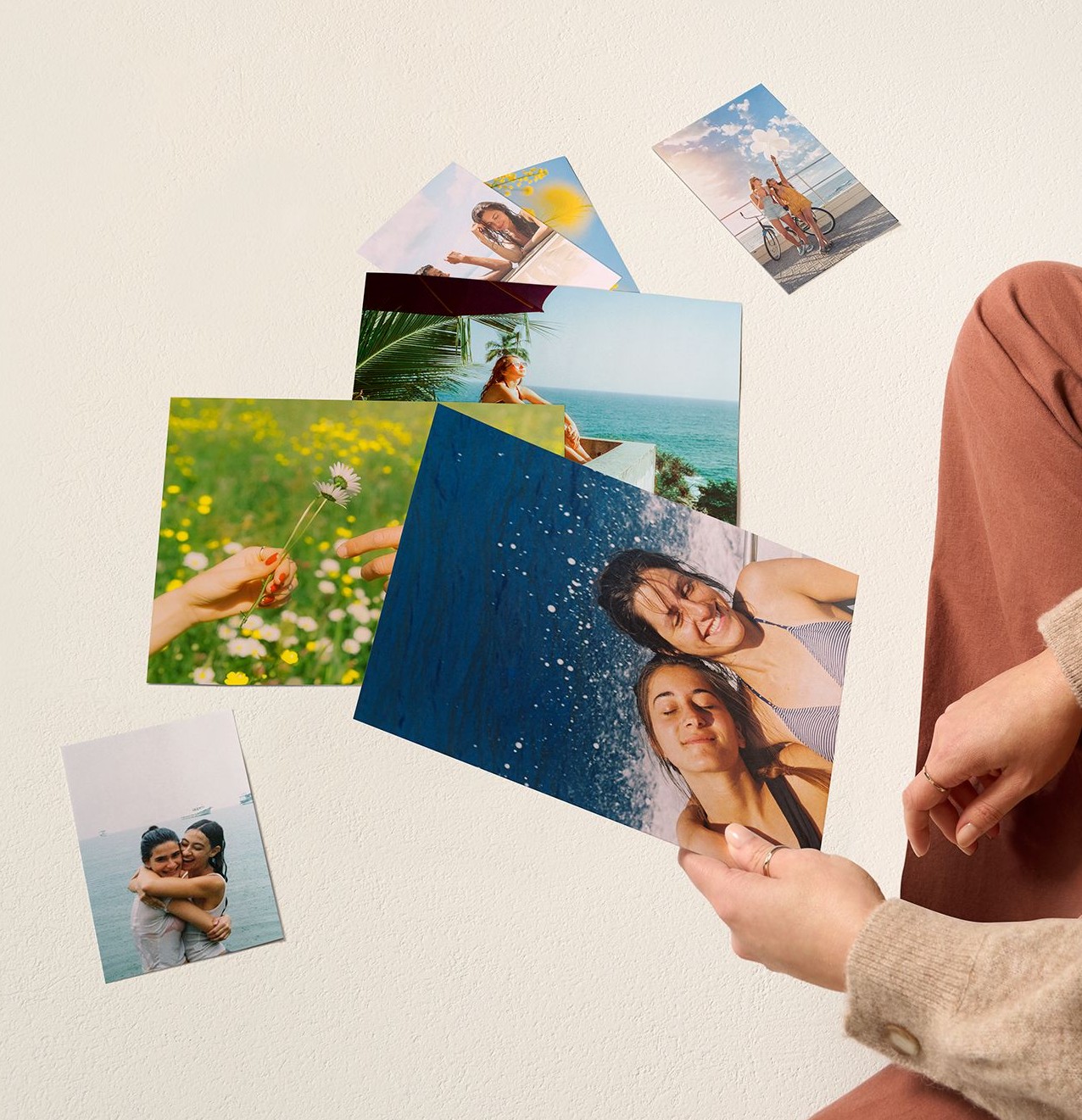
If there’s no rush, have your finished Google photo prints sent directly to your door. Home delivery also gives you access to a wider selection of print sizes, paper types, and finishes than same-day pickup.
It’s an easy option when you’re printing a larger batch of pictures, catching up on photos you’ve been saving for months, or choosing special sizes for frames and displays around your home.
Pick Up Google Photo Prints the Same Day
Need those pictures sooner? Select Shutterfly photo prints can be ordered for pickup from participating CVS and Walgreens locations. Same-day pickup is currently available for select sizes, including 4×6, 5×7, 8×10, 11×14, and 16×20 prints, although availability can vary by location.
Choose an eligible print size and a participating store when placing your order, then wait for your pickup notification before heading to the store.
It’s especially handy when a picture from your Google Photos library needs to become a framed gift, party display, or set of prints without waiting for shipping.
Print Google Photos From the Shutterfly App
Have a lot of everyday snapshots waiting in Google Photos? The Shutterfly app gives you another affordable way to bring more of them into print.
With Unlimited 10¢ Photo Prints, you can print 4×4 and 4×6 photos for 10¢ each through the Shutterfly app and have them delivered with $5.99 flat-rate shipping.
That makes it easier to print more than just the handful of pictures that make it into frames. Bring home vacation favorites, family candids, pet photos, everyday moments, and all those other pictures you saved because you wanted to remember them.
What Else Can You Make With Your Google Photos?
Your Google Photos library doesn’t have to stop at traditional prints. Once your pictures are available in Shutterfly, you can use favorite photos to create personalized pieces for your home, gifts, and keepsakes.
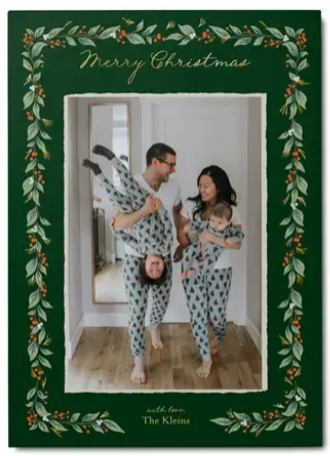
Turn a photo you love into a canvas print or framed print, collect a whole year of pictures in a photo book, or use meaningful images to personalize cards, calendars, and photo gifts. That way, the photos you already have saved can become something you’ll actually see, use, and enjoy.
Bring Your Favorite Google Photos to Life
Some photos deserve more than another scroll through your camera roll. Printing your Google Photos with Shutterfly gives favorite pictures a place in your albums, frames, home, and the hands of people you love.
Choose the photos you want to keep close, find the print sizes that fit them best, and order them for delivery or select same-day pickup. It only takes a few favorites from your Google Photos library to turn everyday pictures into memories you can hold.
Additional Resources:
- How to Make Canvas Prints From Google Photos
- Wallet Prints
- Print 4×4 Square Photos
- The Easiest Way to Print Photos Online
- Glossy vs. Matte Photo Prints
- How to Print Photos From Your Phone
- What Are The Standard Photo Print Sizes?
- How to Order Prints
- Photo Print Sizes
- Shutterfly Photo Print Quality
- Guide to Large Format Photo Printing
