


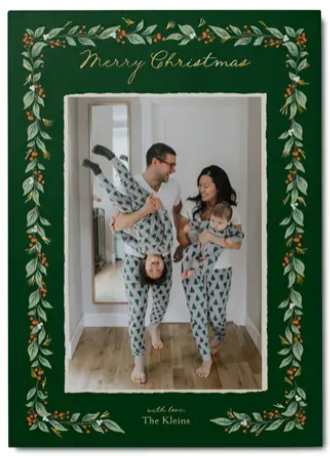


The difference between Shutterfly and Canva Christmas cards starts with the layout. Canva gives you a template you can rearrange. At Shutterfly, our designs already have a place for your photos and greeting, so you can start with the part you’re looking forward to: seeing your family’s pictures on a custom Christmas card. One favorite portrait might be all you need, or you might want a few photos that tell the story of your year.
The other big difference comes when it’s time to send your cards. At Shutterfly, white envelopes come with your order, and we offer FREE recipient address printing on custom envelopes. With Mail for Me®, we can even address, stamp, and mail your cards for you. Here’s how the two compare, from adding your first photo to getting the last card in the mail.
Shutterfly vs. Canva Christmas Cards at a Glance
| What you want to do | Shutterfly | Canva |
|---|---|---|
| Choose a photo layout | Many designs let you switch between layouts for one, two, three, or more photos on the same card. Each layout already has the photo spots arranged for you, and you can add more pictures to the back for free. | Start with a Christmas card template and use the drag-and-drop editor to arrange and resize photo frames. |
| Edit your photos | Zoom, crop, rotate, auto-enhance, and apply filters right in the card editor. On eligible photos, AI tools can extend the image to fit the layout, change the background, open closed eyes, or help faces look toward the camera. | Edit photos in the design editor and use tools such as background removal. |
| Personalize your greeting | Write your own greeting, adjust the font, size, color, and alignment, or use Magic Writer to help draft your message in the card editor. | Edit the wording, fonts, colors, and placement of text. Add illustrations or other graphics from Canva’s library. |
| Pick a card format | Choose flat, folded, gate fold, or tri-fold Christmas cards. Sizes include 4×8, 5×7, and 6×8, depending on the design. | Order flat, folded, or square cards, or choose a postcard. |
| Add paper and finishing touches | Choose from papers such as Pearl Shimmer and Luxe Double-Thick. Eligible designs offer decorative trims, real personalized foil, foil stamping, or no-mess glitter. | Choose from available paper types and finishes. Folded-card options include premium, deluxe, and hemp papers, with finishes such as matte, gloss, and uncoated. |
| Choose envelopes | White envelopes are included. Upgrade to coordinating custom envelopes, colored envelopes, pre-lined foil envelopes, or slip-in liners. | Add envelopes where available, or order custom printed envelopes separately. |
| Address and mail your cards | Get FREE recipient address printing on custom envelopes if you’re mailing the cards yourself. With Mail for Me®, we address, stamp, and mail your cards directly to recipients in plain white envelopes. | Canva Print ships the card order to the delivery address you enter at checkout. |
Designing Christmas Cards With Shutterfly vs. Canva
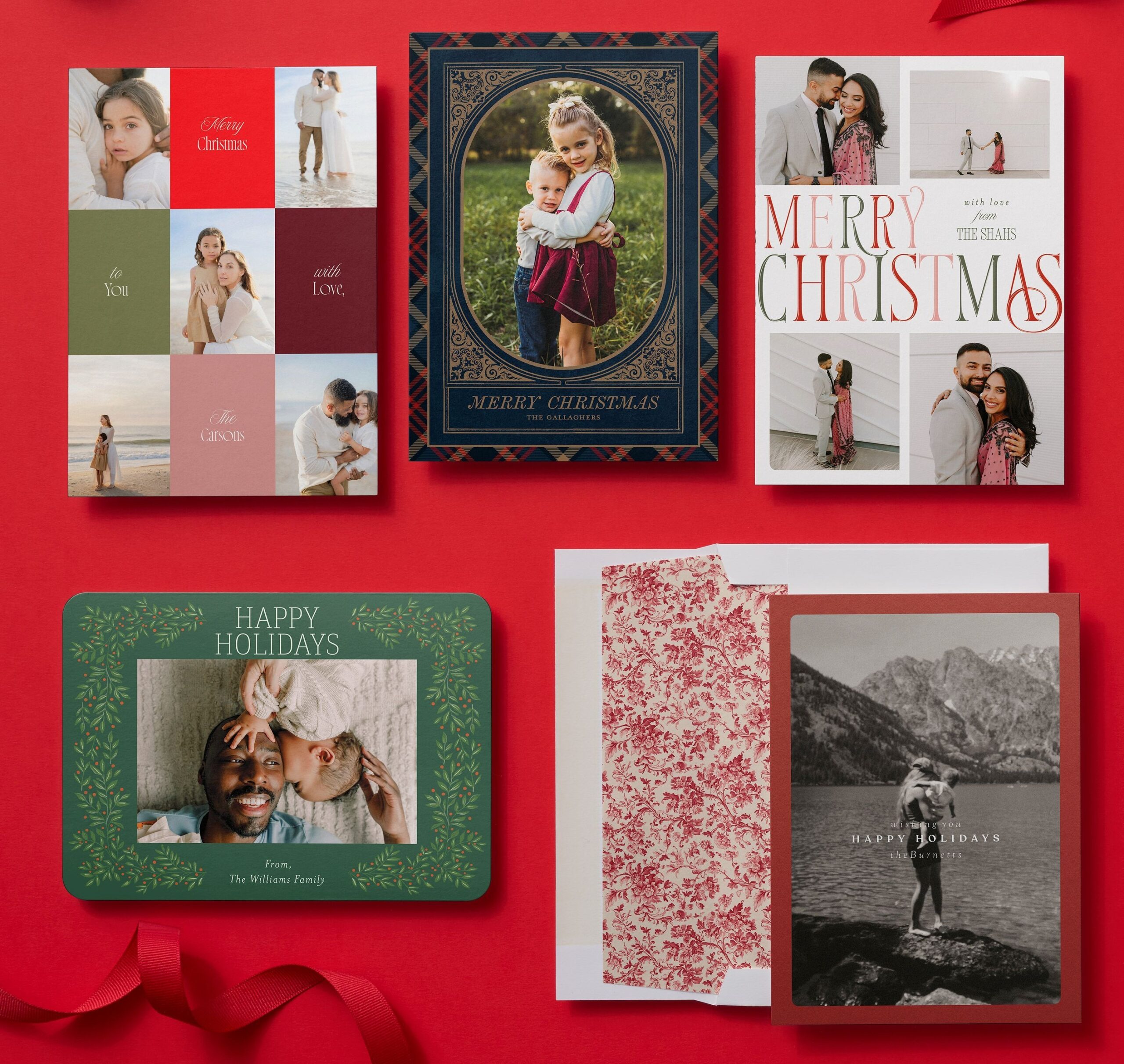
You’ve found a Christmas card you love, and now you’re deciding which pictures to share. Maybe it’s one big family portrait. Maybe it’s that portrait alongside a couple of candid shots that capture your year. Many Shutterfly Christmas card designs let you try both looks on the same card. Each layout has the photo spaces arranged for you, so you can switch layouts and see which one suits your pictures. If one photo feels right for the front, you can share the rest on the back with free back-of-card customization.
Once you’ve picked a layout, you can edit your photos right in the card editor. Zoom in on a favorite expression, brighten a photo with Auto Enhance, or give a set of pictures a consistent look with a black-and-white filter. On eligible photos, our AI tools can extend the edges of an image to help it fit or open closed eyes in a group shot. Then you can write a greeting that sounds like your family and customize the fonts and colors available on your design.
Canva also has ready-made Christmas card templates. Its drag-and-drop editor lets you move the greeting, resize photo frames, and add graphics wherever you’d like. At Shutterfly, the photos and greeting already have a place in the design you chose. You can try a few layouts, see what looks best with your pictures, and spend your time on the details that make the card feel like yours.
Shutterfly vs. Canva Christmas Card Printing Options
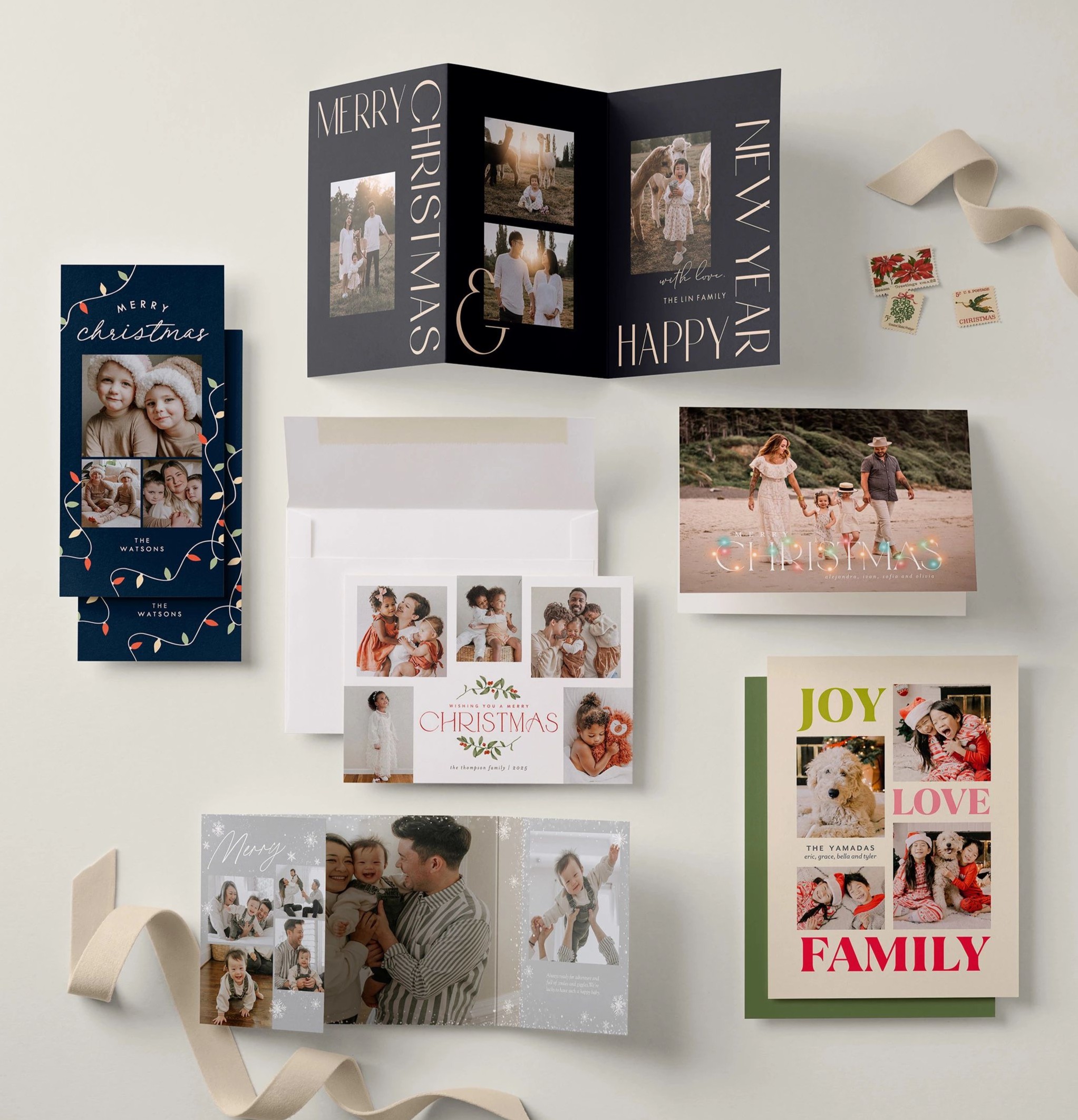
Both Shutterfly and Canva offer several paper options, square and rounded corners, and real foil. Shutterfly adds specialty folds, more trim shapes, and real no-mess glitter.
| Print option | Shutterfly | Canva |
|---|---|---|
| Card formats | Flat, folded, gatefold, and tri-fold | Flat, folded, and square |
| Paper types | Standard Smooth, Signature Smooth, Pearl Shimmer, Luxe Double-Thick, and 100% Recycled | Premium, Deluxe, Hemp, Pearl, and Linen |
| Paper finishes | Matte and shimmer | Matte, gloss, uncoated, and gloss front with matte back |
| Trims and corners | Square, rounded, ticket, scalloped, and bracket | Square and rounded |
| Real foil | Personalized foil and foil-stamped designs in gold, rose gold, silver, red, and gold glitter | Raised gold and silver foil |
| Other embellishments | Real no-mess glitter | Raised gloss |
Options vary by card.
Addressing and Mailing Christmas Cards With Shutterfly vs. Canva
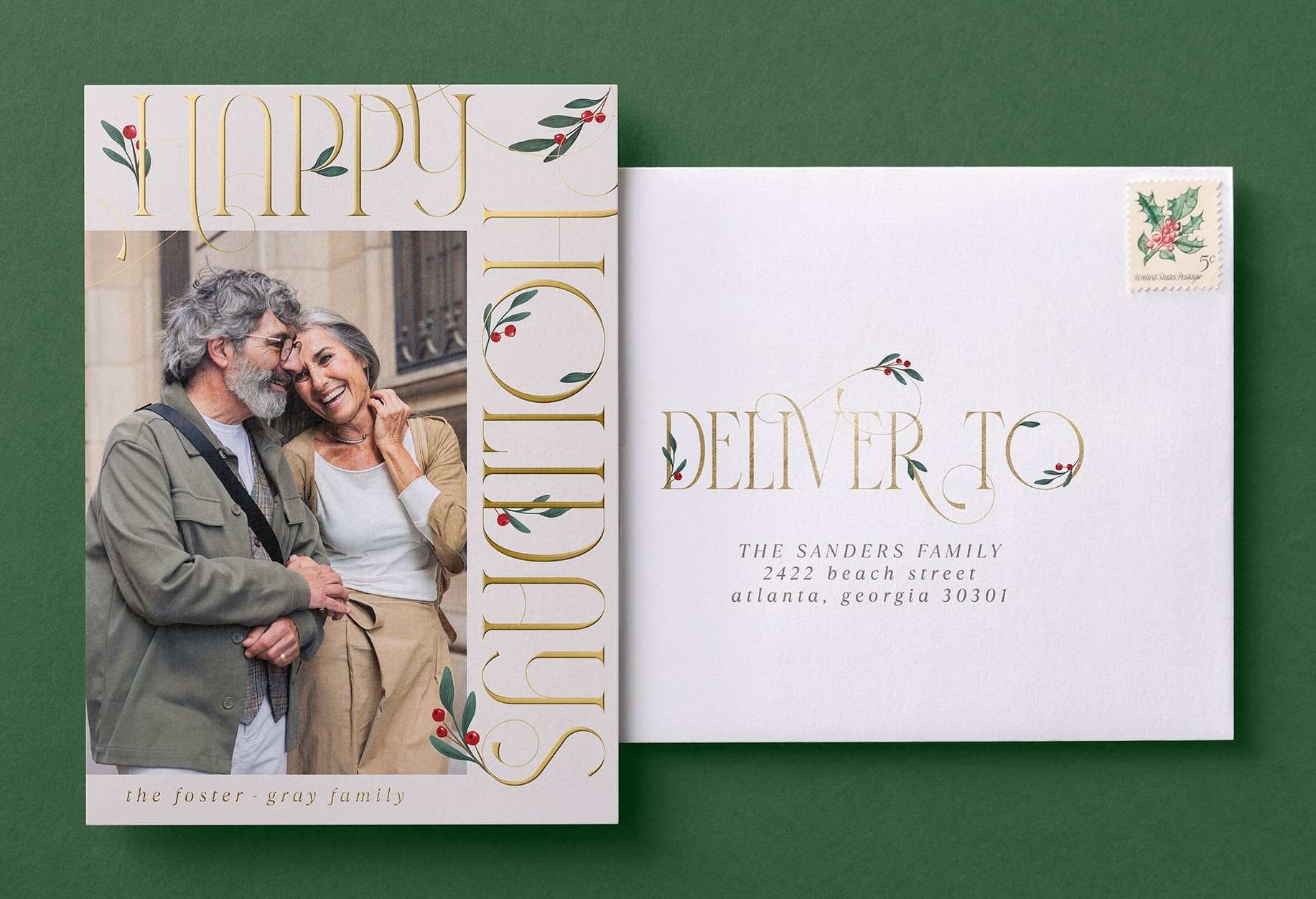
Shutterfly makes it easier to get your Christmas cards in the mail because you can take care of the envelopes, addressing, and postage when you order. With Canva Print, you can add envelopes to eligible card orders or buy custom printed envelopes separately. Canva ships the order to you, and you handle the addressing, stamping, and mailing once it arrives.
At Shutterfly, white envelopes are included, and we offer FREE recipient and return address printing on custom envelopes. If you like to sign your cards or tuck in a handwritten note, you can still do that when your cards and addressed envelopes arrive. If you’d rather have us handle the mailing, Mail for Me® lets you select your recipients when you order. We’ll address, stamp, and mail each card directly to them in a plain white envelope. Explore envelope addressing and mailing options.
Shutterfly is the better choice for getting Christmas cards to everyone on your list. Canva can print your cards and ship them to you, but the work of mailing each card starts when the order arrives. With Shutterfly, you can have the addresses printed ahead of time or take care of the entire mailing when you place your order.
Can You Design Christmas Cards in Canva and Print Them With Shutterfly?
Yes. If you’ve already made a Christmas card in Canva, you can print it with Shutterfly using Upload Your Own Design Christmas cards. Download your artwork as a high-quality PNG, choose a card that matches your design’s size and orientation, and preview the placement after uploading. Check that names, faces, and other important details sit comfortably inside the edges and away from any folds.
Once your artwork is in place, you can choose the paper, trim, and envelopes available for that card. You can add recipient address printing or Mail for Me® where offered, too. See how to print your Canva Christmas card design.
Why Make Your Christmas Cards With Shutterfly?
Shutterfly makes it easy to create a printed Christmas card that feels like your family and get it to everyone on your list. Start with the photo you’re most excited to share, or make room for a few favorites from the year. We’ll help you give those pictures a place on the card and take care of as much of the mailing as you’d like.
Explore Christmas card designs.
Additional Resources:
