


A personalized photo calendar does more than keep track of birthdays, appointments, and holidays. It’s a way to revisit favorite memories all year long, whether you’re showcasing vacation photos, documenting a child’s milestones, or creating a thoughtful gift for family and friends.
Both Shutterfly and Minted offer personalized photo wall calendars with a variety of designs and photo layouts. The biggest difference comes down to how much control you have over the finished product. While both brands make it easy to turn favorite photos into a custom calendar, Shutterfly gives customers more ways to personalize every page, from custom text and backgrounds to personalized dates, embellishments, and flexible layout options.
If you’re comparing photo calendar options, here’s how Shutterfly and Minted stack up.
Shutterfly vs. Minted Photo Calendars: At a Glance
| Feature | Shutterfly | Minted |
|---|---|---|
| Wall calendar sizes | 8×11, 12×12, 11×14, 11×17 | 8×11.5, 11.5×14 |
| Wall calendar styles | Multiple styles and formats | Spiral-bound calendars |
| Photo layouts | Single-photo, collage, and multi-photo options | Single-photo and multi-photo layouts |
| Photo editing tools | Crop, zoom, rotate, filters, enhancements | Crop, zoom, rotate, filters, auto-enhance |
| Custom text on monthly pages | Yes | No |
| Cover text customization | Yes | Yes |
| Custom backgrounds | Yes | Limited color customization |
| Stickers and embellishments | Yes | No |
| Photos on individual calendar dates | Yes | No |
| Custom events on calendar dates | Yes | Yes |
| Save important dates | Yes | Yes |
| Premium paper | Yes | Available |
| Additional calendar formats | Desk, easel, magnets, mouse pads, and more | No |
Compare Wall Calendar Styles and Personalization Options
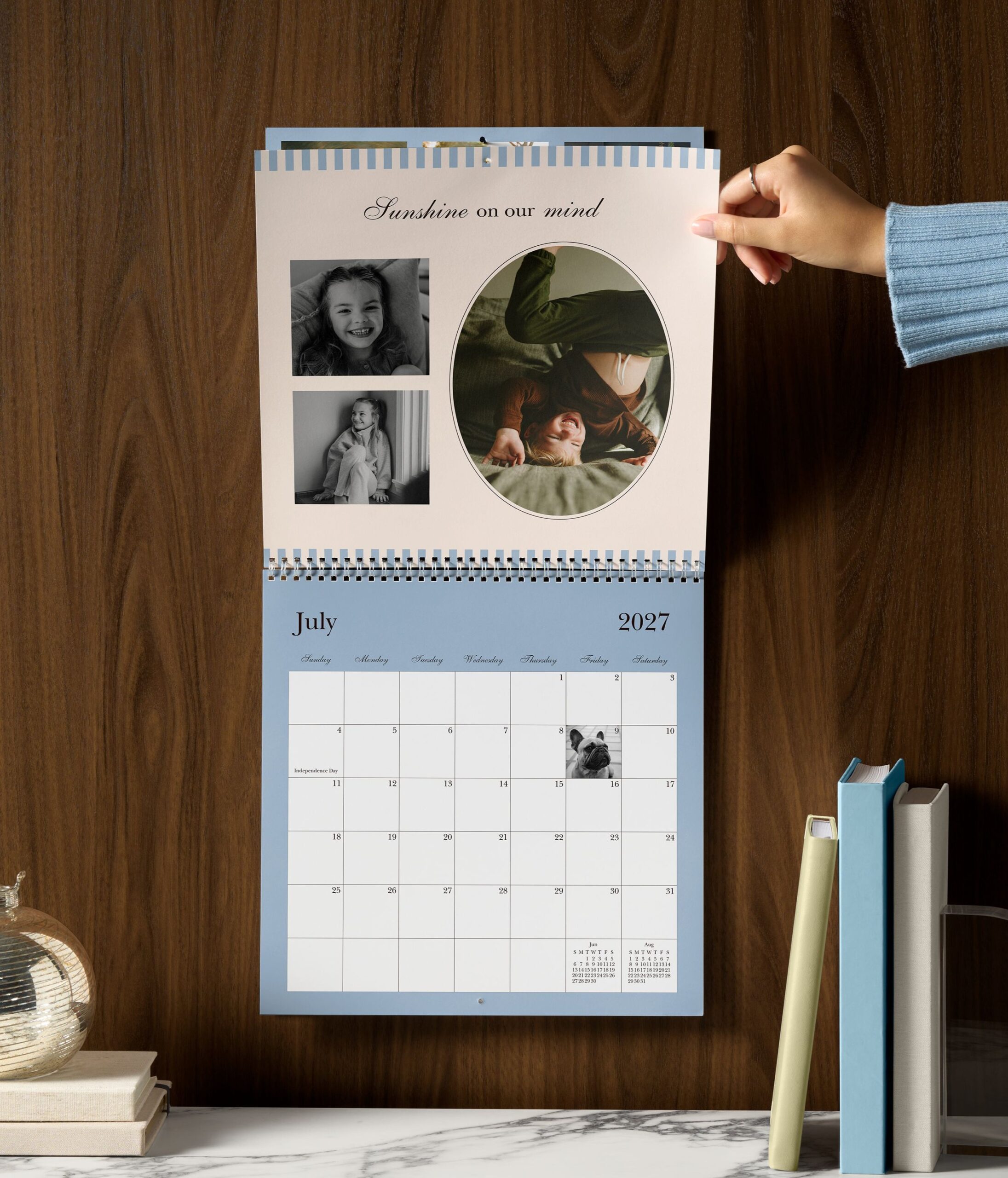
Both Shutterfly and Minted offer plenty of calendar designs to choose from, whether you prefer a modern look, a classic layout, or something more decorative. While each brand provides a variety of styles, the experience starts to differ once you begin customizing the design.
Shutterfly Wall Calendar Designs
Shutterfly offers more than 100 custom wall calendar designs, making it easy to find a style that fits your photos and the way you plan to use your calendar. Whether you’re creating a family calendar filled with everyday memories, a gift for grandparents, or a calendar that complements your home décor, there are plenty of design options to choose from.
The bigger advantage is what happens after you’ve selected a design. Shutterfly lets you personalize many elements of the page, including photo layouts, backgrounds, text, and decorative accents. Rather than working within a fixed design, you can adjust the layout, text, backgrounds, and decorative details to better fit your photos and the memories you’re featuring throughout the year.
Minted Wall Calendar Designs
Minted’s wall calendars feature designs created by independent artists and include a variety of styles for different tastes and occasions. Customers can personalize cover text, select from available photo layouts, and adjust certain design colors depending on the template.
Minted’s wall calendars include a variety of designs and let customers personalize cover text, choose from available layouts, and change select design colors. Customers can customize key elements, but there are fewer opportunities to modify the design beyond the options included in the original template.
Which Offers More Design Flexibility?
Both Shutterfly and Minted offer a wide selection of calendar designs, so finding a style you like is easy with either brand. The difference is how much freedom you have after choosing a template. Shutterfly gives customers more ways to customize the finished calendar with additional text, backgrounds, embellishments, and layout options, making it easier to create a calendar that feels uniquely personal.
Compare Photo Layouts and Editing Tools
The photos you choose are what make a calendar personal, but the way those photos are displayed can vary quite a bit between brands. Here’s how Shutterfly and Minted compare when it comes to photo layouts, editing tools, and the flexibility to customize each month.
Shutterfly Photo Layouts and Editing
Shutterfly wall calendars give you plenty of flexibility in how you display your photos throughout the year. You can feature a single favorite photo, create multi-photo collages, or use different layouts each month to match the memories you’re highlighting.
Shutterfly calendar layouts can accommodate up to 30 photos on a page, making it easy to showcase an entire vacation, sports season, holiday celebration, or year of family milestones without having to choose just one image. You can also customize each month independently, creating a calendar that’s tailored to the photos you want to feature.
The editor makes it easy to crop, zoom, rotate, enhance, and apply filters before printing, giving you the flexibility to personalize each page exactly how you want it.
Minted Photo Layouts and Editing
Minted lets you add up to five photos to each monthly page, compared with up to 30 photos with Shutterfly. You can choose from the layouts included with your design, arrange your photos, and use editing tools to crop, rotate, apply filters, or automatically enhance each image. Five-photo layouts work well for highlighting a handful of favorites, but they leave less room for larger collections from vacations, holidays, family milestones, and everything else you want to remember from the year.
Which Is Better for Photo Personalization?
Both brands let you edit and arrange your photos, but Shutterfly gives you substantially more room to work with. Shutterfly layouts can hold up to 30 photos on a page, compared with up to five on Minted. That extra space makes it easier to bring together an entire vacation, a season of family activities, or a collection of everyday moments without narrowing everything down to just a few pictures.
Compare Monthly Page Customization
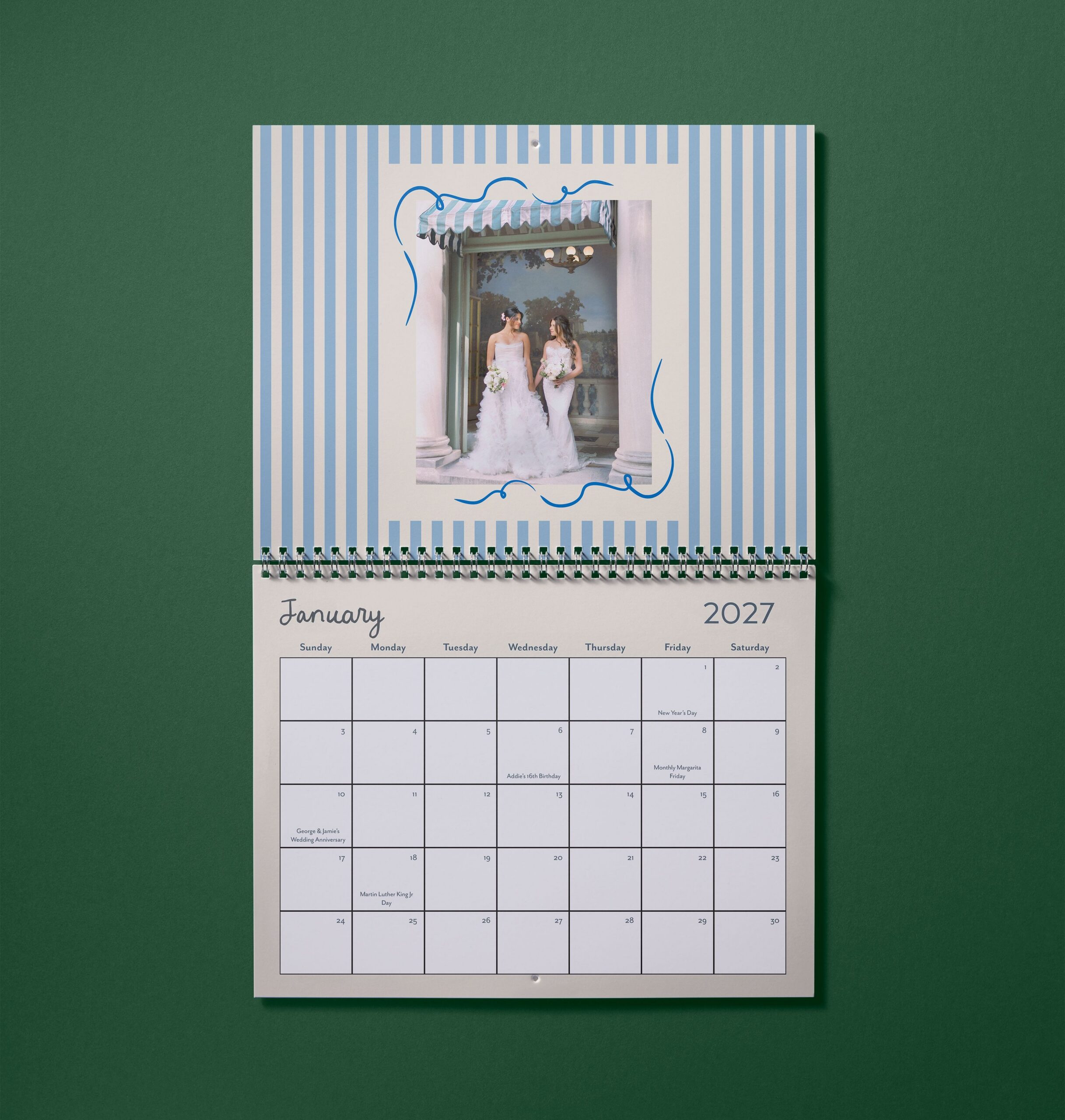
Once you’ve chosen your photos and layout, the next question is how much of the calendar you can actually personalize. This is one of the biggest differences between Shutterfly and Minted.
Shutterfly Text, Backgrounds, and Embellishments
Shutterfly lets you add custom text boxes throughout your calendar, so you can include family names, photo captions, favorite quotes, or messages that make each month more meaningful. You can customize the font, size, color, and placement to fit the page rather than limiting your text to a predetermined space.
You can also change backgrounds and add stickers, phrases, and other embellishments. These details can help bring a theme together, celebrate the season, or simply add more personality to the page. Each month can have its own look, giving you plenty of freedom to design around the photos and memories you’re sharing.
Minted Text and Design Options
Minted lets you personalize the text on the calendar cover, including the font, size, color, alignment, and placement. You can also change the template’s color, but you’re limited to the color choices Minted provides for that design.
Minted’s customization doesn’t carry through to the monthly pages. You can’t add your own text boxes, change the backgrounds, or decorate the pages with stickers and embellishments. Once you move past the cover, you have far fewer ways to make the calendar your own.
Which Offers More Monthly Page Customization?
Shutterfly gives you far more control over what each month looks like. You can add custom text, switch backgrounds, and decorate pages with stickers and embellishments that fit the photos and moments you’re featuring. Once you’ve chosen a Minted design, you have fewer ways to customize the monthly pages themselves. If you want the freedom to personalize the calendar beyond the cover and photo placement, Shutterfly offers substantially more customization.
Compare Options for Personalizing Important Dates
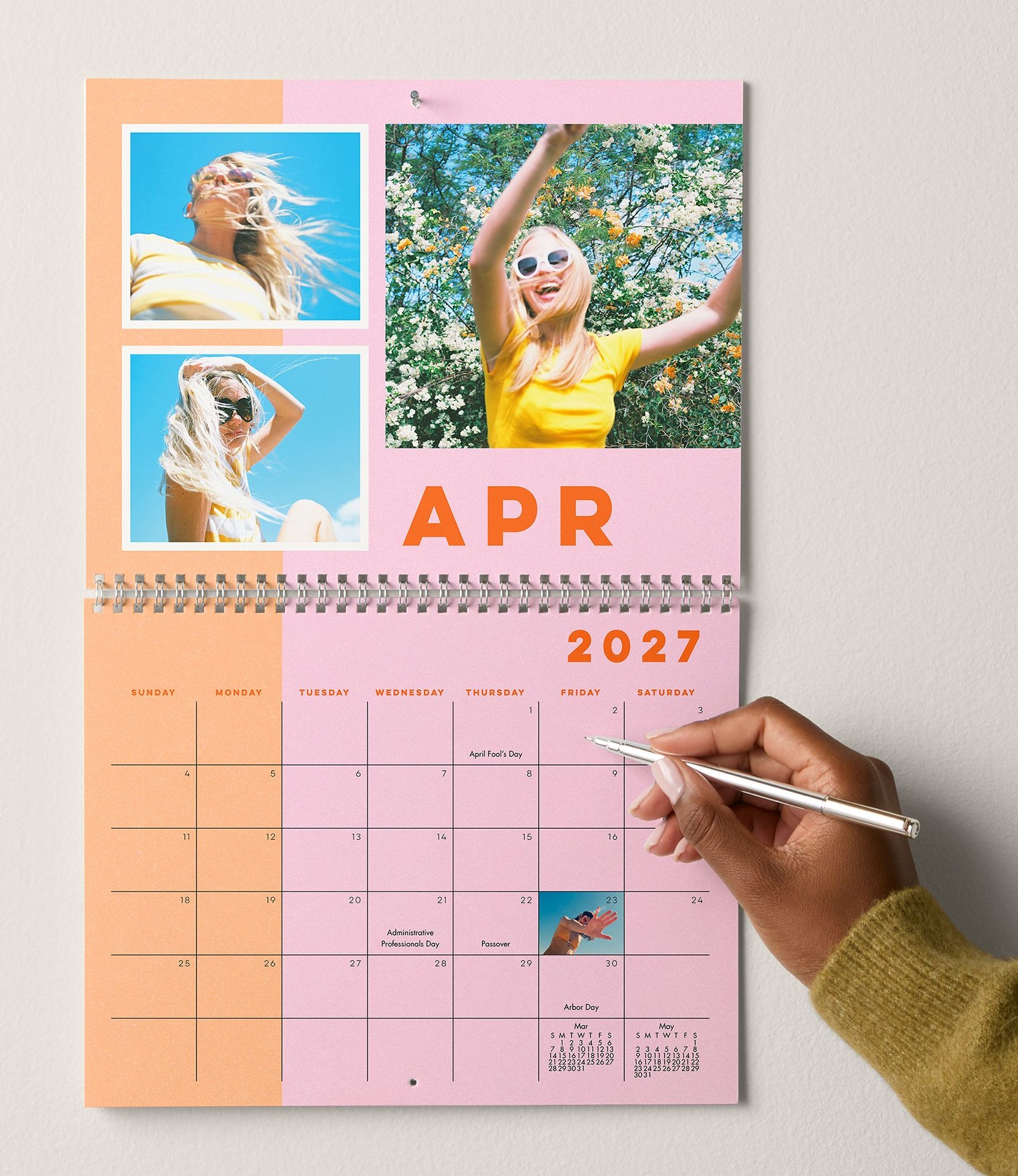
Both Shutterfly and Minted let you add birthdays, anniversaries, and other occasions to individual dates. Shutterfly goes further by letting you pair those events with photos and decorative details that make special days stand out on the calendar.
Add Events, Photos, and Stickers to Shutterfly Dates
With Shutterfly, you can add birthdays, anniversaries, appointments, holidays, and other events directly to the calendar grid. Important dates can also be saved to your account, making them easy to add when you create another calendar next year.
Shutterfly also lets you place personal photos directly on individual dates. Add a favorite picture of your child to their birthday, a wedding photo to your anniversary, or a pet photo to an adoption day. Stickers and other embellishments offer another way to mark celebrations and make meaningful dates easy to spot.
These details turn the calendar into more than a place to track plans. As each month passes, the calendar brings attention to the people, milestones, and traditions that make the year personal.
Add Important Occasions to Minted Dates
Minted lets you add birthdays, anniversaries, and other special occasions to individual dates and save those occasions for future calendars. That makes it easy to carry important events forward from year to year.
However, that’s where the customization stops. You can’t add photos directly to dates or highlight them with stickers and embellishments. If you’re celebrating a child’s birthday, a wedding anniversary, or another milestone, you can add the occasion to the calendar, but you can’t personalize the date beyond the text itself.
Which Offers More Ways to Personalize Special Dates?
Both brands help you keep track of important occasions, but Shutterfly gives those dates more meaning. Instead of simply adding a name or event, you can pair the date with a personal photo and decorative details that bring the memory to life. For families, couples, and gift recipients, those small touches make the calendar more personal every time an important day arrives.
Compare Photo Organization and Creation Tools
Creating a calendar often means working with dozens or even hundreds of photos. Here’s how Shutterfly and Minted compare when it comes to organizing, storing, and managing those photos during the creation process.
Shutterfly Photo Organization Tools
Shutterfly’s photo ecosystem is designed to make large photo collections easier to manage. Customers can upload photos from multiple sources, save images to their account, organize photos into albums, and easily access those photos across future projects.
Within the calendar creation experience, photos can be sorted, filtered, grouped, and organized to make finding specific memories easier. You can also hide photos that have already been used or remove unused images while building your project.
These organization tools make it easier to manage large photo collections, find specific images, and quickly pull together a calendar without hunting through hundreds of photos.
Minted Photo Management
Minted allows customers to upload and use photos while creating a calendar, and uploaded images remain available within the platform. However, photo management is primarily built around the design experience, with fewer tools for organizing, sorting, and managing large photo collections.
Which Platform Makes Creation Easier?
If you’re working with dozens or even hundreds of photos, organization can be just as important as customization. Shutterfly’s photo management tools make it easier to sort, filter, and organize large photo collections, helping you spend less time searching for photos and more time building your calendar.
Compare Shutterfly and Minted Wall Calendar Sizes
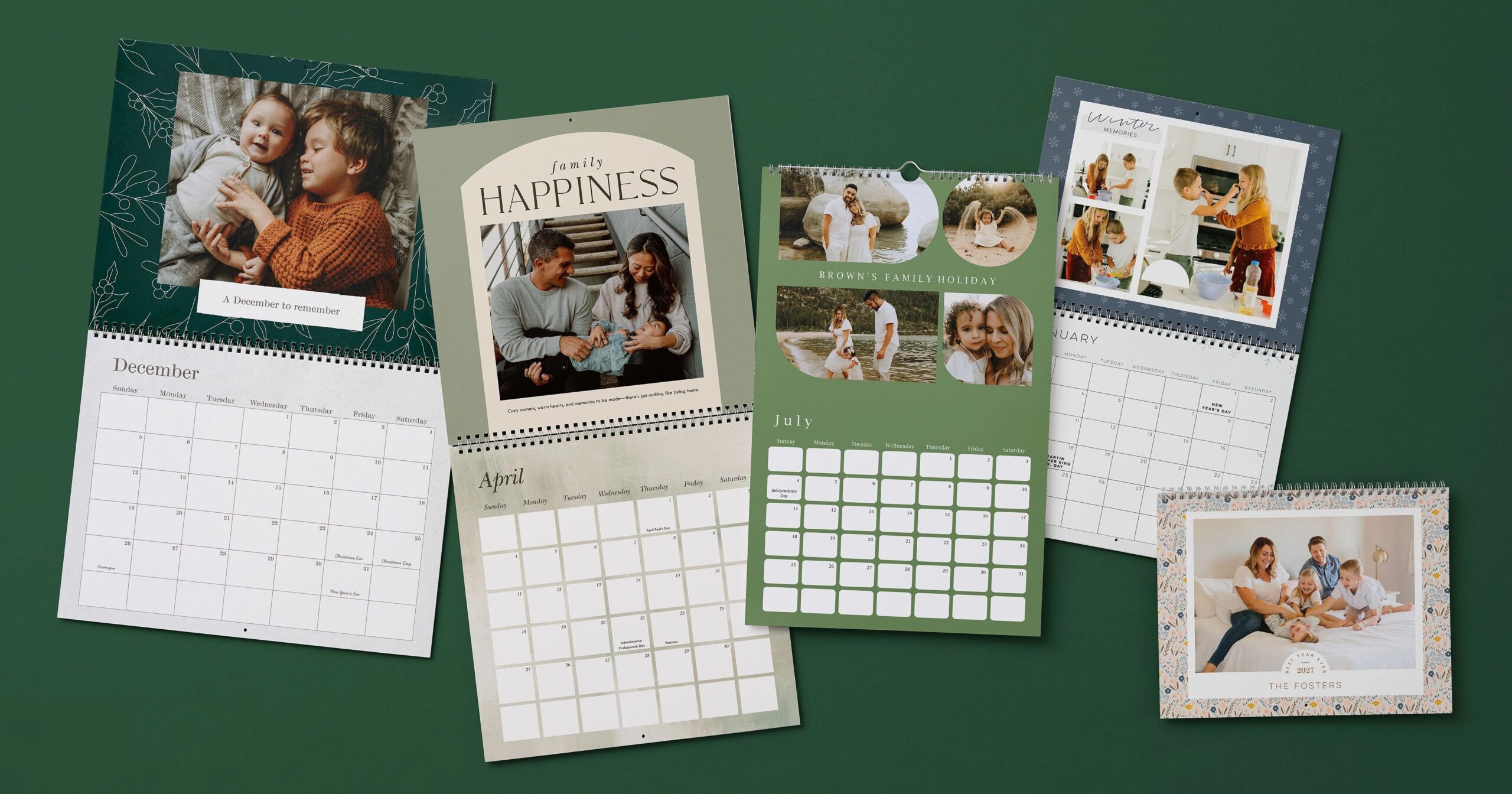
Choosing the right calendar size isn’t just about finding space on the wall. Different sizes change how your photos are displayed, how much room you have for the monthly grid, and how prominently the calendar fits into your home.
Shutterfly Wall Calendar Sizes
Shutterfly wall calendars come in four sizes:
- 8×11 inches
- 12×12 inches
- 11×14 inches
- 11×17 inches
The smaller sizes fit neatly into kitchens, offices, and other compact spaces, while the larger sizes give photos and calendar details more room to stand out. The 11×17 top-hanging wall calendar offers a tall format with the photo and monthly grid displayed together on each page. Shutterfly’s other sizes use a spiral-bound format that opens to display photos above the calendar grid.
With four sizes and multiple formats to choose from, you can find a calendar that fits the space where you plan to hang it and the way you want your photos displayed.
Minted Wall Calendar Sizes
Minted wall calendars are available in two sizes:
- Standard: 8×11.5 inches
Grand: 11.5×14 inches
Both sizes feature a top-hanging spiral binding and rounded corners. Compared with Shutterfly’s four wall calendar sizes, shoppers have fewer options when choosing the format that fits their space.
Which Brand Offers More Wall Calendar Sizes?
Shutterfly offers four wall calendar sizes compared with Minted’s two, making it easier to find a format that fits your space and how you want to display your photos. Whether you’re looking for a smaller calendar for a kitchen wall or a larger format that gives photos more room to stand out, Shutterfly gives you more options to choose from.
Start Your Calendar With Any Month
Both Shutterfly and Minted let you choose your starting month, making photo calendars a great option for birthdays, anniversaries, weddings, new homes, and other occasions throughout the year. Instead of waiting for January, you can start your calendar whenever it makes the most sense for you or your recipient.
Compare Calendar Formats Beyond Wall Calendars
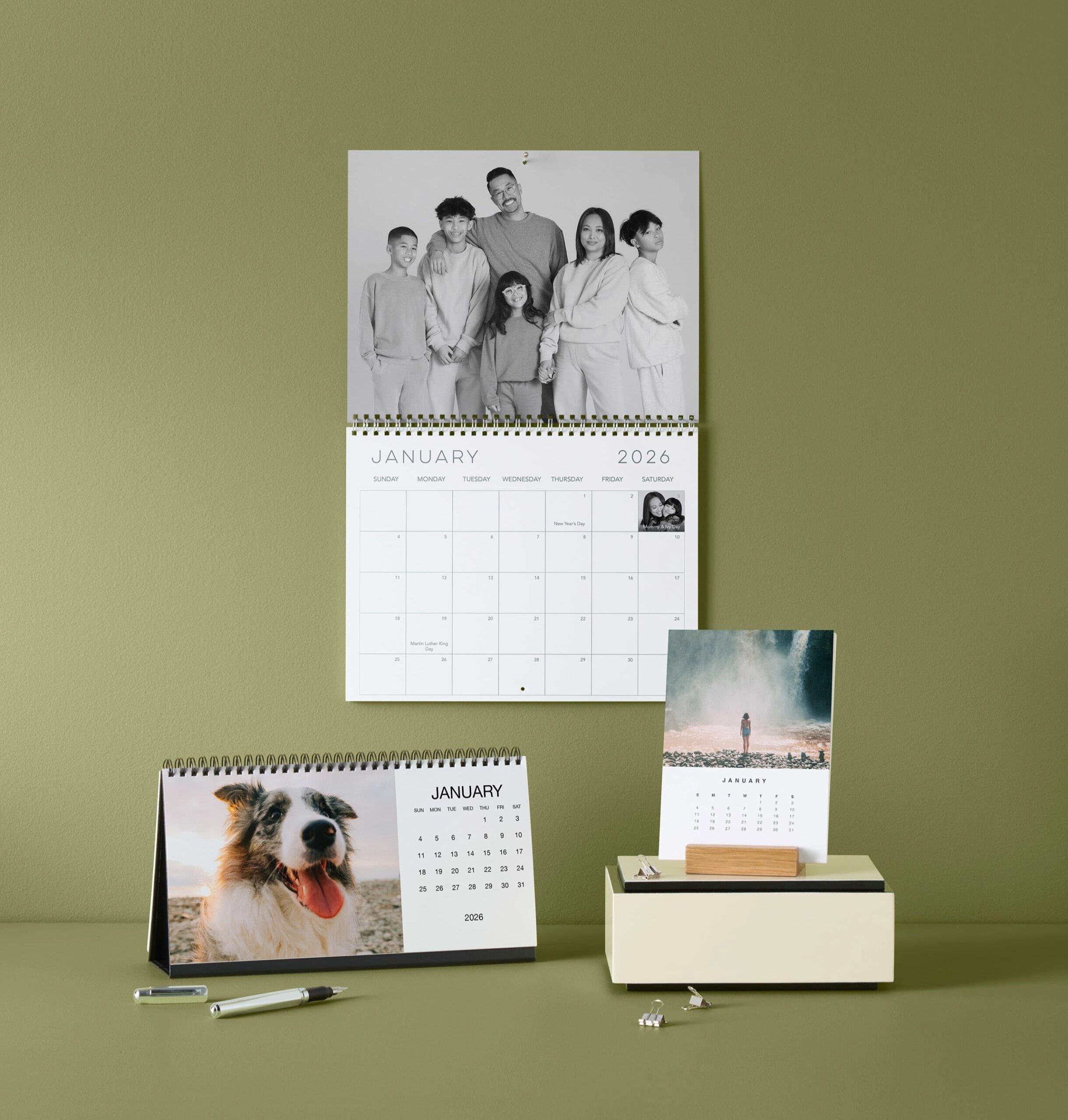
If you’re shopping for a wall calendar, both brands can get the job done. The difference is that wall calendars are only the beginning of Shutterfly’s calendar assortment. If you’d prefer a different format for your home, office, or gift recipient, you’ll have more options to choose from.
More Calendar Styles From Shutterfly
In addition to wall calendars, Shutterfly offers:
- Desk calendars that keep favorite photos and important dates within easy reach at work
- Easel calendars that display beautifully on desks, shelves, kitchen counters, and side tables
- Calendar magnets that turn refrigerators and other magnetic surfaces into a convenient place to keep track of the month
- Calendar mouse pads that combine everyday functionality with a built-in monthly calendar
These additional formats make it easier to find a calendar that fits how it’s actually going to be used. A wall calendar may work best for family schedules, while a desk calendar keeps important dates visible throughout the workday. Magnets and mouse pads offer another way to keep photos and reminders front and center without taking up extra space.
Which Brand Offers More Calendar Formats?
Minted’s calendar assortment is limited to wall calendars. Shutterfly gives customers more ways to turn favorite photos into a calendar, with four wall calendar sizes plus desk calendars, easel calendars, calendar magnets, mouse pads, and other formats. If you’re looking beyond a traditional wall calendar, Shutterfly gives you more ways to find a format that fits your space and daily routine.
Is Shutterfly Better Than Minted for Photo Calendars?
Shutterfly gives you far more control over what each month looks like. You can add custom text, switch backgrounds, and decorate pages with stickers and embellishments that fit the photos and moments you’re featuring. Minted lets you personalize the cover and make select adjustments to the design, but you can’t customize the monthly pages to the same extent. If you want more freedom beyond choosing photos and placing them in a template, Shutterfly offers substantially more customization.
With Shutterfly, you can choose from more than 100 designs, four wall calendar sizes, and layouts that accommodate up to 30 photos per page. You can personalize monthly pages with custom text, backgrounds, stickers, and embellishments, add personal photos directly to birthdays and other important dates, and organize large photo collections more easily while building your calendar.
The differences don’t stop with wall calendars. Shutterfly also offers desk calendars, easel calendars, calendar magnets, and calendar mouse pads, giving you more ways to display your photos and keep important dates close by.
If you’re looking for a calendar that’s tailored to your photos, your memories, and the way you want to use it, Shutterfly simply offers more options than Minted. Explore Shutterfly’s personalized calendars and create one that brings your favorite moments together all year long.
Additional Resources:
