





The photos you want to put on this year’s holiday cards may already be waiting in your Amazon Photos library. Instead of downloading your favorites and uploading them again, you can connect Amazon Photos to Shutterfly and access your pictures as you create personalized Christmas cards. Shutterfly’s Amazon Photos integration lets you sign in to your Amazon account, choose photos from your library, and bring them into your Shutterfly project.
Once your photos are connected, the fun part begins. With more than 1,700 Christmas and holiday card designs to explore, you can find a style that feels right for your family and the photos you want to share. Personalize your card with your own greeting, make the most of the back with additional customization, and choose address printing and mailing options when you’re ready to send your cards on their way.
How to Use Amazon Photos to Make Christmas Cards
You don’t need to move your entire photo collection from Amazon Photos before you start designing. When you’re ready to add pictures to a Shutterfly project, choose Amazon Photos from the available photo sources. Sign in with your Amazon Photos account, allow Shutterfly access, and then select the pictures you’d like to use.
From there, you can start turning those photos into Christmas cards that feel much more personal than simply sharing another picture from your phone.
1. Pick the Photos You Want to Share
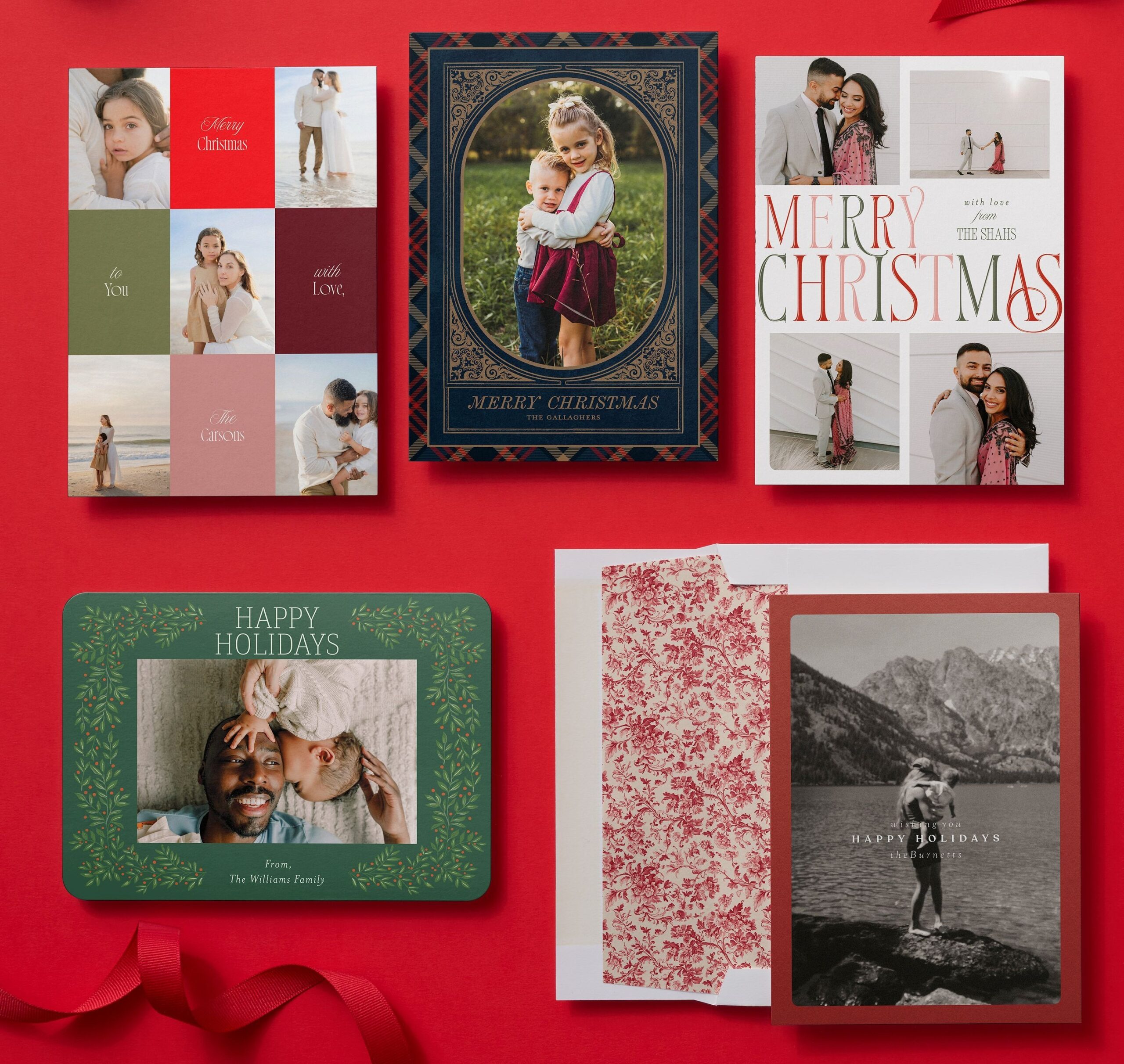
Before you choose a card, spend a little time looking through your Amazon Photos library for the pictures that tell the story of your year. Maybe there’s one family photo you immediately know belongs on the front, or maybe your favorites are spread across vacations, birthdays, school days, new pets, and everyday moments you don’t want to forget.
You also don’t have to limit yourself to one photo. If narrowing down an entire year to a single picture feels impossible, look for a Christmas card design with multiple photo spaces so you can share a few favorite memories together.
As you choose, think about how your photos will look on a card. A close-up family portrait might be all you need for a simple design, while a collection of candid pictures can work beautifully on a photo collage Christmas card.
2. Find a Christmas Card Design That Fits Your Style
The right design should make your photos feel like part of the card, not like something you dropped into a template. Shutterfly has more than 1,700 Christmas and holiday card designs, so there’s plenty of room to find one that works with your photos and feels like your family.
You might want something traditional with classic Christmas colors, a simple modern design that gives a favorite photo plenty of attention, or a cheerful card that lets you show off several snapshots from the year. There are religious Christmas cards for sharing a message of faith, playful designs that work well for families with kids, and plenty of options for highlighting pets, new babies, newlyweds, and other milestones worth celebrating.
Start with the photos and style you love rather than worrying about finding the “perfect” card right away. Once you see your own pictures in a few different designs, it becomes much easier to tell which one feels right.
3. Personalize Your Holiday Cards
Once you’ve chosen a design, make it yours with the details you actually want friends and family to see. Add your names, choose a Christmas greeting, and adjust your photos to create a card that feels personal from the moment it arrives.
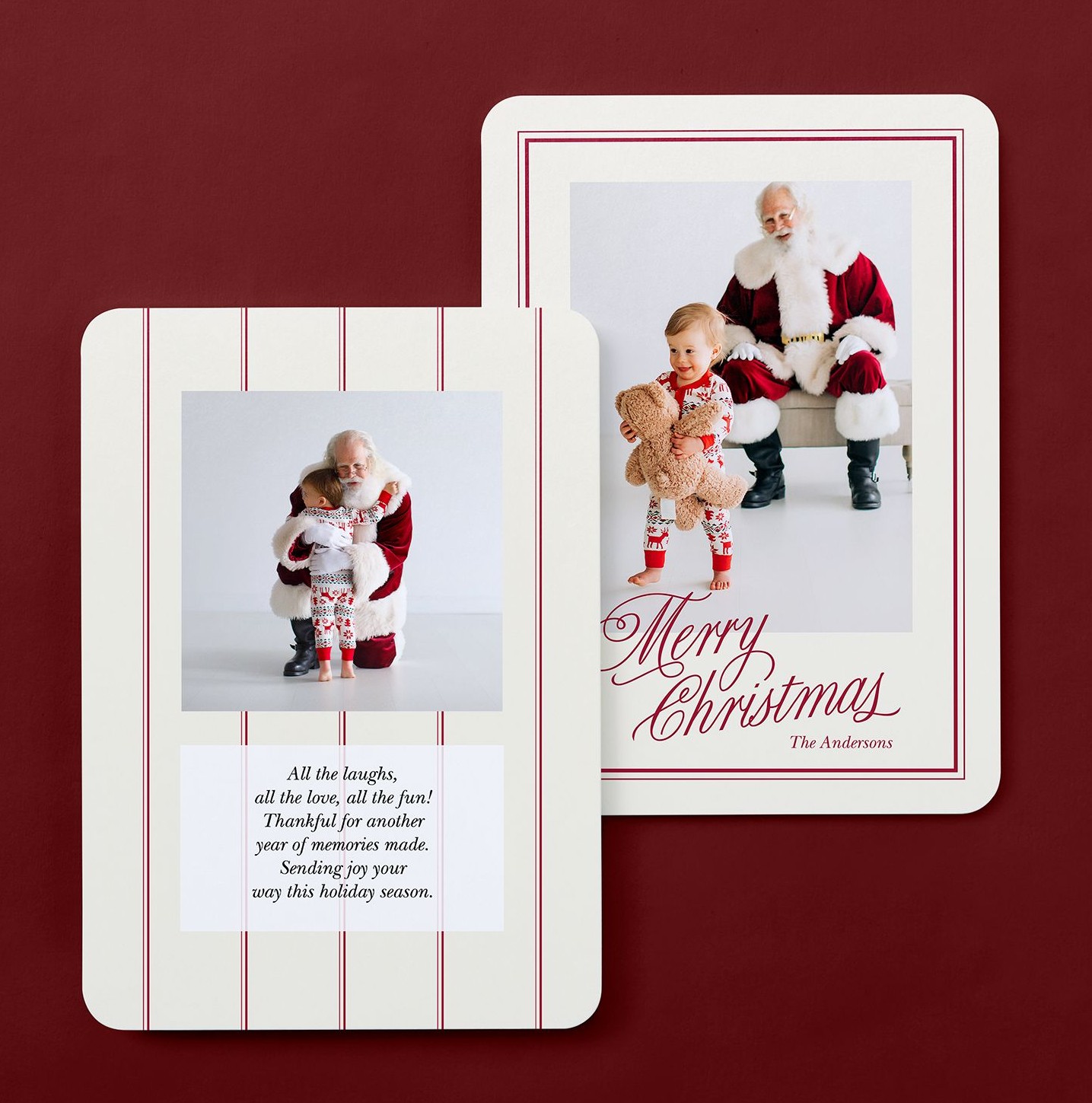
And don’t forget about the back. Shutterfly includes free back-of-card customization, giving you more room to share without trying to squeeze everything onto the front. Add another favorite photo, include a few snapshots that didn’t make the main design, or use the extra space for a longer holiday message or family update.
This can be especially helpful if you have several Amazon Photos favorites you want to include. Your favorite family portrait can have its moment on the front while some of the smaller memories from the year get their own place on the back.
4. Write a Christmas Card Message That Sounds Like You
Your photo may be the first thing people notice, but a few thoughtful words make the card feel complete. Keep it simple with a classic “Merry Christmas” or “Happy Holidays,” make your greeting more personal with a note about the year, or share a message that reflects what the season means to your family.
If you have more to say, use the back of the card for a longer note instead of trying to fit an entire year into a tiny space on the front. A short family update, a thank-you to the people who made your year special, or a few warm wishes for the year ahead can give everyone a little more to read after admiring your photos.
5. Add Your Addresses and Decide How to Send Your Cards
When your design is finished, you still have one important step: getting all those Christmas cards into the hands of the people you made them for.
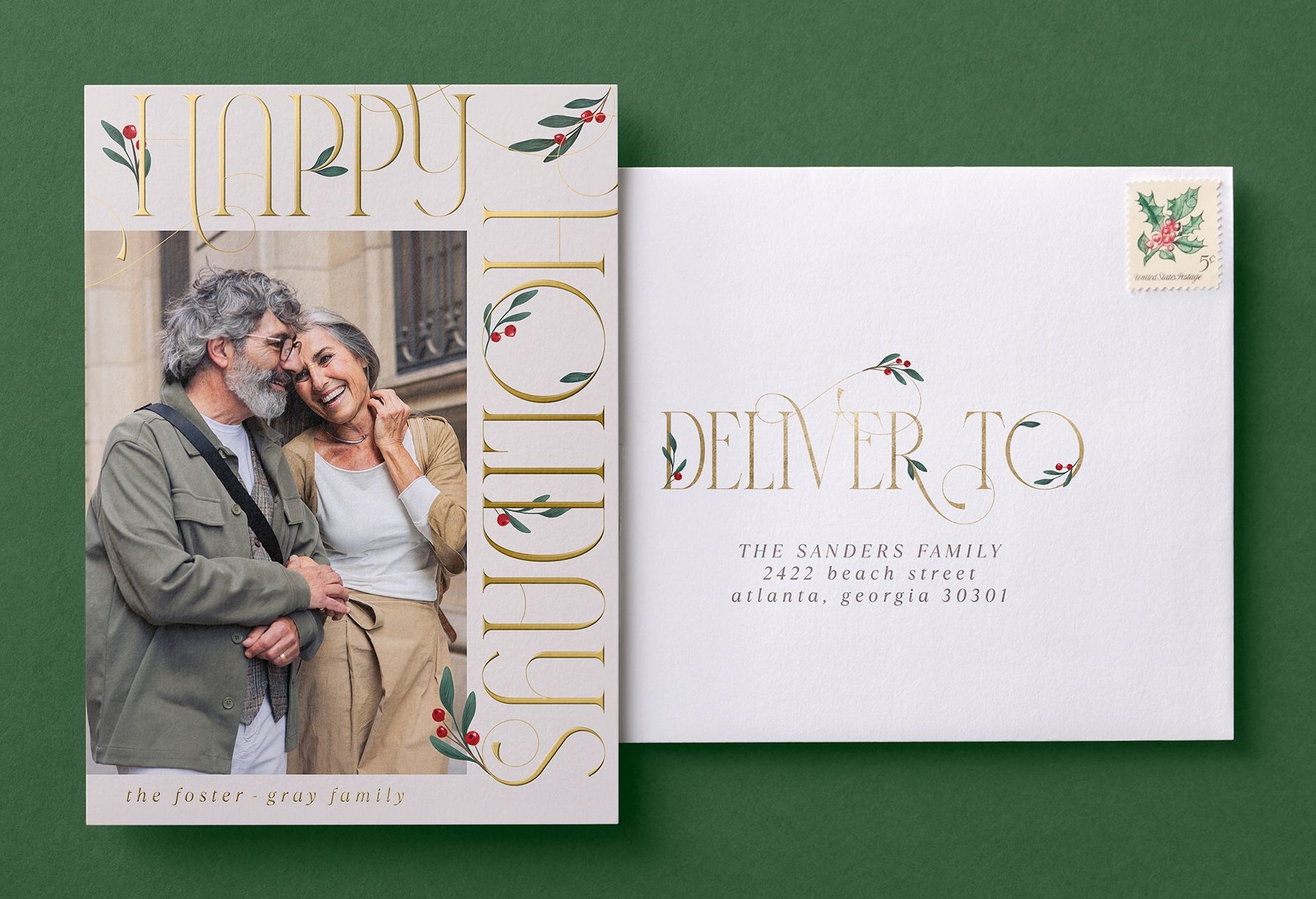
Shutterfly offers address printing and mailing options that can help with some of that work. If your holiday address list is already organized, you can spend less time handwriting envelopes and more time actually enjoying everything else happening in December.
Take a moment to check names and addresses before placing your order, especially for friends and relatives who may have moved since last Christmas. It’s much easier to catch an outdated address before your cards head out than to track down a card that went to someone’s old house.
Save on Christmas Cards With Amazon Prime
If you’re an Amazon Prime member, you can save while turning your favorite Amazon Photos into Christmas cards. Link your Prime membership to your Shutterfly account to get 45% off regular-priced Shutterfly orders and free shipping on purchases over $35. Your Prime member discount will automatically apply in your cart.
Link your Amazon account to Shutterfly to access your Prime member benefits. The discount is available year-round, so you can use your Prime membership for more than just your holiday cards.
Turn Your Amazon Photos Into Christmas Cards They’ll Love Opening
So many of the photos we love end up living in a camera roll or photo library long after the moment itself has passed. Christmas cards give you a reason to bring a few of those favorites back into view and share them with the people who matter to you.
Connect your Amazon Photos library to Shutterfly, pull in the pictures that made this year memorable, and find a holiday card design that feels like your family. A photo you’ve scrolled past a hundred times might just become the Christmas card someone you love keeps on their fridge all season.
Additional Resources:
